Brand: ABB
Category: Drives
Document Type: Quick Start Guide
Language: EN
Brand: ABB
Category: Drives
Document Type: Quick Start Guide
Language: EN
Uploaded: Nov. 21, 2025, 6:12 p.m.
Manual Publish Date: 2014-08-21
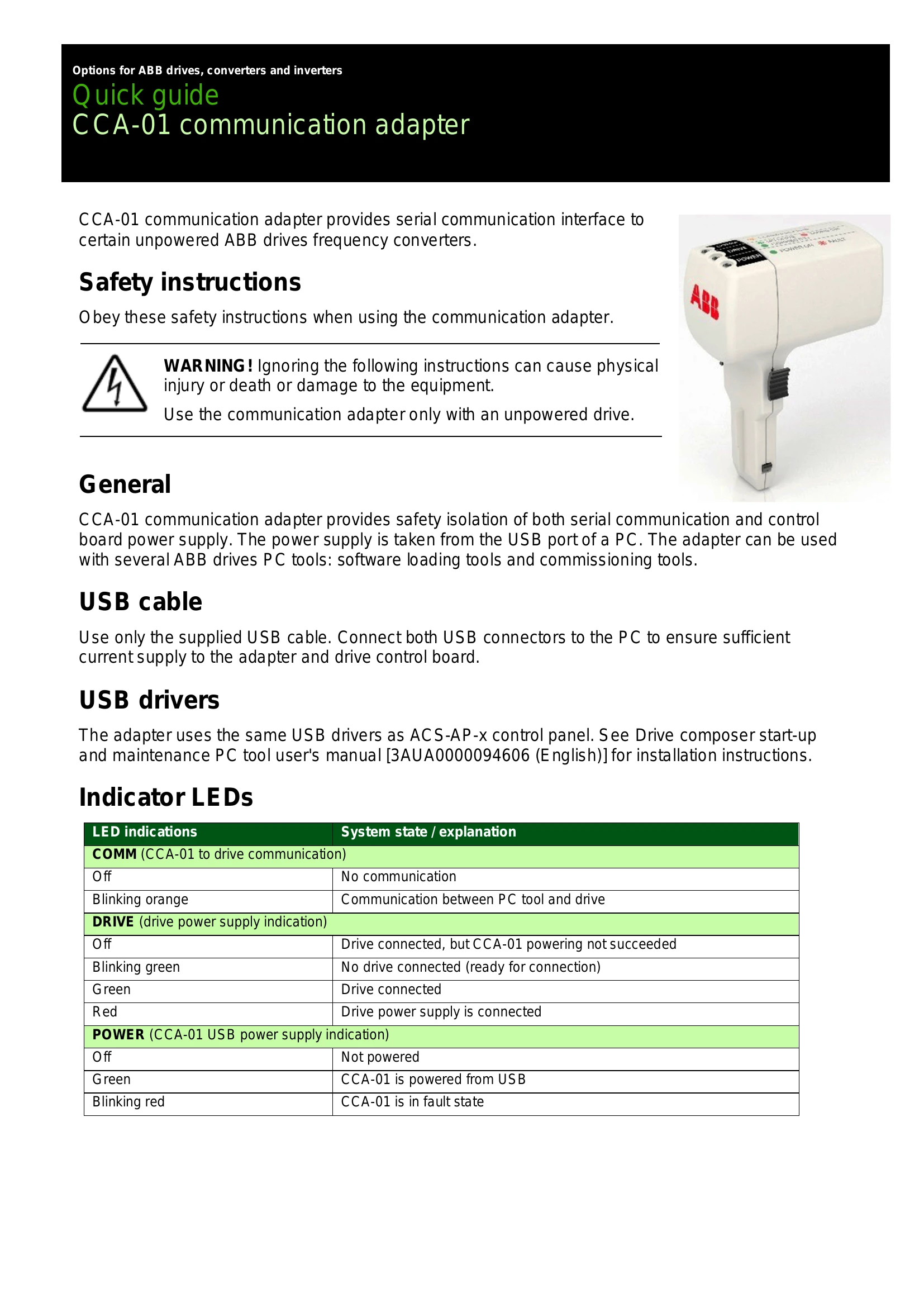
The CCA-01 communication adapter facilitates serial communication with unpowered ABB drives and frequency converters. It provides safety isolation for both serial communication and control board power, drawing power from a PC's USB port. This adapter is compatible with various ABB PC tools, including software loading and commissioning tools.
Safety: Always use the adapter with an unpowered drive. Ignoring safety instructions can lead to physical injury, death, or equipment damage.
Connection: Use the supplied USB cable. Connect both USB connectors to the PC to ensure adequate current for the adapter and the drive control board.
Drivers: The adapter utilizes the same USB drivers as the ACS-AP-x control panel. Refer to the Drive composer start-up and maintenance PC tool user's manual for installation details.
| LED indications | System state / explanation |
|---|---|
| COMM (CCA-01 to drive communication) | |
| Off | No communication |
| Blinking orange | Communication between PC tool and drive |
| DRIVE (drive power supply indication) | |
| Off | Drive connected, but CCA-01 powering not succeeded |
| Blinking green | No drive connected (ready for connection) |
| Green | Drive connected |
| Red | Drive power supply is connected |
| POWER (CCA-01 USB power supply indication) | |
| Off | Not powered |
| Green | CCA-01 is powered from USB |
| Blinking red | CCA-01 is in fault state |