Brand: ABB
Category: Other
Document Type: Installation Guide
Language: EN
Brand: ABB
Category: Other
Document Type: Installation Guide
Language: EN
Uploaded: April 20, 2026, 7:49 p.m.
Manual Publish Date: 2008-09-01
ABB is not responsible for modified, altered, or renovated equipment, and buyer's sole remedy is repair, replacement, or refund.
Upon power-on, the CP435 performs an automatic self-test to verify hardware functionality. Results are displayed on screen.
Accessible via dip switch SW7 = ON. Provides options for linking, configuring parameters (time, communication), copying applications, setting calibration, and running applications.
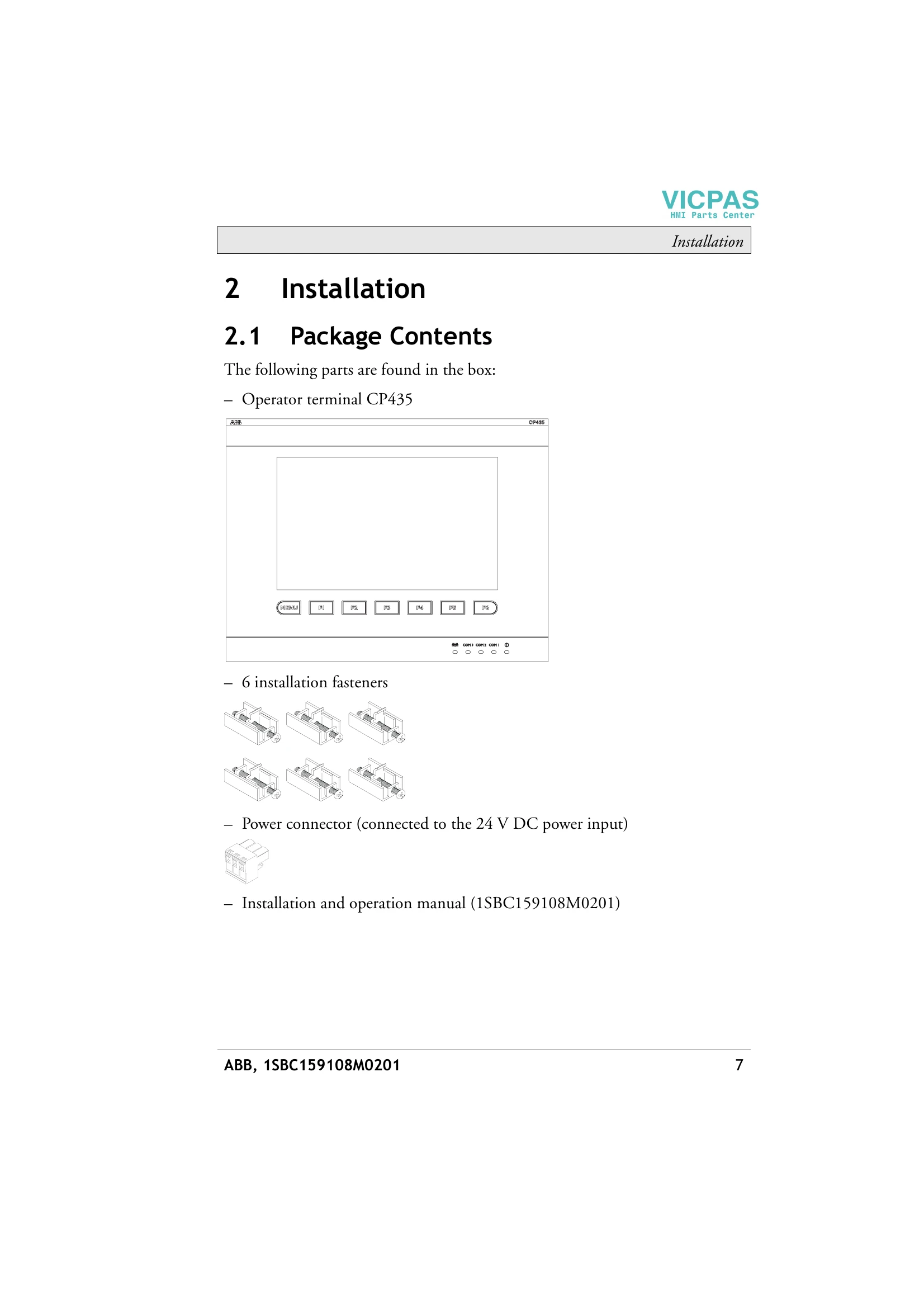
Features a menu key and six functional keys (F1-F6) that can be customized for quick actions.
Dip switches SW3 and SW4 set to OFF enable Bench Test (overall hardware) and Function Test (specific item selection). Note: Bench Test clears application data.
Configured either on the terminal (SW5=ON) or via CP400Soft (SW5=OFF).
Use system menu command F4 - Set. Involves touching screen corners and a center square. Clears RAM data.
Applications and recipes can be downloaded from/uploaded to a PC using CP400Soft and the appropriate cables. SW7 = ON is required.
Applications can be copied between CP435 units via system menu F3 - Copy. Requires SW7 = ON.
SW6 = ON enables password protection for terminal startup. Passwords can also protect specific buttons or copy/upload functions.
| Issue | Possible Cause | Solution |
|---|---|---|
| Self-test Fails | Hardware issue | Contact ABB support |
| Power-on failure | Incorrect power supply | Verify 24 V DC input (± 15%) |
| Communication error | Incorrect wiring or parameters | Check connections and dip switch settings (SW10, SW11), verify communication parameters in CP400Soft or terminal settings. |
| Touch screen unresponsive | Needs calibration | Perform Touch Screen Calibration (Section 6.6) |
| Application not starting | Corrupt application or missing password | Re-download application. If password protected, ensure correct password is entered. |