Manual for REL650

Manual for REL650

Brand: ABB

Category: Other

Document Type: Manual

Language: EN
Uploaded: April 20, 2026, 8 p.m.

Manual Publish Date: 2017-10-01

Warranty Information

Please inquire about the terms of warranty from your nearest ABB representative.

Operation Summary

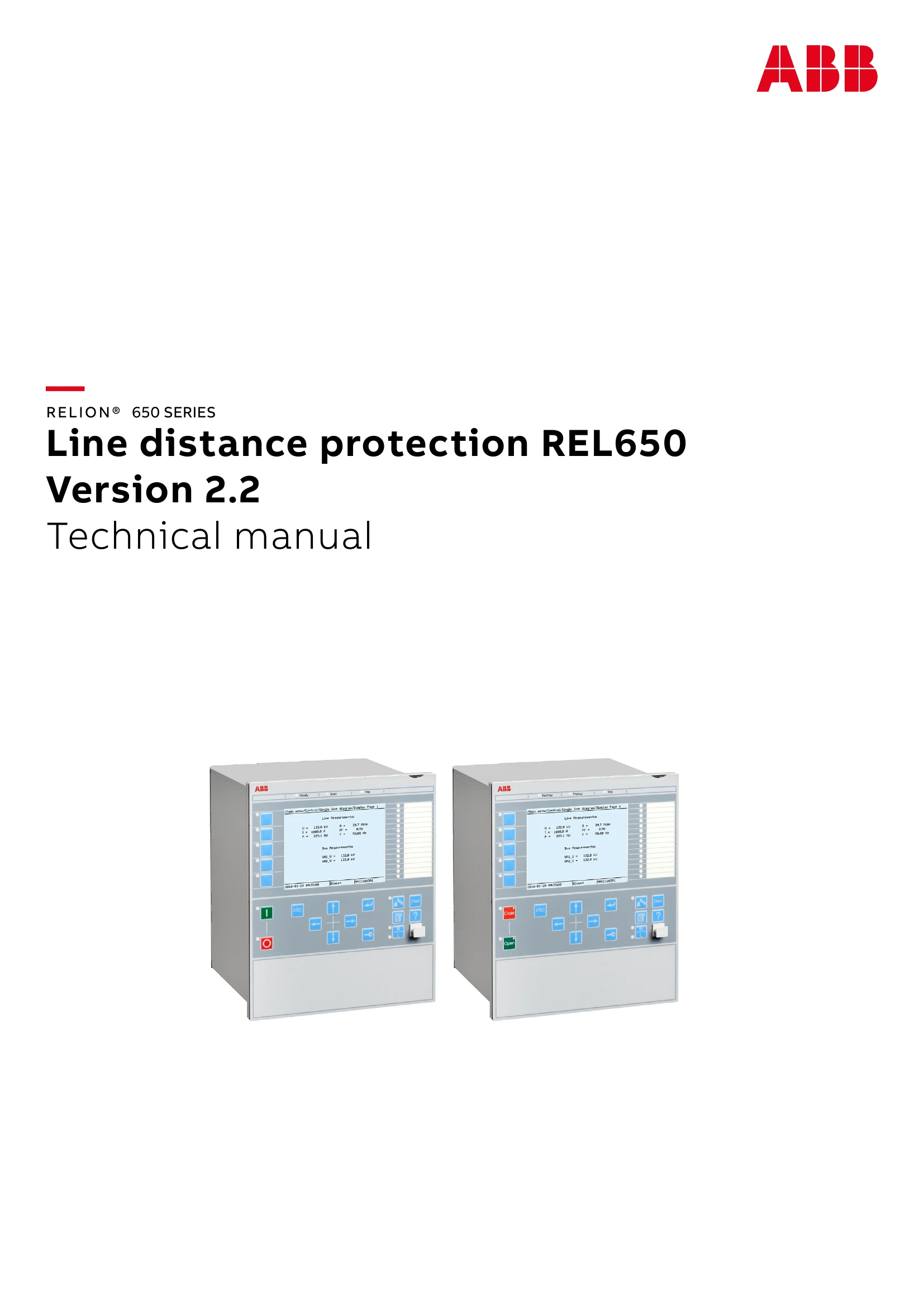
This technical manual provides comprehensive information for the ABB REL650 Line distance protection relay, version 2.2. It covers various functional aspects, including:

  • Introduction: Manual overview, presumptions, intended audience, and documentation structure.
  • Available Functions: Details on main protection, back-up protection, control, monitoring, and communication functions.
  • Analog Inputs: Configuration and operation of analog input modules.
  • Binary Input and Output Modules: Management of digital I/O signals.
  • Local HMI: Interaction with the device's local human-machine interface.
  • Impedance Protection: In-depth explanation of distance protection functions (ZMFPDIS).
  • Current Protection: Various overcurrent protection schemes (PHPIOC, OC4PTOC, EFPIOC, EF4PTOC).
  • Voltage Protection: Undervoltage and overvoltage protection functions (UV2PTUV, OV2PTOV, ROV2PTOV).
  • Frequency Protection: Underfrequency, overfrequency, and rate-of-change of frequency protection (SAPTUF, SAPTOF, SAPFRC).
  • Secondary System Supervision: Monitoring of current circuits and fuse failure (CCSSPVC, FUFSPVC).
  • Control: Synchrocheck, autorecloser, interlocking, and apparatus control functions.
  • Scheme Communication: Logic for inter-relay communication (ZCP SCH, ZCRWPSCH, ZCLCPSCH, ECPSCH, ECRWPSCH).
  • Logic: Tripping logic, start matrix blocks, trip matrix logic, and group alarm/indication logic.
  • Glossary: Definitions of technical terms and acronyms.

Troubleshooting and error codes

Possible Faults Troubleshooting Steps
Device not powering on 1. Check AC power supply connections.
2. Verify fuse status.
3. Ensure correct voltage input.
Communication errors 1. Verify network cable connections.
2. Check IP address and subnet mask settings.
3. Ensure communication protocol is correctly configured.
4. Restart communication module.
Protection functions not activating 1. Review protection settings for correctness.
2. Check input signal status (voltage, current).
3. Verify trip logic and interlocking conditions.
4. Ensure the function is enabled.
HMI unresponsive 1. Reboot the device.
2. Check HMI cable connections.
3. If persistent, contact ABB support.
Incorrect measurements 1. Verify accuracy of connected instrument transformers (CTs/VTs).
2. Check wiring integrity.
3. Ensure correct input scaling in settings.
Privacy Policy