Brand: ABB
Category: Smart Home
Document Type: Manual
Language: EN
Brand: ABB
Category: Smart Home
Document Type: Manual
Language: EN
Uploaded: April 20, 2026, 8:01 p.m.
Manual Publish Date: 2017-04-05
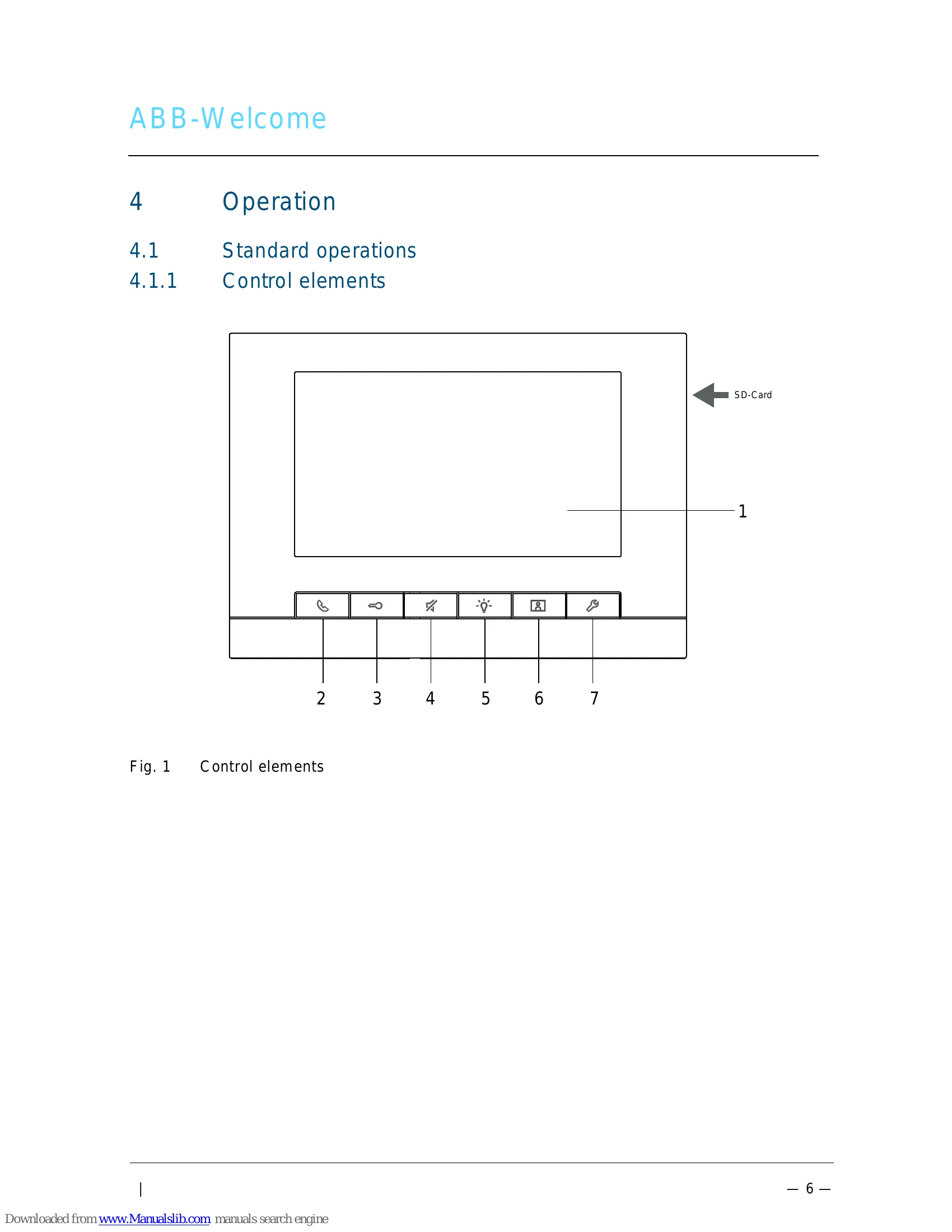
The ABB-Welcome system offers various operational functions accessible through the 7" touch screen and physical buttons.
The welcome screen also displays date, time, system information, history, mute status, and door opener status.
| No. | Functions |
|---|---|
| 1 | If you have activated the system setting menu "automatic snapshots," a mini window will be displayed in the events list after an incoming call is missed. - Date, time and the type of the event are recorded together with the snapshot. - If no automatic snapshots are activated, a camera icon will be displayed in the mini window. |
| 2 | Individual entries or the entire list can be deleted at any time. Snapshots that you would like to archive can be copied onto a SD card (SD, SDHC). |
| 3 | Three photos are made each time a visitor rings the bell. This ensures that an acceptable photo has been taken. All recorded photos are accessed via the details window. |
| 4 | Only if a call is on an intercom call list, it can be added to the blacklist, which is used to prevent unwanted calls from other apartment(s). |
| 5 | Display the details window of a record. |
| 6 | Select an event with the "forward/backward" buttons. |
| 7 | Press the button (1/2/3) to select a single photo. |
| 8 | If there is a voice message left from a visitor, touch the play or stop button to play or stop the voice message. |