Manual for XV275K

Manual for XV275K

Brand: Acer

Category: LCD Monitor

Document Type: Manual

Language: EN
Uploaded: April 20, 2026, 8:07 p.m.

Manual Publish Date: 2022-12-01

Warranty Information

Please refer to the product packaging or Acer's official website for warranty information.

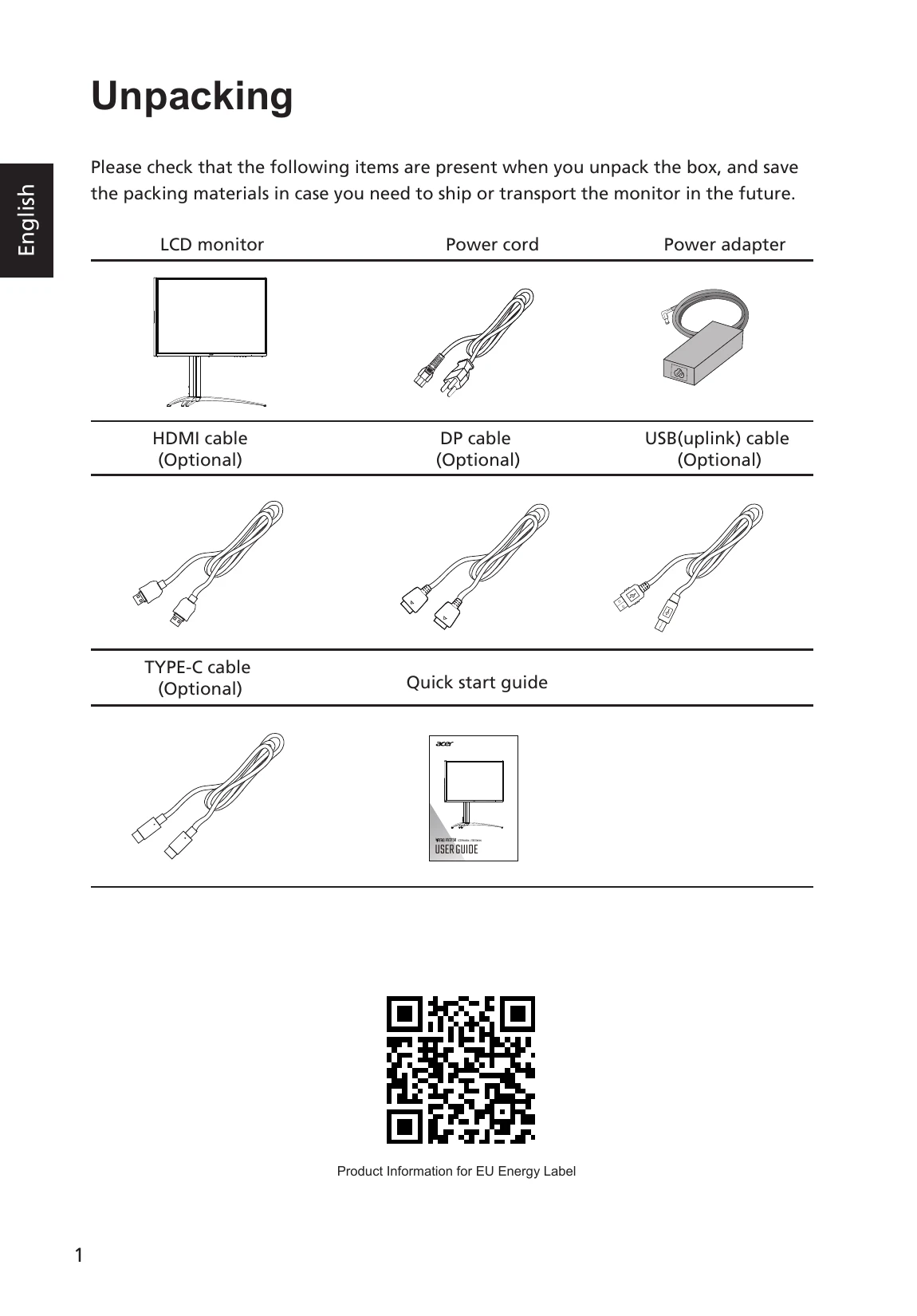
  • Unpacking: Check for all items listed in the box and save packing materials.
  • Installation: Attach the base and column using hand screws, then secure the monitor to the support hook. Disassembly involves reversing these steps.
  • Screen Adjustment: Tilt the monitor using both hands to find the optimal viewing angle, adjustable up to 25 degrees backward and 5 degrees forward.
  • Connections: Connect the monitor to the PC using the appropriate cables (VGA, HDMI, DP, Type-C) and power adapter.
  • Power Saving: The monitor enters power saving mode with a white flickering LED. It recovers in 3-4 seconds when a signal is detected or user input is received.
  • Controls: Use external buttons for Mode/Exit, Brightness/Enter, Input/Up, Menu/Down, and Power.
  • OSD Menu: Access the On-Screen Display via the MENU key to adjust Picture, Color, Audio, Gaming, OSD, System, and Information settings.

Troubleshooting and error codes

Problem LED status Remedy
No picture visible Remain on Using the OSD menu, adjust brightness and contrast to maximum or reset to their default settings.
Light off Check the power switch. Check if the power cord is properly connected to the monitor.
flicker Check if the video signal cable is properly connected at the back of monitor. Check if the computer system is switched on and in power saving/standby mode.
Privacy Policy