No specific warranty period is mentioned in the provided text.
Getting Started
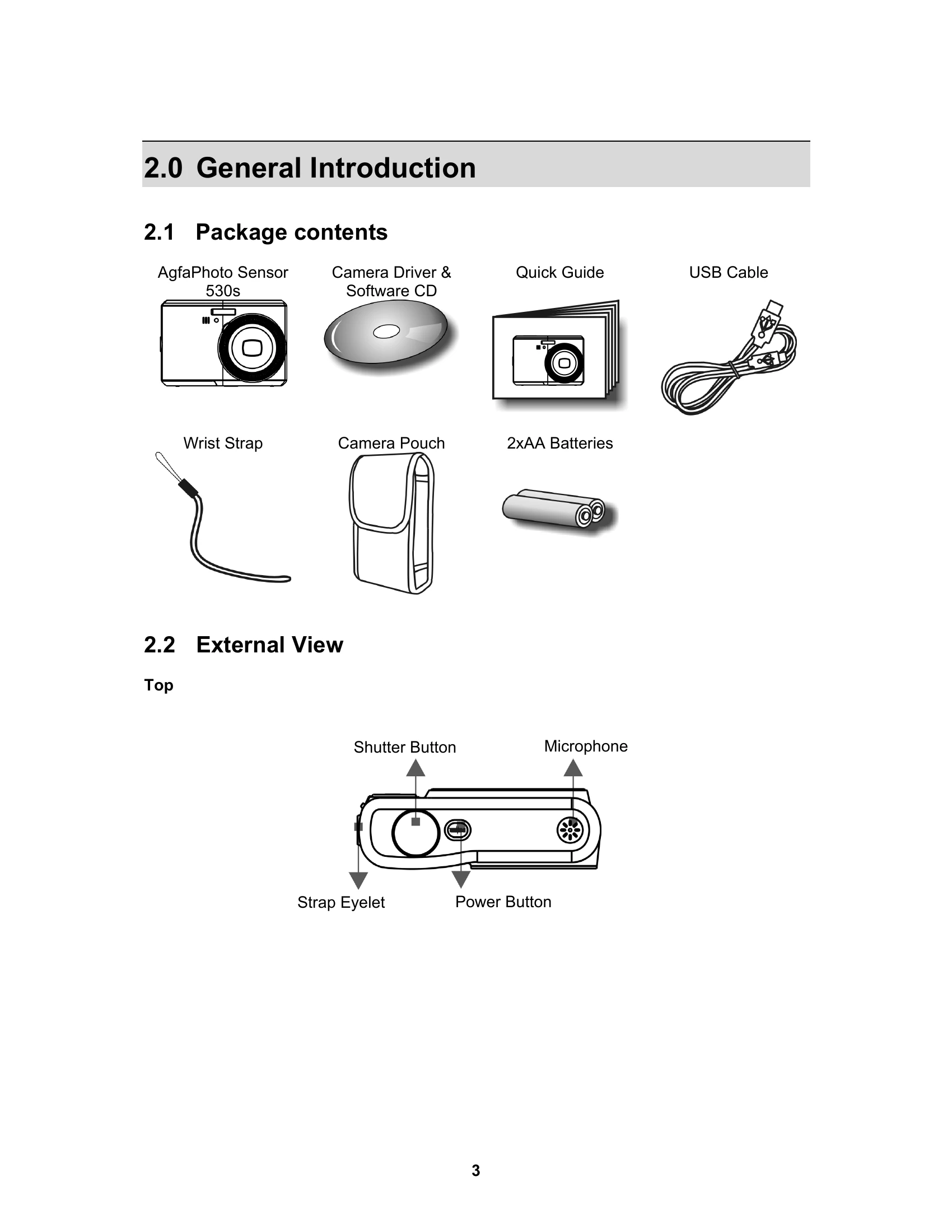
Power On/Off: Press the Power Button to turn the camera on or off.
Batteries: Open the compartment cover, insert or remove batteries respecting polarity, and close the cover.
Memory Card: Power off the camera, open the compartment cover, insert the memory card until it clicks, or gently press and pull to remove. Close the cover.
Wrist Strap: Attach the wrist strap to the designated eyelet.
Basic Operations
Shutter: Press halfway to focus, fully to capture.
Tele/Wide: Use the Tele/Wide buttons to zoom.
Adjusting Settings (EV, ISO, WB): Press the Delete/Exposure button to cycle through settings, use Left/Right buttons to adjust, and Menu button to confirm.