Manual for 1030A

Manual for 1030A

Brand: ALCATEL

Category: Mobile Phone

Document Type:

Language: EN
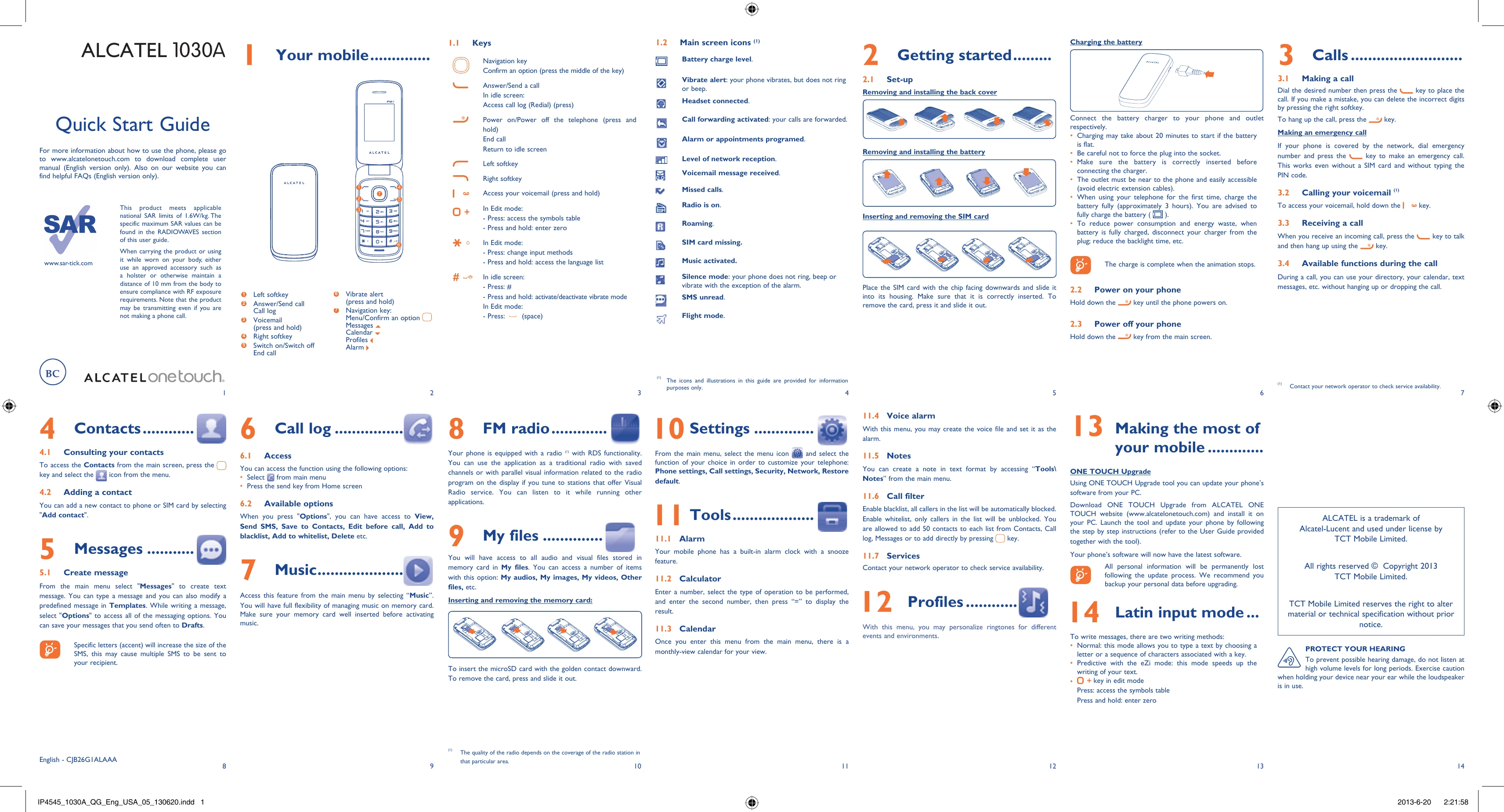
Uploaded: Aug. 10, 2025, 12:02 a.m.

Manual Publish Date: 2013-06-20

Warranty Information

ALCATEL offers a warranty for material and technical specifications.

Getting Started

  • Set-up: Follow the on-screen instructions to set up your phone, including inserting the SIM card and battery.
  • Charging: Connect the charger to your phone and a power outlet. The animation stops when charging is complete.
  • Power On/Off: Press and hold the power key to turn your phone on or off.

Calls

  • Making a Call: Dial the number and press the call key. Press the right softkey to delete digits.
  • Emergency Call: Dial the emergency number and press the call key.
  • Voicemail: Press and hold the 'ao' key to access voicemail.
  • Receiving a Call: Press the call key to answer, and the end call key to hang up.

Key Features

  • Contacts: Add, view, and manage your contacts.
  • Messages: Create and send text messages.
  • Music: Play music stored on your memory card.
  • FM Radio: Listen to the radio, with RDS functionality.
  • My Files: Access audio, video, and other files on your memory card.
  • Settings: Customize phone, call, security, network, and restore defaults.
  • Tools: Set alarms, use the calculator, calendar, and create notes.
  • Profiles: Personalize ringtones for different events.

Troubleshooting and error codes

Problem Possible Solutions
Your phone cannot charge properly. Make sure the battery is correctly inserted before connecting the charger. Check that the charger and cable are properly connected. Ensure the power outlet is working.
The phone turns itself off. Check if the battery is low and charge it. If the problem persists after charging, contact customer service.
The battery does not charge. Check if the battery is correctly inserted. Ensure the charger is properly connected. Try a different power outlet. If the problem persists, contact customer service.
Your phone is not in flight mode. Make sure Flight mode is activated in the phone's settings.
Privacy Policy