Brand: ALCATEL
Category: Mobile Phone
Document Type:
Language: EN
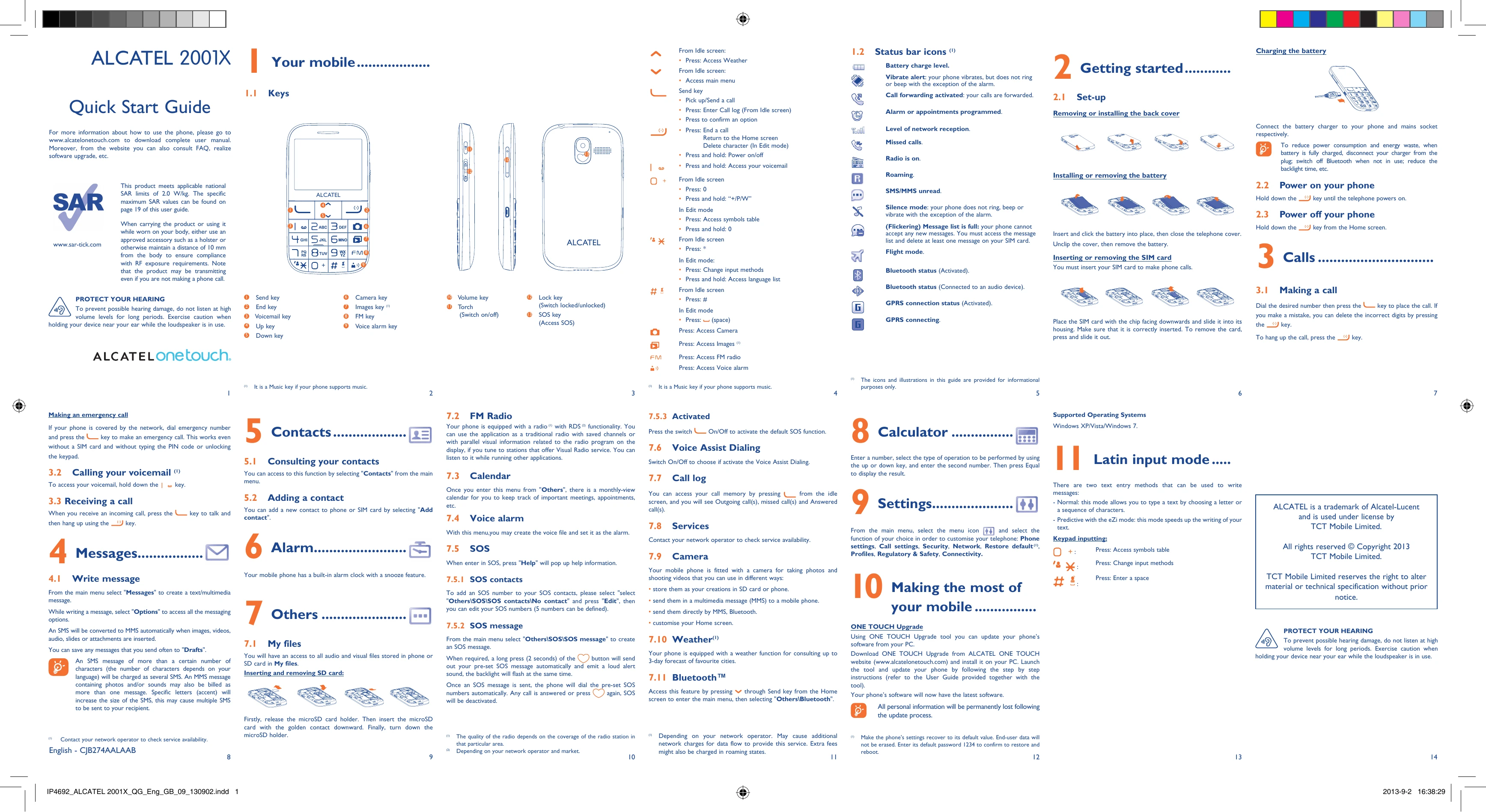
Brand: ALCATEL
Category: Mobile Phone
Document Type:
Language: EN
Uploaded: Aug. 10, 2025, 12:03 a.m.
Manual Publish Date: 2013-09-02
ALCATEL warrants this product for 24 months.
| Troubleshooting | Solutions |
|---|---|
| Problem: Phone does not turn on | Check battery charge. If the battery is empty, charge it for a few minutes before trying to turn on the phone. Ensure the battery is correctly installed. |
| Problem: Cannot make calls | Check network coverage. Ensure SIM card is inserted correctly. Check if your SIM card is active and not restricted. Check if "Call barring" is activated. |
| Problem: Cannot send or receive messages | Check network coverage. Ensure SIM card is inserted correctly. Check SMS service center number in "Messages" settings. Ensure enough space in message memory. |
| Problem: Battery does not charge | Ensure the battery is correctly installed. Check if the charger is working properly. Try using a different power outlet. Clean the charger and phone connectors. |
| Problem: Volume too low | Check if the volume is set correctly. Ensure the speaker is not blocked. |
| Problem: Phone is slow or freezes | Restart the phone by holding the End key. Remove unnecessary applications or data. Perform a factory reset (backup data first). |