Manual for 316D

Manual for 316D

Brand: ALCATEL

Category: Mobile Phone

Document Type:

Language: EN
Uploaded: Aug. 10, 2025, midnight

Manual Publish Date: 2013-01-21

Warranty Information

The warranty period is 24 months.

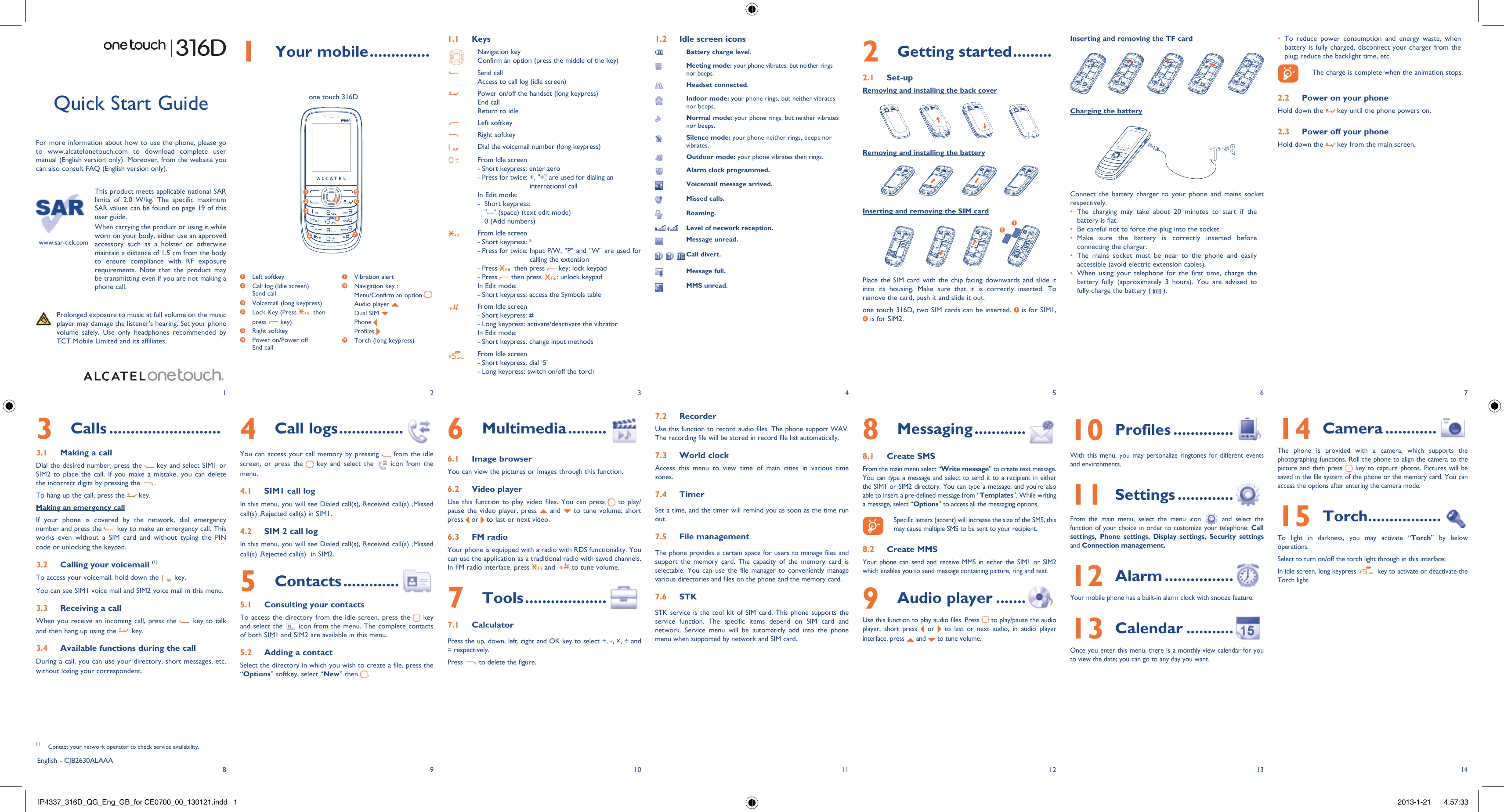
1.1 Keys: Familiarize yourself with the phone's keys, including the navigation key, softkeys, send/end call keys, and numeric keys. Learn their functions for dialing, navigating menus, and accessing features like voicemail.
1.2 Idle screen icons: Understand the meaning of various icons displayed on the screen, such as battery level, network reception, message alerts, and call status.
2.1 Set-up: Learn how to insert and remove the SIM card, battery, and TF card. Follow instructions for charging the battery.
2.2 Power on/off: Press and hold the power key to turn the phone on or off.
3 Calls: Make calls by dialing numbers directly or from your contacts. Answer incoming calls by pressing the send key.
4 Call logs: Review your call history, including dialed, received, missed, and rejected calls for both SIM cards.
5 Contacts: Store and manage your contacts. Add new contacts, and access your entire contact list.
6 Multimedia: Browse images using the Image browser and play video files with the Video player. Listen to music with the Audio player and tune into radio stations with the FM radio.
7 Tools: Utilize tools like the Calculator, Recorder, World clock, Timer, and File manager. Explore the STK service for SIM card applications.
8 Messaging: Create and send SMS and MMS messages. Access message options and templates.
9 Audio player: Play your audio files, with controls for play/pause, next/previous track, and volume.
10 Profiles: Personalize ringtones and settings for different environments.
11 Settings: Customize your phone's call settings, display, security, and network connections.
12 Alarm: Set and manage alarms with a snooze feature.
13 Calendar: View and manage your schedule with a monthly calendar.
14 Camera: Take photos with the phone's camera and access various camera options.
15 Torch: Turn on/off the torch light using the dedicated key or the numeric key.

Troubleshooting and error codes

Problem Possible Solution
Phone does not power on Check battery connection. Charge the battery. If the phone still does not power on, contact service personnel.
Cannot make or receive calls Check network coverage. Check if SIM card is inserted correctly. Check call barring settings. Restart the phone.
SIM card error Remove and re-insert the SIM card. Check if the SIM card is damaged. Contact network operator.
No sound during calls Check volume settings. Ensure the earpiece is not blocked. Restart the phone.
Phone freezes or does not respond Force restart the phone by holding the power button. Remove and re-insert the battery. If the problem persists, contact service personnel.
Cannot send or receive messages Check message center number. Check message storage capacity. Ensure network coverage. Restart the phone.
Battery not charging Check charger connection. Ensure the charging port is clean. Try a different charger. Contact service personnel.
Privacy Policy