Brand: Argus
Category: Camera
Document Type:
Language: EN
Brand: Argus
Category: Camera
Document Type:
Language: EN
Uploaded: Aug. 9, 2025, 11:35 p.m.
Manual Publish Date: 1952-10-01
Guaranteed for 90 days against defects in workmanship or material.
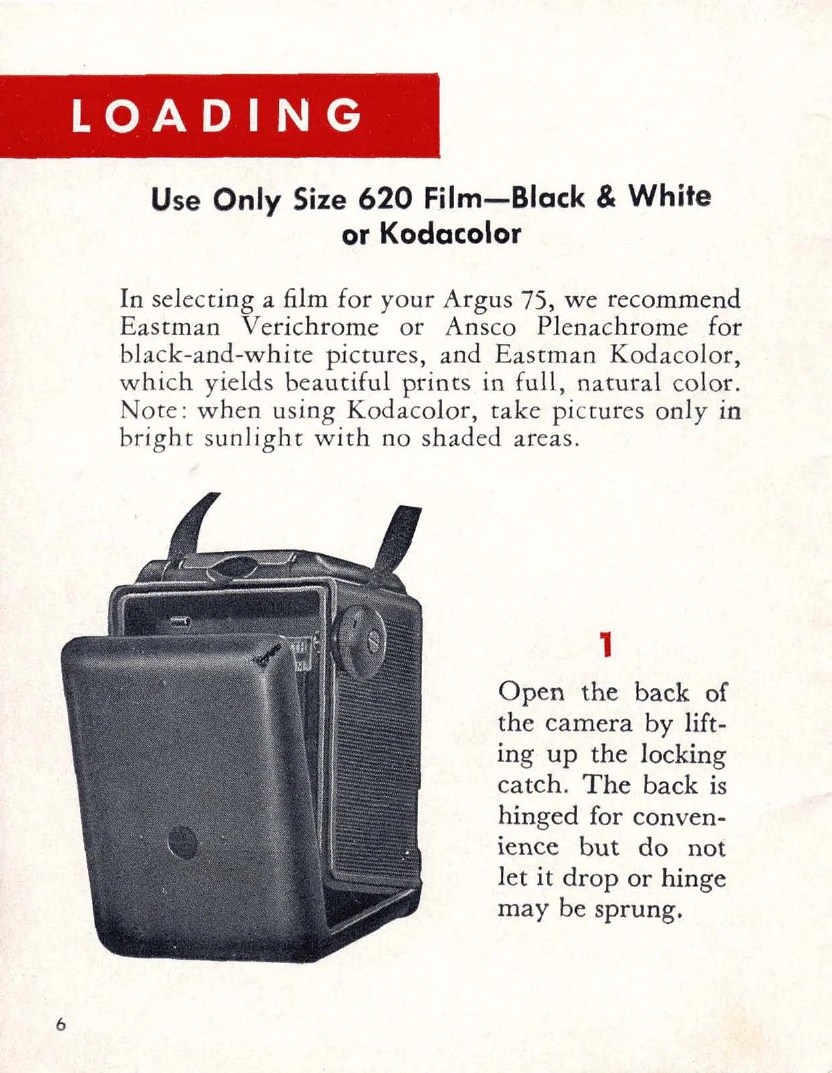
Loading Film: Open camera back, insert empty spool in upper compartment, then insert film roll in lower compartment, ensuring the protective paper is correctly positioned. Pull off about 6 inches of leader paper, fold the end, and insert into the empty spool. Secure by turning the winding knob a few times. Close camera back securely. Turn winding knob until '1' appears in the red window.
Taking a Picture: Compose the shot in the viewfinder. For snapshots, set the shutter to 'INST'. For low light or time exposures, set to 'TIME'. Hold breath and smoothly squeeze the shutter release. Avoid jarring the camera.
Winding Film: After each picture, wind until the next figure appears in the red window. After 12 pictures, wind about 6 turns to take up the film.
Unloading Film: Open the camera back, lift out the exposed roll.
Close-ups: Use a portrait attachment for subjects closer than 7 1/2 feet.
Filters: Use filters to enhance skies or landscapes. The mount size is 28.5 mm.
Flash Pictures: Attach the Argus 76 Flash Unit. Insert batteries and a flash bulb. Advance film before attaching the flash unit. Ensure proper distance for flash photography.
| PROBLEM | POSSIBLE CAUSE | REMEDY |
|---|---|---|
| Camera not advancing film | Film not properly loaded | Re-load film as instructed on pages 6-9. |
| Shutter not firing | Shutter not set to INST or TIME | Set shutter to INST or TIME. |
| Blurry pictures | Camera movement during exposure | Hold camera steady, use tripod for time exposures. |
| Double exposure | Film not advanced | Advance film after each shot; the camera prevents double exposures. |
| Flash not firing or not synchronized | Weak batteries, flash bulb not seated correctly, camera not wound | Replace batteries, ensure bulb is fully inserted, advance film. |