Brand: Aruba
Category: Networking
Document Type: Manual
Language: EN
Brand: Aruba
Category: Networking
Document Type: Manual
Language: EN
Uploaded: April 20, 2026, 7:52 p.m.
Manual Publish Date: 2016-10-01
This manual does not contain specific warranty information.
This user guide provides instructions for setting up and configuring Aruba Instant networks. It covers initial network setup, provisioning Access Points (APs), logging into the Instant User Interface (UI), and accessing the Command Line Interface (CLI). The guide details various configuration tasks, including system parameters, security settings, wireless network profiles, wired profiles, and captive portal for guest access. It also explains advanced features like VPN configuration, adaptive radio management, deep packet inspection, and IAP maintenance. The document aims to help administrators manage and monitor their Instant network effectively.
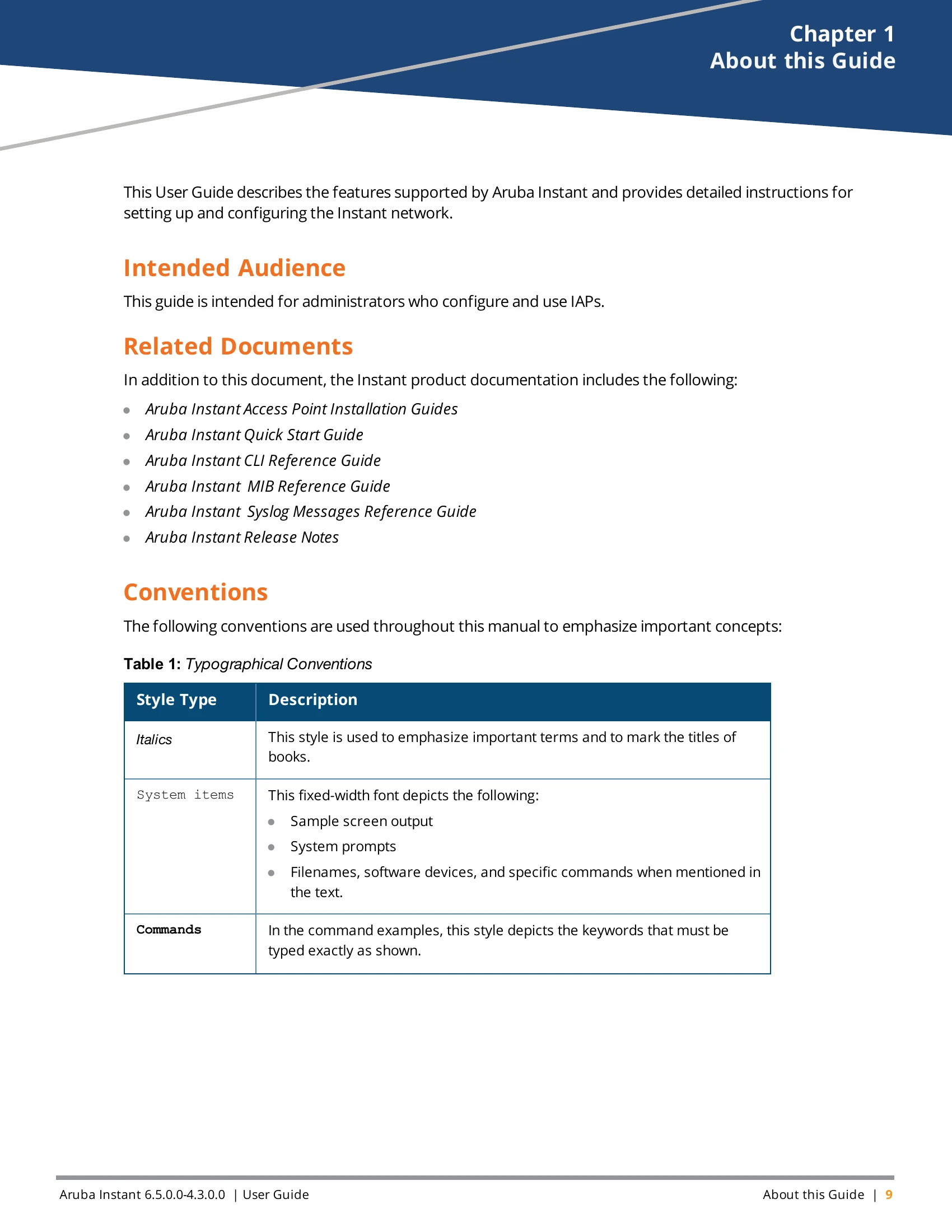
| Style Type | Description |
|---|---|
<Arguments> |
In the command examples, italicized text within angle brackets represents items that you should replace with information appropriate to your specific situation. For example: # send <text message>In this example, you would type "send" at the system prompt exactly as shown, followed by the text of the message you wish to send. Do not type the angle brackets. |
[Optional] |
Command examples enclosed in square brackets are optional. Do not type the square brackets. |
{Item A | Item B} |
In the command examples, items within curly brackets and separated by a vertical bar represent the available choices. Enter only one choice. Do not type the curly brackets or bars. |