Brand: ASAHI
Category: Camera
Document Type:
Language: EN
Brand: ASAHI
Category: Camera
Document Type:
Language: EN
Uploaded: Aug. 9, 2025, 11:46 p.m.
Cameras are guaranteed against defects for twelve months from purchase, provided they are not abused or altered.
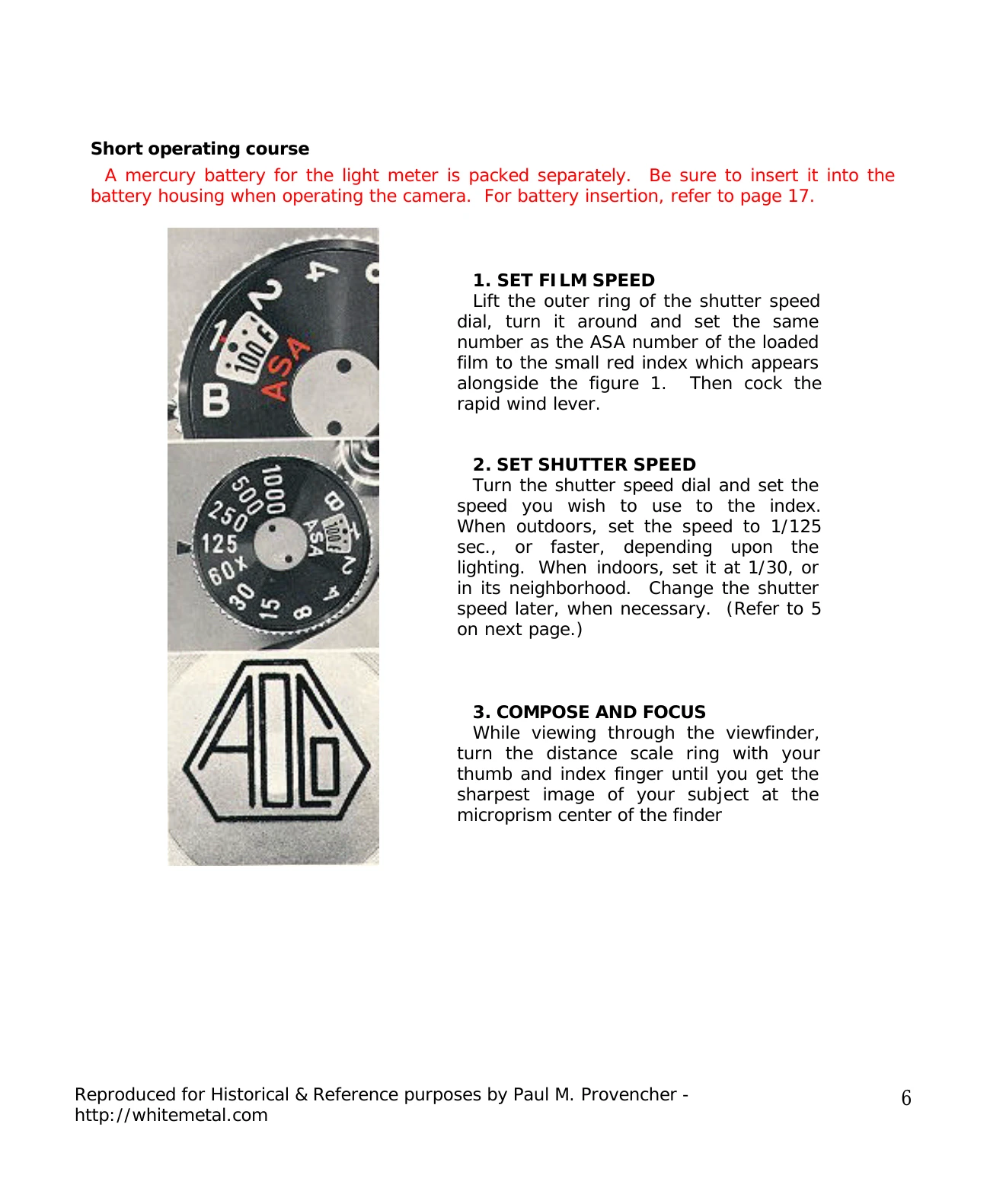
1. Set Film Speed: Lift the outer ring of the shutter speed dial, turn it to align the ASA number of your loaded film with the red index mark. Then, cock the rapid wind lever.
2. Set Shutter Speed: Turn the shutter speed dial to select your desired speed, aligning it with the index. Outdoors, use 1/125 sec. or faster; indoors, use 1/30 sec. or nearby.
3. Compose and Focus: View through the viewfinder and turn the distance scale ring until the image is sharp, especially in the microprism center.
4. Turn on Light Meter: Push the switch button. Observe the meter's needle in the viewfinder. Turn the switch off when not taking readings.
5. Rotate Diaphragm Ring: Adjust the diaphragm until the meter needle centers for correct exposure. Adjust shutter speed if the needle doesn't center.
6. Release Shutter: Hold the camera firmly and trip the shutter. Cock the rapid wind lever for the next shot.
| IMPORTANT NOTES | |
|---|---|
| 1. Meter Always Off | Always keep the meter switched off when not in use to avoid rapid battery drain and potential damage to the diaphragm release pin. |
| 2. Red Shutter Speed Index | Indicates settings are outside the meter's measurable range. Adjust shutter speed faster or slower. |
| 3. Meter On/Off and Lens Position | When the meter is on, the lens is in manual mode. When the meter is off, the lens returns to automatic (AUTO) if set to AUTO. |