Brand: ASUS
Category: Motherboard
Document Type: Manual
Language: EN
Brand: ASUS
Category: Motherboard
Document Type: Manual
Language: EN
Uploaded: April 20, 2026, 7:50 p.m.
Manual Publish Date: 2000-12-01
Refer to the product documentation or manufacturer for specific warranty details.
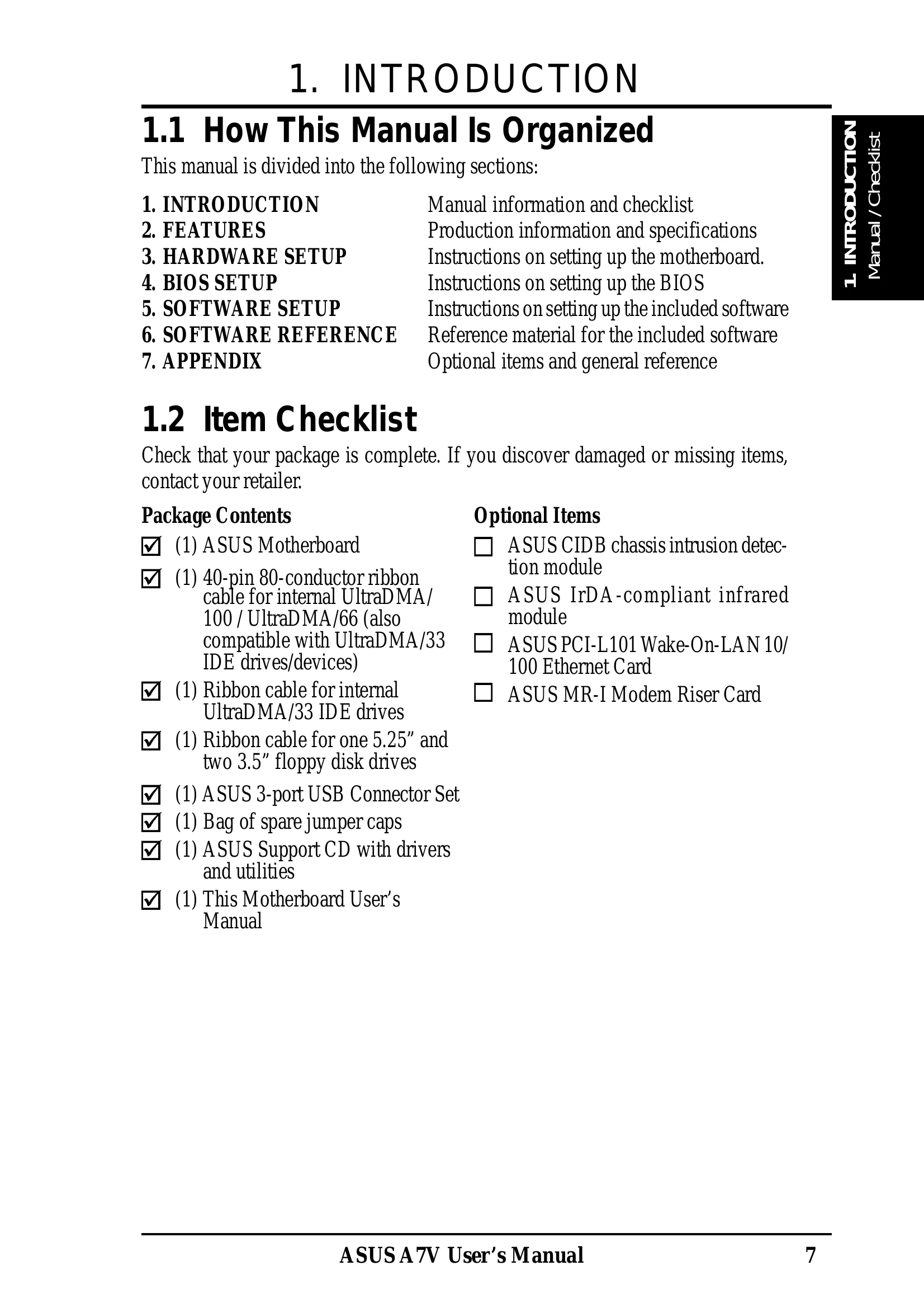
This manual provides information and instructions for setting up the ASUS A7V motherboard. It covers features, hardware setup, BIOS setup, and software installation.
| Problem | Possible Cause | Solution |
|---|---|---|
| No Power | ATX Power Supply Connector not properly installed. | Ensure the ATX power supply connector is properly installed. (See 3.4 Motherboard Settings) |
| System does not boot | CPU External Frequency Setting incorrect. | Reset the CPU External Frequency to the recommended setting. (See 3.4.6 CPU External Frequency Setting) |
| No Display | Graphics card not properly seated. | Reseat the graphics card in the AGP slot. |
| System instability | Overclocking settings too aggressive. | Return to default CPU bus frequencies or reduce overclocking settings. (See 3.4.6 CPU External Frequency Setting) |