Brand: ASUS
Category: Other
Document Type: Manual
Language: EN
Brand: ASUS
Category: Other
Document Type: Manual
Language: EN
Uploaded: Nov. 21, 2025, 8:21 p.m.
Manual Publish Date: 2019-02-01
This manual contains warranty information and limitations of liability from ASUS.
This portable LED projector allows you to plug and play your devices so you can easily open multimedia files and hear audio straight from its built-in SonicMaster speakers.
Use the built-in stand to adjust the image height onscreen. The stand allows for adjustments of 4.5 or 9.7 degrees.
Press the power button to turn the LED projector on or off.
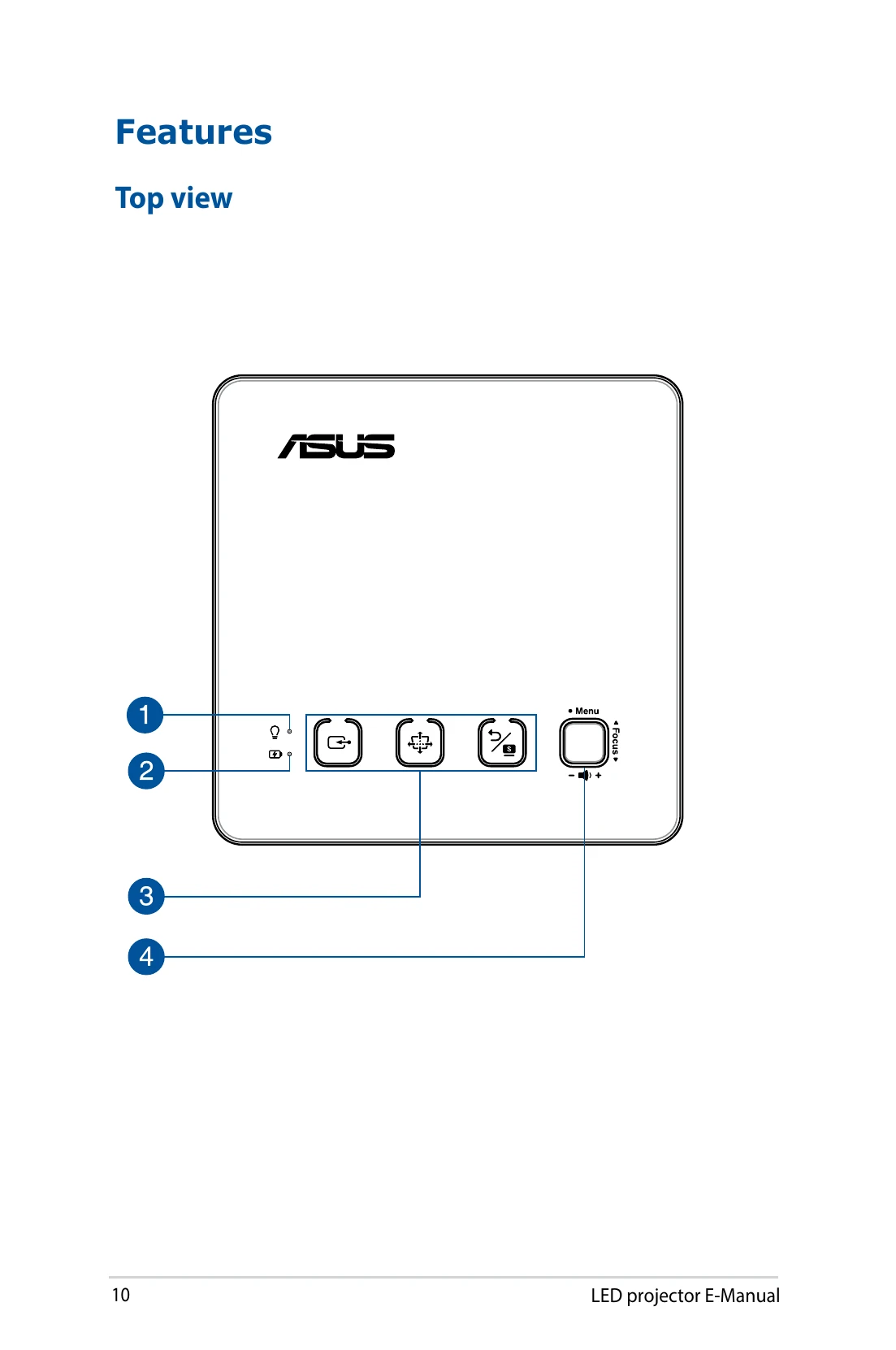
Push the focus button on the LED projector or use the focus button on the remote control. Use a still image for best results.
| Error | Possible Cause | Solution |
|---|---|---|
| No image is displayed. | The projector is not turned on. | Press the power button. |
| The image is blurry. | The focus is not adjusted properly. | Adjust the image focus using the projector's controls or the remote. |
| The image is distorted (keystone effect). | The projector is not placed perpendicular to the screen. | Adjust the projector's position or use the keystone correction feature. |
| No sound. | The volume is muted or set too low. | Adjust the volume or unmute the projector. |
| The projector is unresponsive. | The device may be in a frozen state. | Insert a straightened paper clip into the manual reset hole to turn off the projector, then press the power button again to turn it on. |