Search
Manual for C1/C2 super
Brand:
BAUER
Category:
Camera
Document Type:
Manual
Language:
EN
Uploaded:
Aug. 10, 2025, 12:49 a.m.
Download Manual
Loading Film
Open the camera cover by pushing the lock upward.
Insert the super 8 film cartridge into the housing, ensuring the visible length of the film points towards the lower right.
Drop the cartridge right side first into the housing so the pin aligns with the guiding groove.
Press the cartridge into the housing, ensuring holding springs secure it.
Close and lock the cover.
Setting the Filter
For daylight, push the filter slide downward.
For artificial light, push the filter slide upward.
For black and white film, keep the slide in the upper position.
Running Speeds
Normal (18 fps):
For natural motion.
Slow Motion (24 fps):
For slight slow-motion effect, suitable for sports or reducing blur.
Fast Motion (12 fps):
For a fast-motion effect, creating humorous or exhilarating scenes.
Focusing
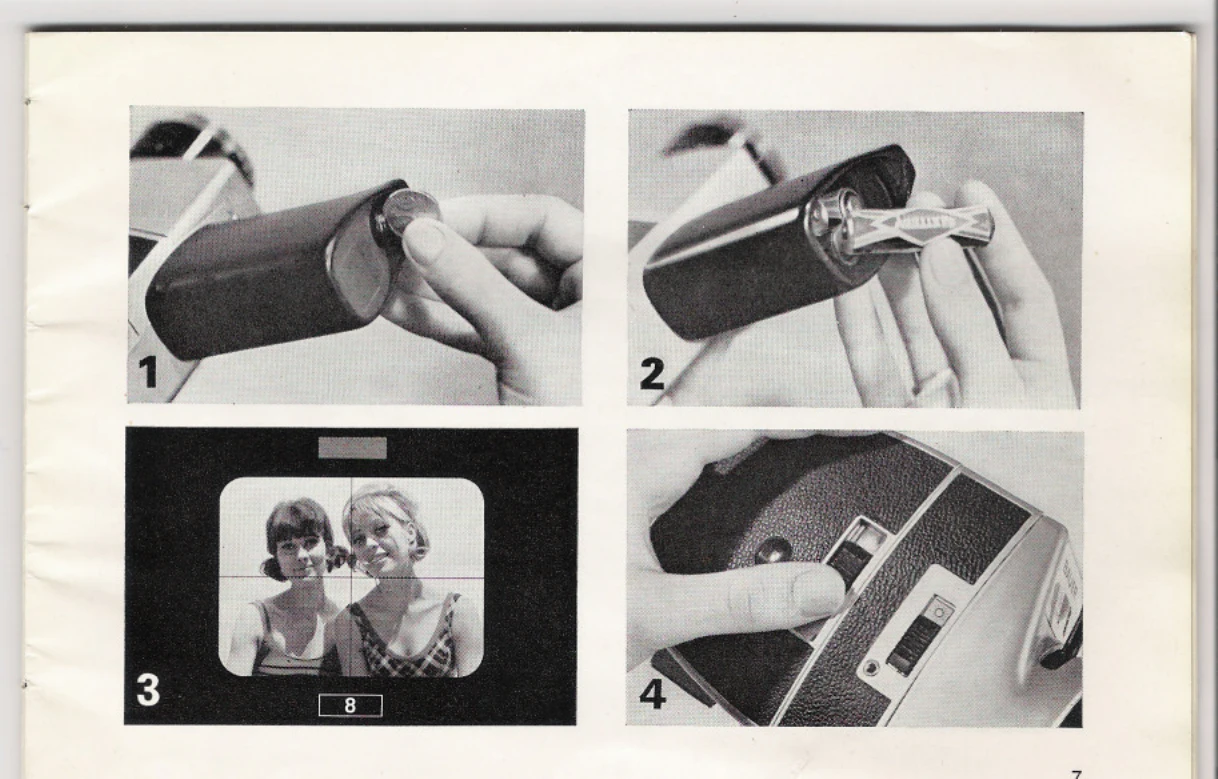
Adjust the eyepiece to your eye by setting the lens to infinity and its longest focal length.
View an object at least 160 feet away and adjust the eyepiece until the cross-hair and object are in focus.
Focusing should always be done with the lens at its extreme telephoto length.
Privacy Policy