Brand: Baxtran
Category: Weighing Equipment
Document Type: Manual
Language: EN
Brand: Baxtran
Category: Weighing Equipment
Document Type: Manual
Language: EN
Uploaded: April 20, 2026, 8:13 p.m.
Manual Publish Date: 19052014
The manufacturer reserves the right to modify its products without prior notice.
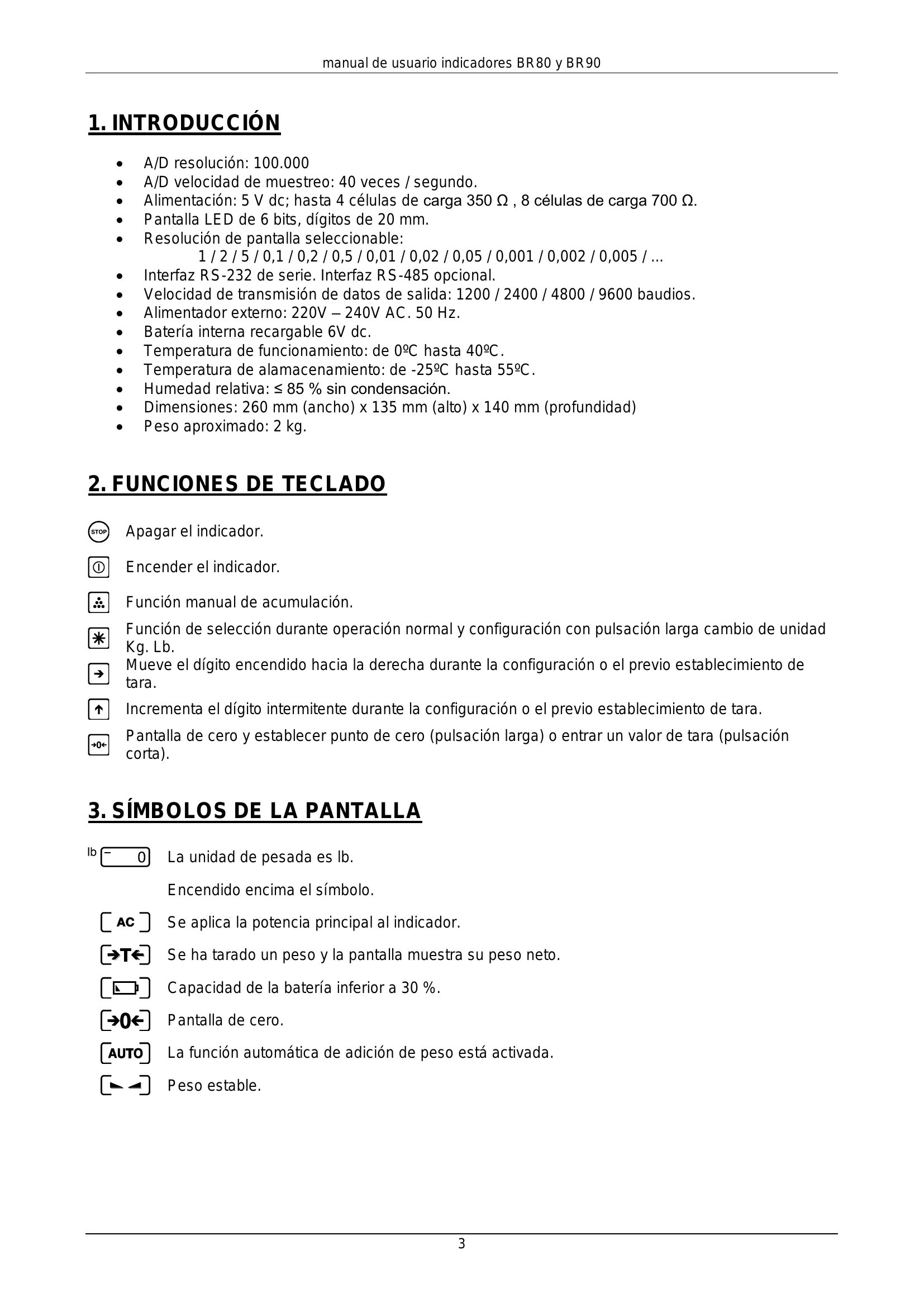
Power On/Off: Press the  key to turn on or off.
Configuration: Press the  key to select functions or enter configuration.
Zero/Tare: Press the  key to set zero or tare.
Increase/Move Digit: Use the  and
and  keys for configuration.
| Step | Operation | Displaying | Contents |
|---|---|---|---|
| 1 | Press and simultaneously |
Self test from UEr 1.6 0 to 9 0 |
When powered off, press to turn on, segment check, and displaying UEr 1.6 edition No 1.5 second. Wait for the test to complete. |
| 2 | Press * | CAL SP -SET- |
Enter the scale. Enter the configuration setting modal. |
| 3 | Press * ← |
d 1 | The number of scale divisions selected. |
| Press ↑ | d 2 | 1/2/5/0.1/ 0.2 / 0.5 / 0.01 / 0.02 / 0.05 / 0.001 / 0.002/0.005 / ... | |
| Press ↑ | d 0.1 | For example: d=0.1 | |
| 4 | Press * → |
6000 000000 |
Sets scale F-S Moves the digit to the right. |
| Press ↑ | 001000 002000 |
For example: F-S=3000 | |
| Press ↑ | 003000 | ||
| 5 | Press * → |
FLt 10 FLt 00 |
Sets the filter parameter digit: 00-99 The display will update faster and filter faster as the filter parameter is changed from 99-00. For example: FLt=30 |
| Press ↑ | FLt 10 | ||
| Press ↑ | FLt 20 | ||
| Press ↑ | FLt 30 | ||
| 6 | Press * → |
AUtP00 AUtP00 |
Sets automatic power off function. AUtP=00 Not automatic power off. AUtP=01 Automatic power off. Digit express the choice of zero trace range (0-9): 1:0.4d 2:0.8d 3:1.2d 4:1.6d 5:2d 6:2.4d 7:2.8d 8:3.2d 9:3.6d. |
| Press | AUtP00 | ||
| Press ↑ | AUtP10 | ||
| 7 | Press * | Adr 00 | Continuous output: Adr=00 |
| 8 | Press * → |
b 2400 b 4800 |
Baud rate range: 1200 → 2400 → 4800 → 9600 For example: b=4800 |
| Press ↑ | |||
| 9 | Press * | 0 | Press to confirm configurations and go to calibration menu. |