Brand: Beats
Category: Headphone
Document Type: Manual
Language: EN
Brand: Beats
Category: Headphone
Document Type: Manual
Language: EN
Uploaded: April 7, 2025, 8:16 p.m.
One year limited warranty for Apple and Beats branded products.
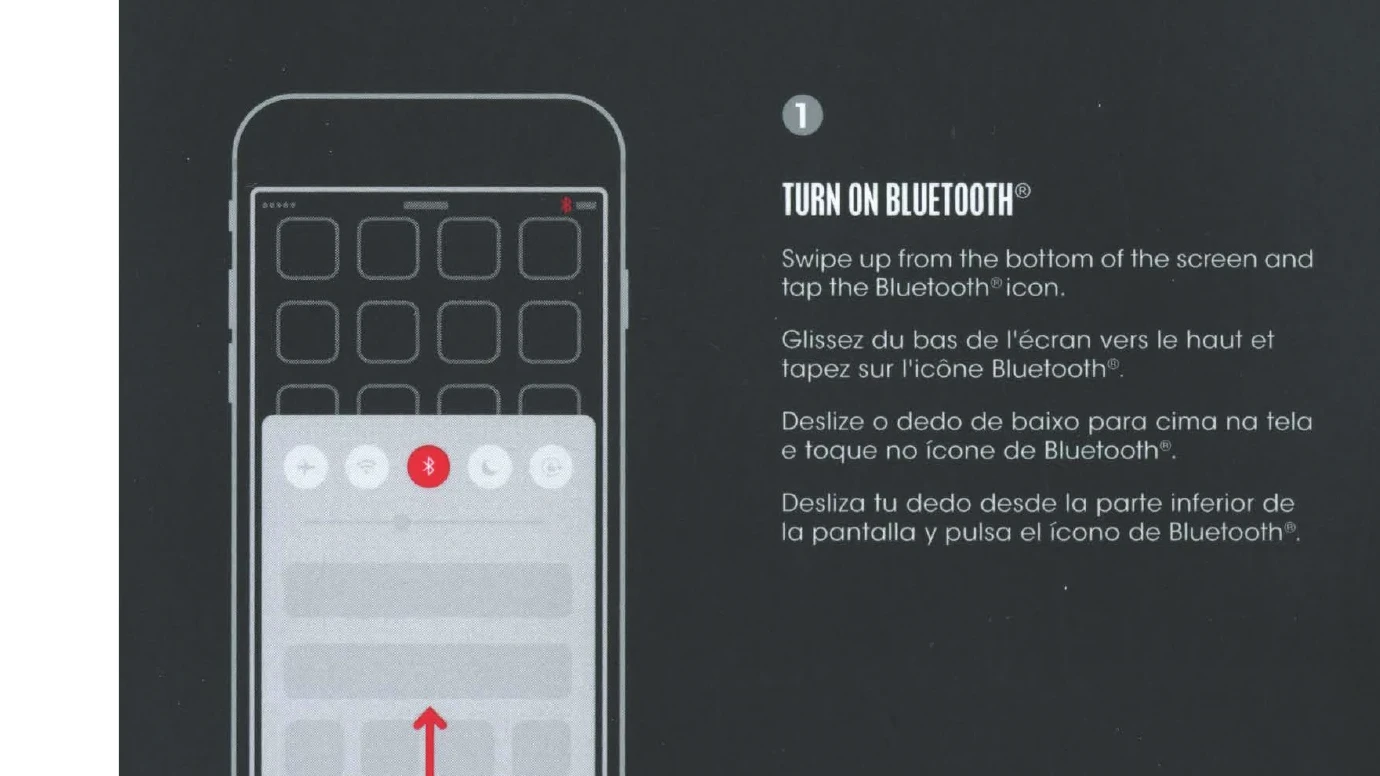
Turn On Bluetooth: Swipe up from the bottom of the screen and tap the Bluetooth® icon.
Connect Solo3 Wireless: Press power button for 1 second. Hold near unlocked iPhone, then follow onscreen instructions.
Start Listening: Your Solo3 Wireless is now connected and ready to use.
Wireless Controls: Control music and manage calls with the "b" button. Adjust volume above and below the "b" button.
Wired Playback: Plug in RemoteTalk cable for wired mode to conserve battery or when battery is depleted.
Charge: Using a micro USB cable, plug in headphones to charge.