Manual for 680

Manual for 680

Brand: BOLEX

Category: Camera

Document Type: Manual

Language: EN
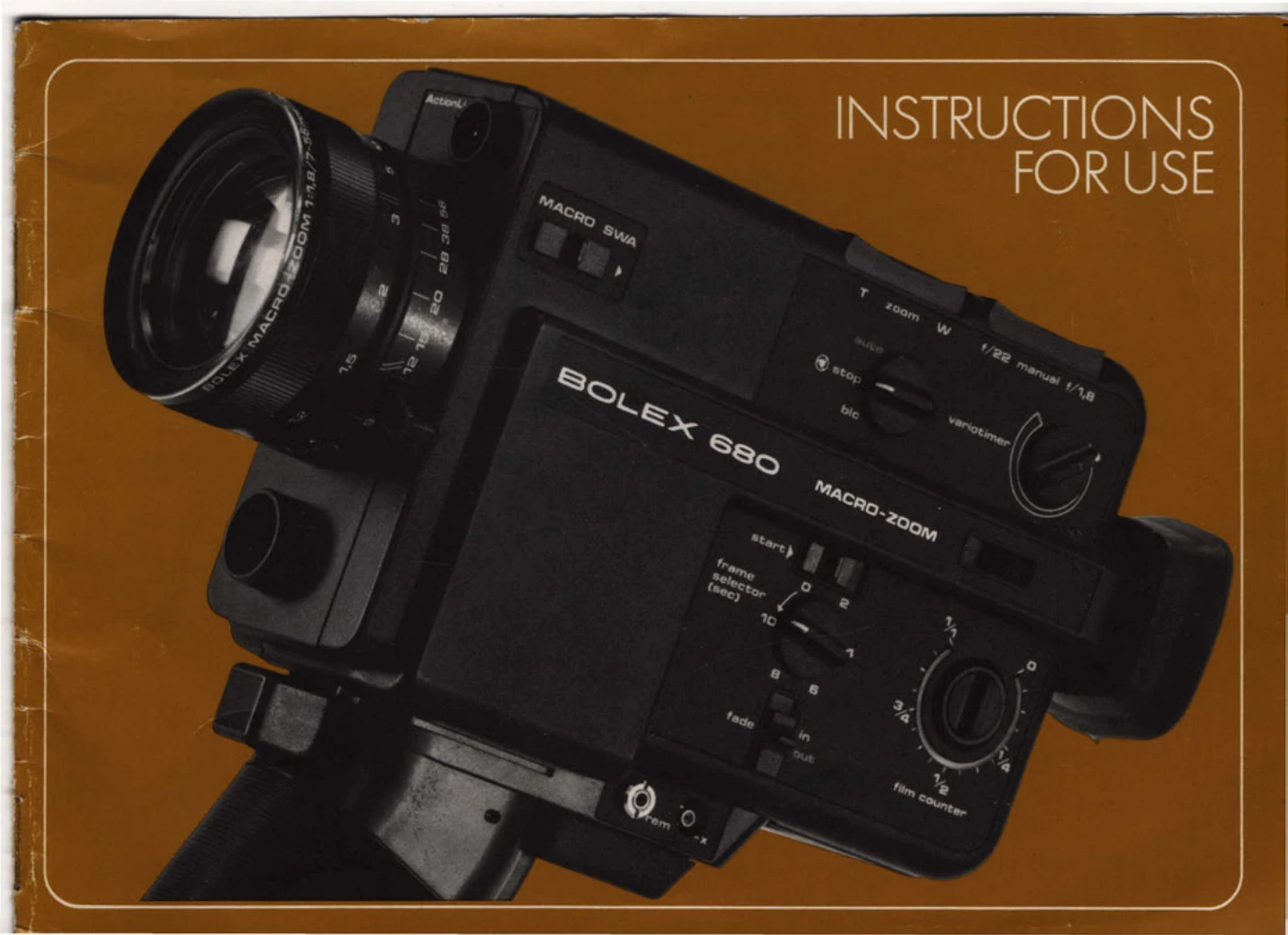
Uploaded: Aug. 10, 2025, 12:37 a.m.

Warranty Information

No warranty period information is available in the provided pages.

Straightforward Filming:

  1. Insert batteries and film cartridge.
  2. Adjust eyepiece for eyesight.
  3. Set operation selector to central position (green dot).
  4. Set filming speed selector to "18".
  5. Turn aperture setting knob to "auto".
  6. Set focusing and zoom rings to fixed focus position.
  7. Connect batteries by pressing switch against pistol grip.
  8. Press release to begin filming.

Filming Speeds:

  • "1": Single-frame operation.
  • "9", "18", "24": Filming at 9, 18, and 24 frames per second.
  • 45 fps: Use top camera button for high-speed filming (slow motion effect).

Focusing:

  • Look for a horizontal line and adjust focusing ring until it is continuous in the split-image rangefinder.
  • Set lens to longest focal length (f=56mm) before focusing.

Aperture Setting:

  • Automatic: Set switch to "auto".
  • Manual: Use toggle switch on top of camera.
  • Backlight Correction: Turn switch to "blc" to temporarily increase aperture.
  • Locking Diaphragm: Turn switch to "stop" to lock aperture.

Troubleshooting and error codes

Problem Possible Cause Solution
Film not advancing Film finished or blocked Check cartridge, remove and manually advance film if necessary.
No red warning lamp in viewfinder (battery test) Batteries low or incorrectly inserted Check battery insertion and replace if necessary.
Under-exposure Insufficient light or incorrect aperture Check lighting and adjust aperture. Use "blc" for backlight.
Over-exposure Too much light or incorrect aperture Check lighting and adjust aperture.
Privacy Policy