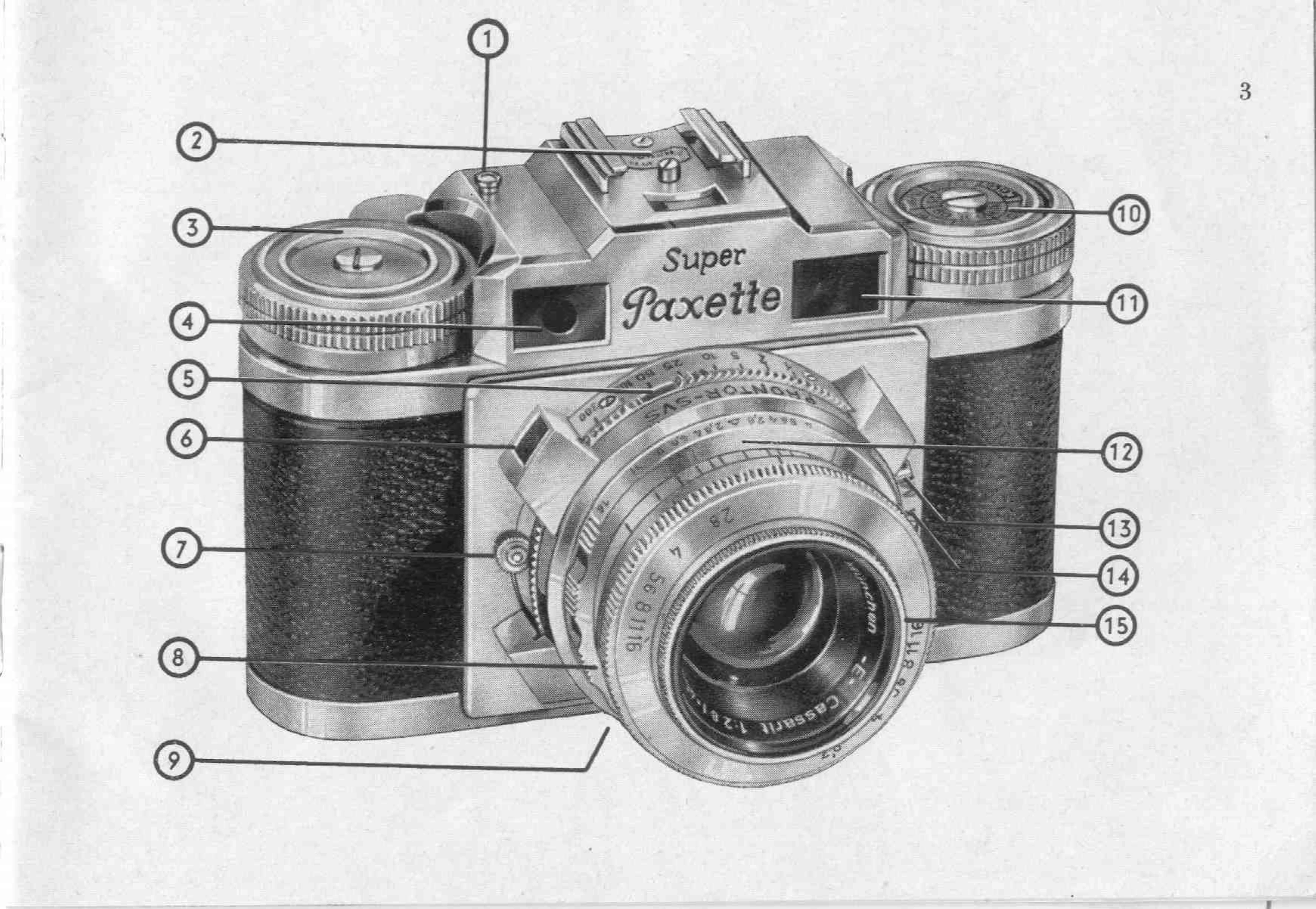
Manual for SUPER Paxette II

Manual for SUPER Paxette II

Brand: Braun

Category: Camera

Document Type:

Language: EN

Uploaded: Aug. 9, 2025, 11:46 p.m.

Loading the Camera:

  1. Open the camera by releasing the locking ring on the base and sliding off the back.
  2. Insert the film cassette into the film chamber.
  3. Draw out the trimmed end of the film and insert it into the take-up spool, ensuring the lug hooks into the perforation.
  4. Wind the lower wheel to engage the sprockets with the film perforations.
  5. Close the camera back by sliding it on and tightening the locking ring.
  6. Set the exposure counter to 36 by turning the toothed wheel near the maker's name.
  7. Advance the rapid wind lever twice to transport the film and cock the shutter. The camera is now ready for the first shot.

Taking a Picture:

  1. Hold the camera firmly in both hands.
  2. Gently and deliberately release the shutter using the middle finger.
  3. Remain still while taking the picture.

Unloading the Camera:

  1. When the exposure counter shows 1, press the rewind push button.
  2. Pull out the rewind knob and turn it in the direction of the arrow to wind the film back into the cassette.
  3. Open the camera and remove the cassette.
Privacy Policy