Brand: Canon
Category: Camera
Document Type: Manual
Language: EN
Brand: Canon
Category: Camera
Document Type: Manual
Language: EN
Uploaded: Nov. 21, 2025, 7:18 p.m.
| Trouble | Possible Cause | Remedy |
|---|---|---|
| Film does not advance. | Batteries are not loaded. | Load batteries. |
| Batteries are dead. | Replace batteries. | |
| Main switch is not set to 'R'. | Set Main switch to 'R'. | |
| Film is not loaded properly. | Reload film cartridge. | |
| Film transport is jammed. | Remove the cartridge and rewind the film by rotating the spool clockwise to take up slack. Reload cartridge. | |
| Exposure is incorrect. | Film speed is set incorrectly. | Set correct film speed. |
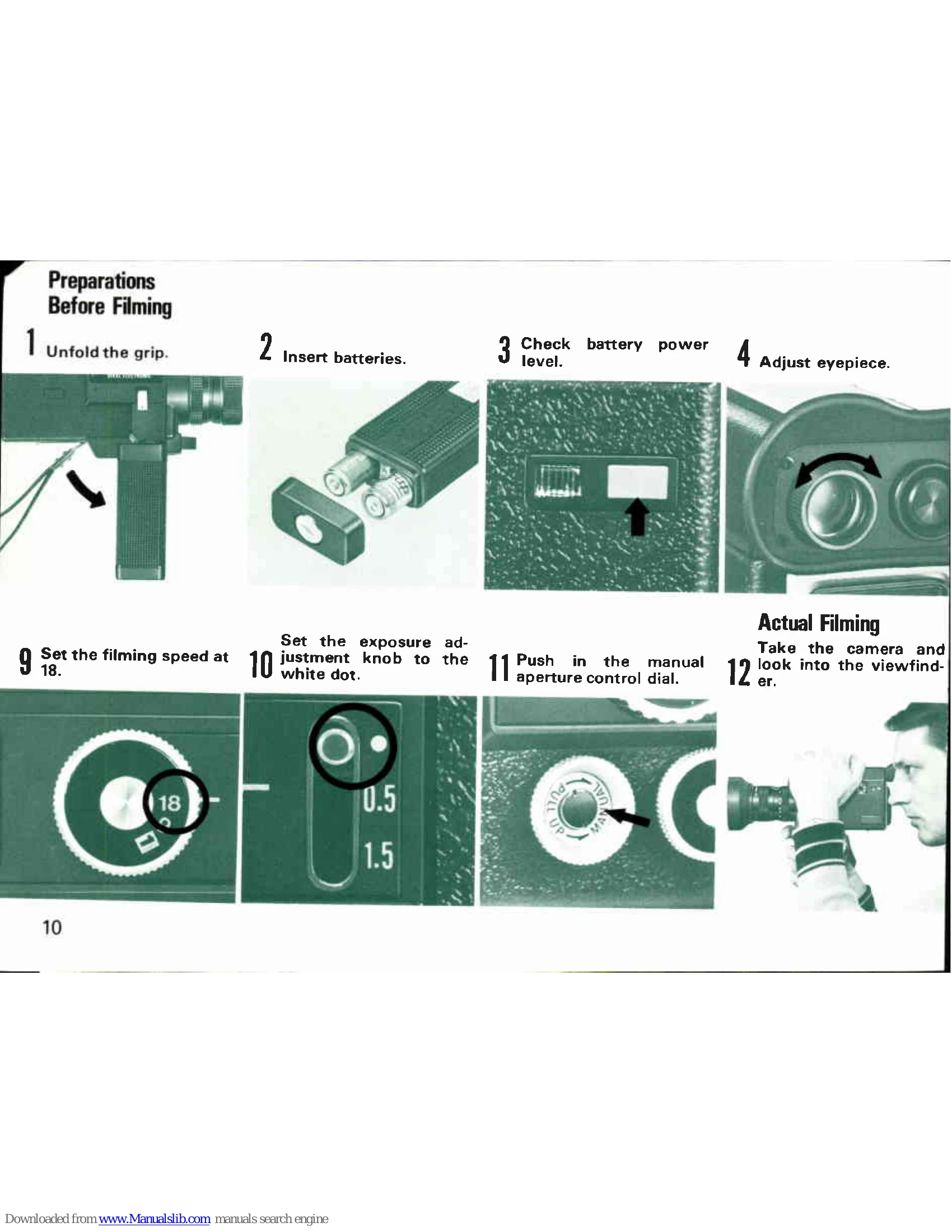
| Exposure adjustment knob is not set correctly. | Set to white dot for regular shooting or to 0.5/1.5 for exposure compensation. | |
| Variable shutter control is not set correctly. | Set dial to appropriate position for lighting conditions. | |
| Lens aperture is not set correctly. | Adjust aperture manually or automatically. | |
| Over/under exposure warning in viewfinder. | Incorrect exposure. | Adjust shutter opening angle or use an ND filter. |
| Camera does not operate. | Batteries are not loaded or are dead. | Load or replace batteries. |
| Main switch is not set to 'R' or 'RL'. | Set Main switch to 'R' or 'RL'. |