Turning the Camcorder On/Off: Use the power switch to select CAMERA mode for recording or MEDIA mode for playback. The POWER/CHG indicator illuminates green when on.
Setting Camera Mode: Switch between AUTO mode for automatic settings or M (Manual) mode for full access to advanced functions.
Using the MENU Button and Joystick: Navigate menus by pushing the joystick to move the selection frame and pressing it to select items. The MENU button opens and closes the setup menus.
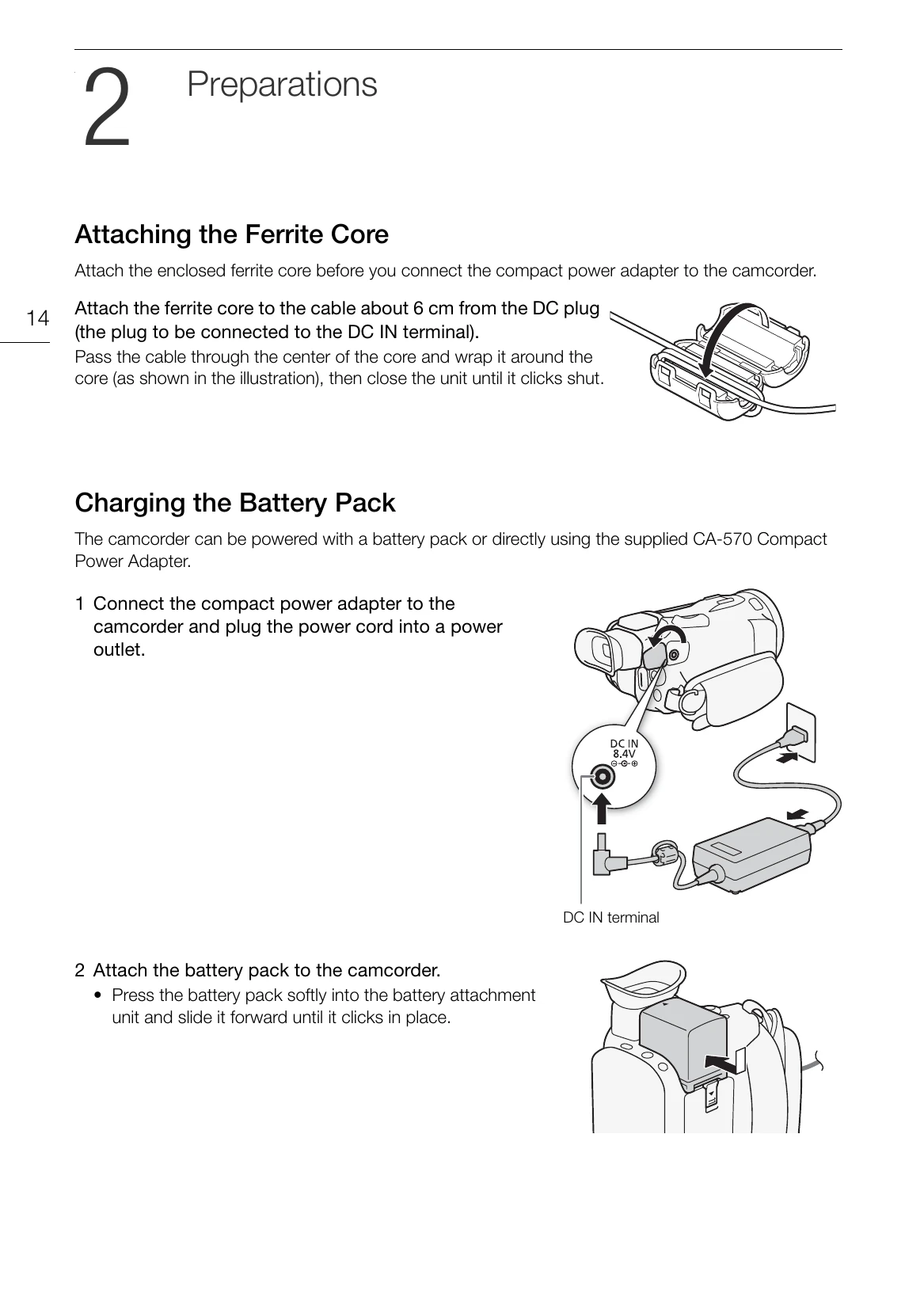
Preparing the Camcorder: Attach the ferrite core to the power adapter cable. Charge the battery pack using the supplied adapter. Mount the lens hood by aligning marks and turning clockwise. Adjust the LCD screen and viewfinder for optimal viewing. Fasten the grip belt for comfortable handling.