Brand: CANON
Category: Camera
Document Type: Manual
Language: EN
Brand: CANON
Category: Camera
Document Type: Manual
Language: EN
Uploaded: Sept. 12, 2025, 4:25 a.m.
Manual Publish Date: 2009
This document is the Operation Guide for the Canon VB-C60 Network Camera. It details setup, usage, and troubleshooting.
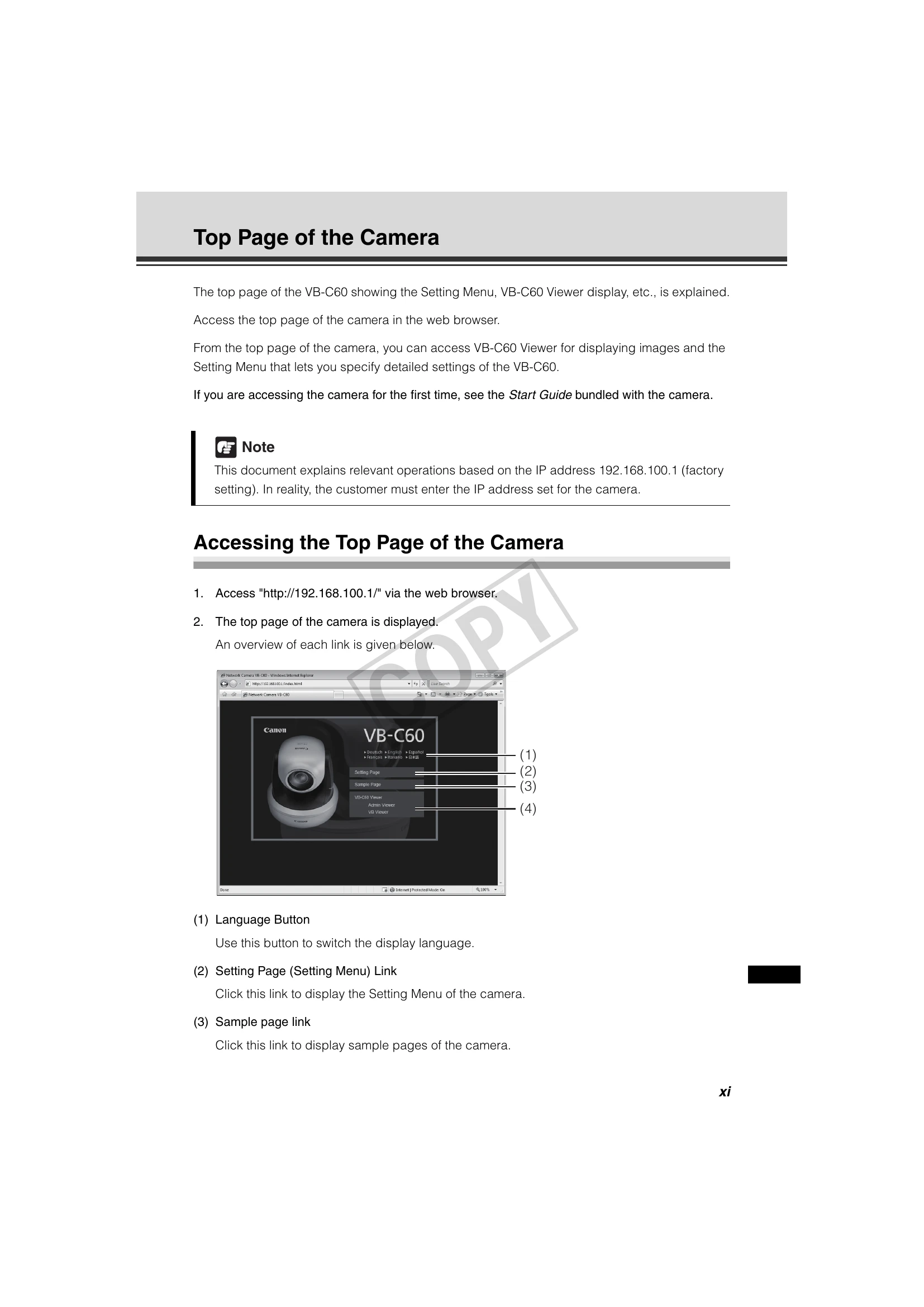
Access the camera's top page via web browser at its IP address (default: 192.168.100.1). User authentication (user name: root, password: VB-C60) is required for the Setting Menu and Admin Viewer.
| Item | Possible Cause | Solution |
|---|---|---|
| Camera does not respond to commands. | Network cable is loose. | Check the network cable connection. |
| Camera is not powered on. | Check the power supply. | |
| Incorrect IP address or network settings. | Verify IP address and network configuration. | |
| Video is not displayed. | Web browser is not compatible. | Use a compatible web browser. |
| Network connection issue. | Check network connectivity. | |
| Camera is not set to transmit video. | Check video settings in the Setting Menu. | |
| Cannot access the Setting Menu. | User authentication failed. | Enter the correct user name and password. |
| Incorrect IP address. | Verify the camera's IP address. |