Brand: Canon
Category: Camera
Document Type: Manual
Language: EN
Brand: Canon
Category: Camera
Document Type: Manual
Language: EN
Uploaded: Sept. 12, 2025, 4:14 a.m.
Manual Publish Date: 2019-03-01
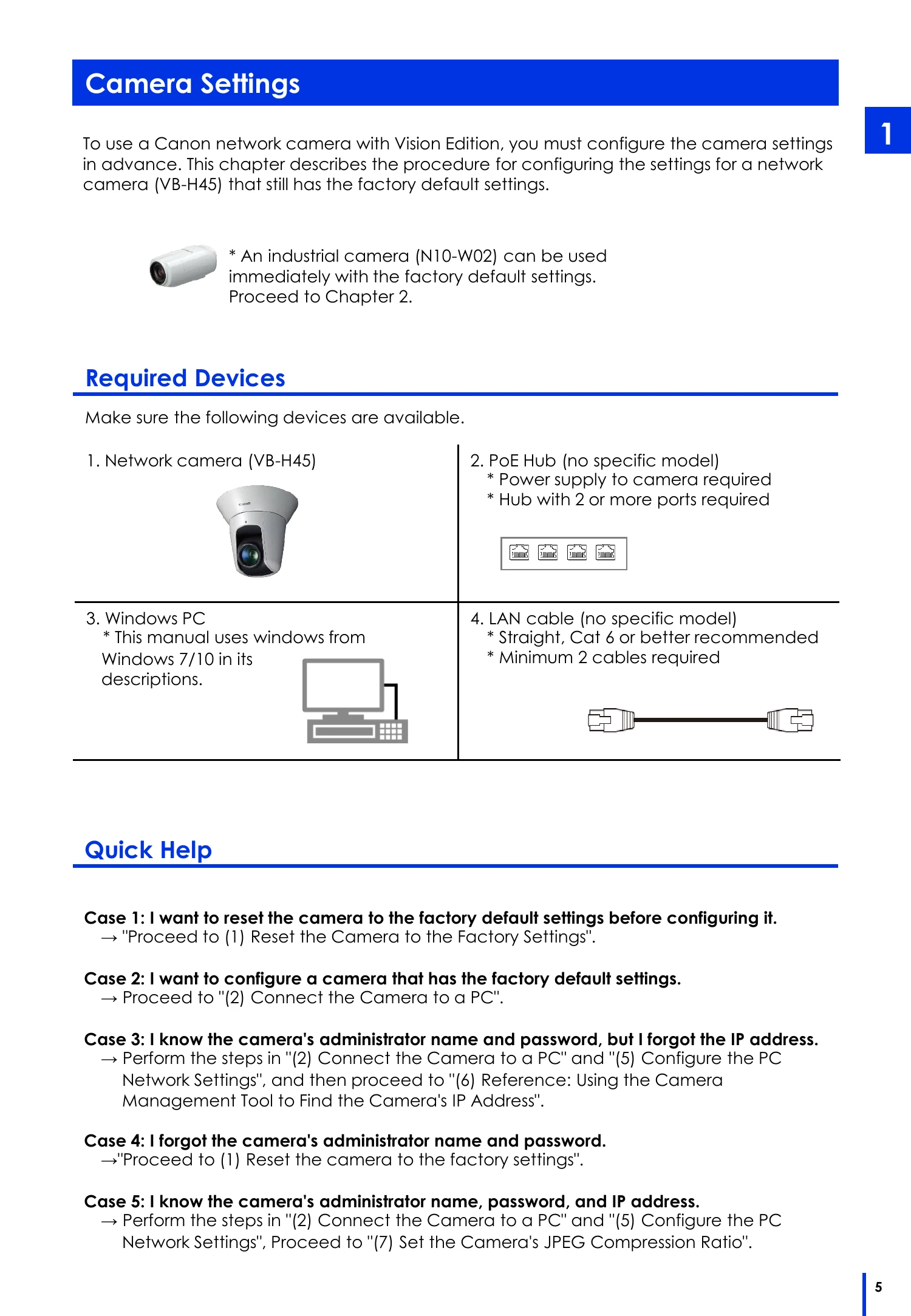
To use a Canon network camera with Vision Edition, you must configure the camera settings in advance. This chapter describes the procedure for configuring the settings for a network camera (VB-H45) that still has the factory default settings.
This chapter describes how to connect the image processing controller to the network camera. The devices that are required for this operation are shown below.
This chapter explains how to create a JOB, register cameras, edit flowcharts, and configure capture settings, 2D code recognition, display options, and main screen validation condition settings.
Execute the JOB and perform 2D code recognition for the images that are captured by the camera. This involves debugging in offline mode, preparing for online mode, performing operations in online mode, and completing the work.