Brand: CANON
Category: Camera
Document Type: Manual
Language: EN
Brand: CANON
Category: Camera
Document Type: Manual
Language: EN
Uploaded: Aug. 10, 2025, 12:26 a.m.
Manual Publish Date: 2010-12-01
Provides a one-year limited warranty for parts and labor for non-commercial use in the United States.
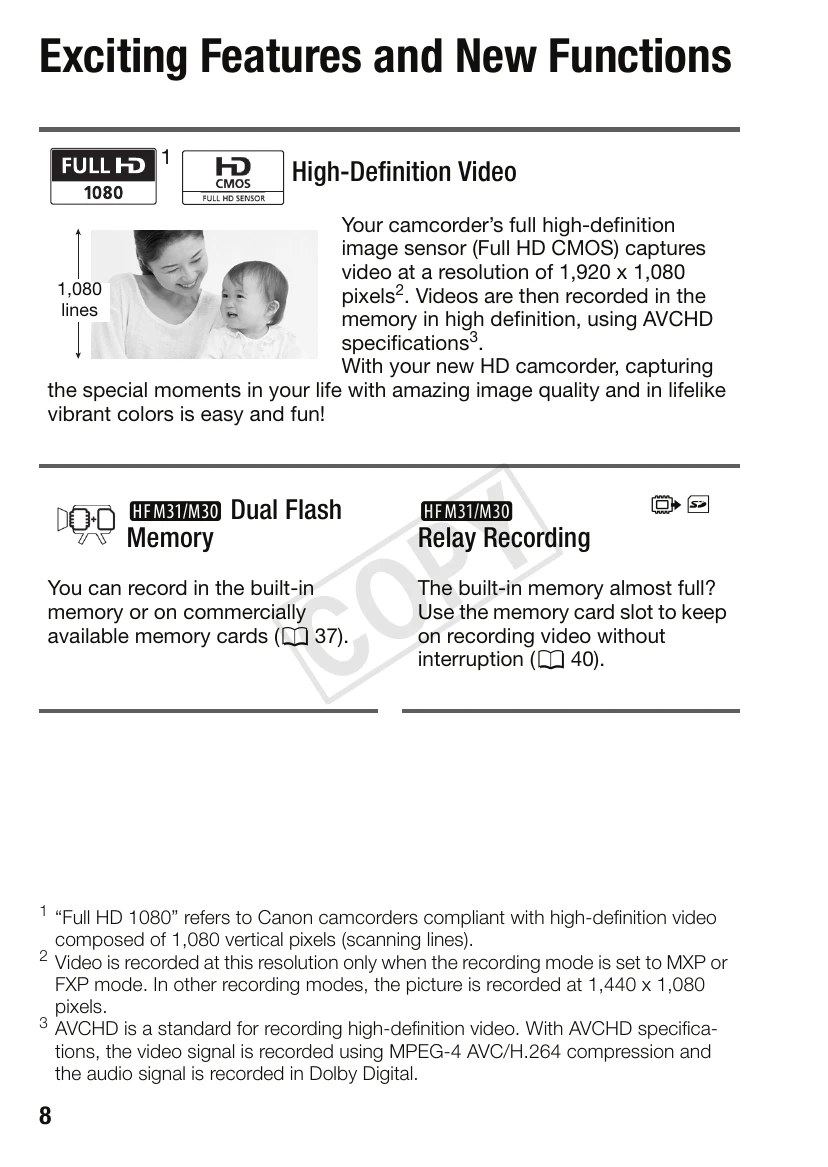
High-Definition Video: Captures video at a resolution of 1,920 x 1,080 pixels using a Full HD CMOS image sensor, recorded in high definition using AVCHD specifications.
Dual Flash Memory: Records in built-in memory or on memory cards.
Relay Recording: Allows continuous recording by switching to a memory card when the built-in memory is full.
Smart AUTO: Automatically selects the best scene mode for optimal shooting settings.
Video Snapshot: Shoots short scenes and arranges them into a video clip with background music.
Face Detection: Automatically detects faces and adjusts focus and other settings.
Image Stabilization: Compensates for camcorder shake during movement and zooming.
| Problem | Possible Cause | Solution |
|---|---|---|
| No power | Battery is depleted. | Charge or replace the battery. |
| Cannot record | Memory is full. | Replace or format the memory card. |
| Video quality is poor | Low light conditions. | Use the [Low Light] recording program or add illumination. |
| Camera is overheating | Excessive continuous use. | Turn off the camcorder for a while. |
| Cannot connect to TV | Incorrect cable connection. | Check all cable connections. Ensure the correct input is selected on the TV. |