Brand: CANON
Category: Camera
Document Type: Manual
Language: EN
Brand: CANON
Category: Camera
Document Type: Manual
Language: EN
Uploaded: Aug. 10, 2025, 12:26 a.m.
Preparing the Camcorder: This section covers basic preparations like attaching the handle unit and lens hood, and adjusting the viewfinder and LCD screen.
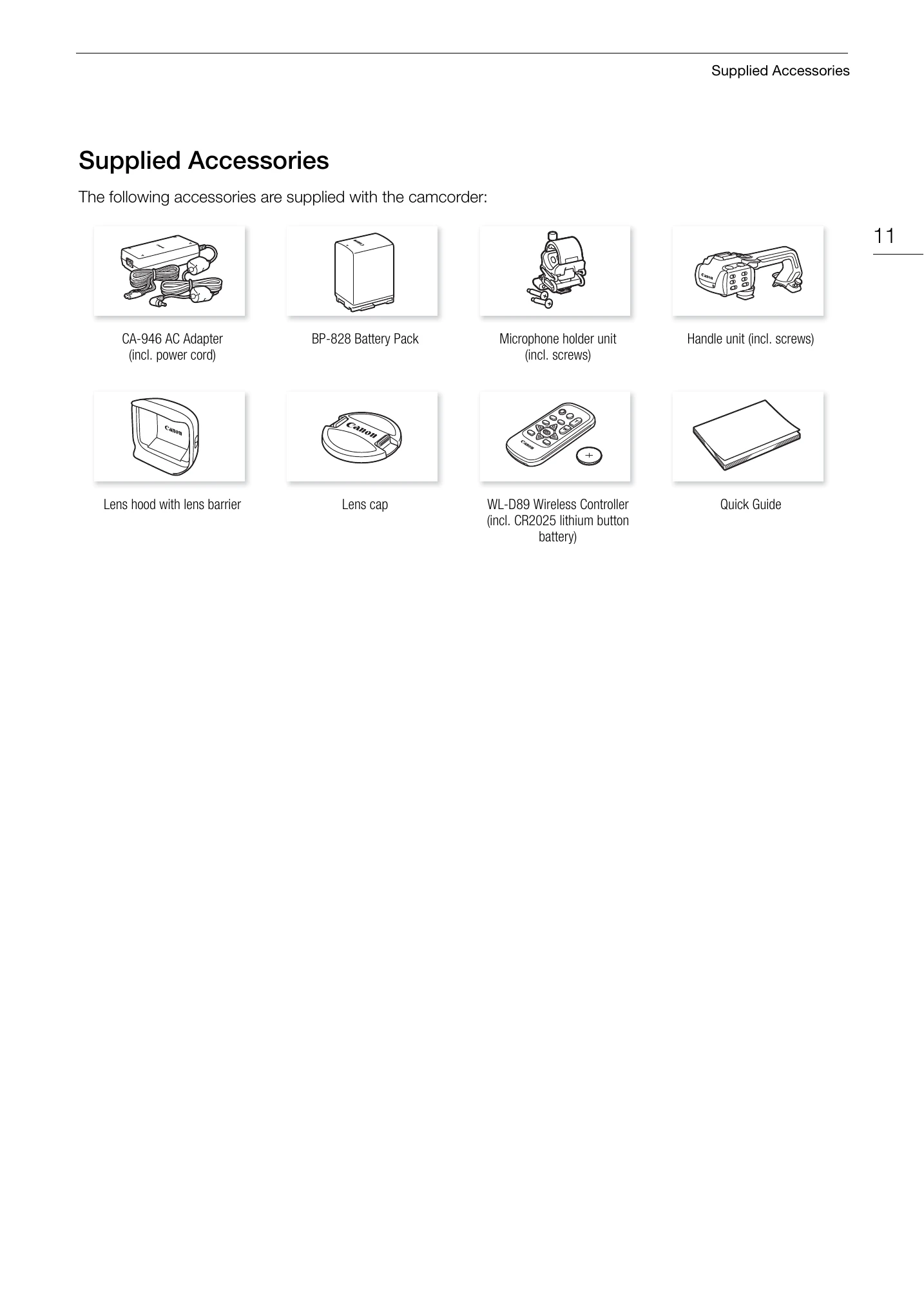
Attaching the Microphone Holder Unit: Use a Phillips head screwdriver to attach the microphone holder unit with two supplied screws.
Attaching the Handle Unit: Align the handle unit with the handle attachment unit and slide it forward. Tighten the front and rear screws. The handle unit is necessary for using INPUT terminals, infrared light, and tally lamp.
Using the Lens Hood and Lens Cap: Attach the lens hood for protection and the lens cap when not in use.
Using the Viewfinder and LCD Screen: Adjust the viewfinder and LCD screen for comfortable viewing.
Adjusting the Grip Belt and Using Straps: Ensure the grip belt is adjusted for a secure hold and use straps for portability.
Wireless Controller: Familiarize yourself with the operation of the wireless controller.
Using a Tripod: Learn how to attach the camcorder to a tripod for stable shooting.