Manual for ZOOM 518

Manual for ZOOM 518

Brand: CANON

Category: Camera

Document Type: Manual

Language: EN

Uploaded: Aug. 10, 2025, 12:27 a.m.

Basic Operation Steps:

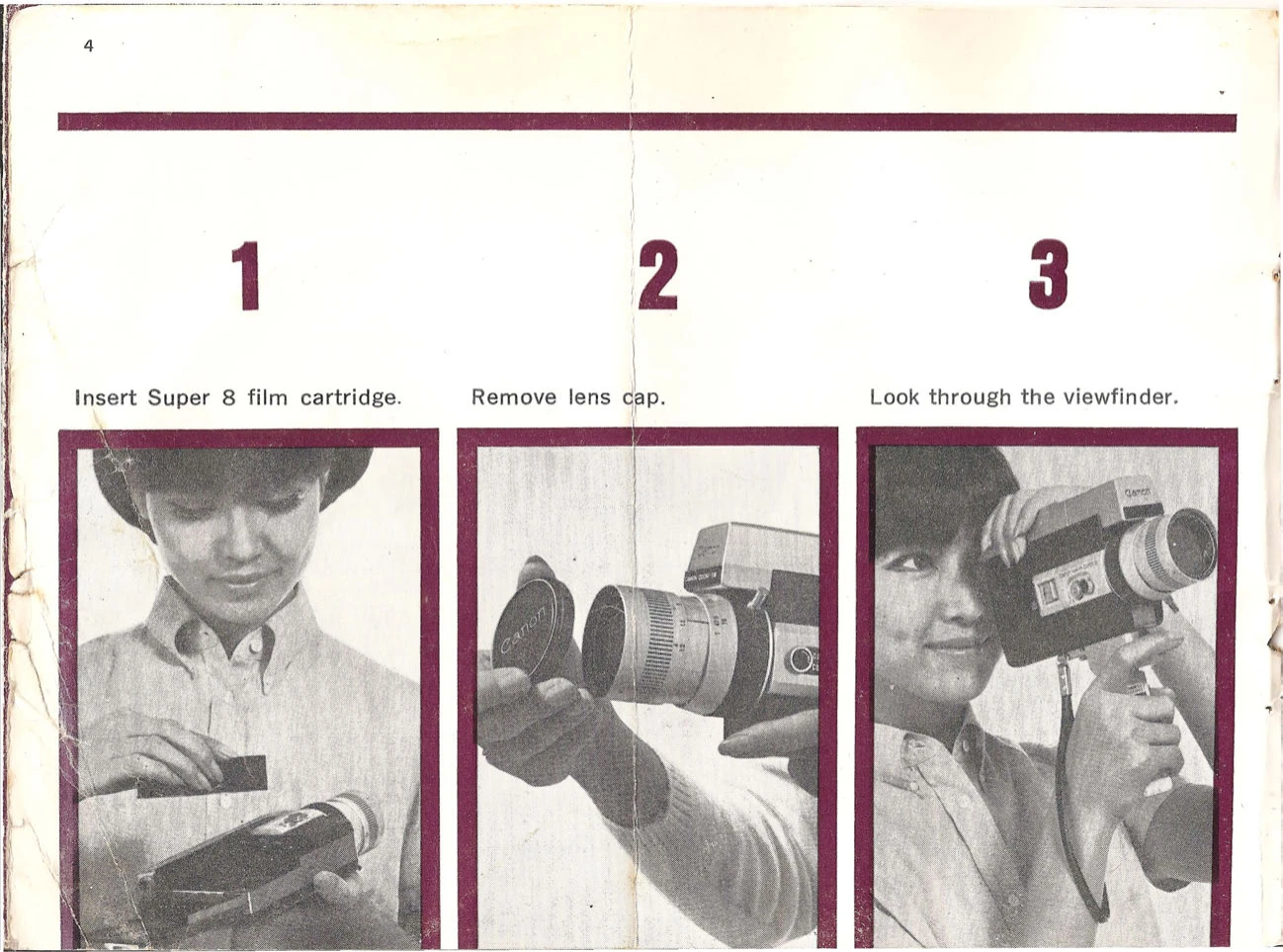
  1. Insert Super 8 film cartridge.
  2. Remove lens cap.
  3. Look through the viewfinder.
  4. Focus and check exposure meter.
  5. Rotate zooming lever to adjust subject size.
  6. Press the shutter release button.

Battery Loading:

  1. Load two mercury batteries (correct direction).
  2. Alternatively, load three 1.5V penlight batteries.
  3. Check battery status using the tester.

Shooting:

  1. Focus using the rangefinder or zone focus.
  2. Zoom as needed.
  3. Check viewfinder for proper exposure indicated by the meter needle.
  4. Use shutter lock for safety (L) or operation (R).
Privacy Policy