Manual for CiRC3480/3480i/3380/3080/3080i/2880/2550/2550i

Manual for CiRC3480/3480i/3380/3080/3080i/2880/2550/2550i

Brand: Canon

Category: Printer

Document Type: Manual

Language: EN
Uploaded: Nov. 21, 2025, 7:12 p.m.

Manual Publish Date: 2008-04-01

Basic Operation Summary

This manual outlines the operation of the Canon CiRC3480/3480i/3380/3080/3080i/2880/2550/2550i series printers.

Chapter 1: Introduction

  • System Construction and Specifications
  • Using the Machine (Power On/Off, User Mode Items)
  • User Maintenance and Safety Precautions

Chapter 2: Installation

  • Pre-Checks and Site Selection
  • Unpacking and Physical Installation of Components
  • Network Connection and Troubleshooting
  • Installation of various Accessories (Card Reader, Copy Tray, DADF, etc.)

Chapter 3: Basic Operation

  • Functional Construction and Electrical Connections
  • Basic Sequence of Operations (Power-On, Print Jobs)

Chapter 4: Main Controller

  • Construction and Functions of the Main Controller
  • Image Processing and Data Flow
  • Parts Replacement Procedures for the Main Controller and related PCBs

Chapter 5: Original Exposure System

  • Scanner Construction and Control Mechanisms
  • Image Processing Steps
  • Parts Replacement for Scanner Components

Chapter 6: Laser Exposure

  • Laser Exposure System Construction and Controls
  • Parts Replacement for the Laser Scanner Unit

Chapter 7: Image Formation

  • Image Formation System Construction and Printing Process
  • High-Voltage System Control and Image Stabilization
  • Parts Replacement for Image Formation Components (Drum Unit, Transfer Unit, etc.)

Chapter 8: Pickup/Feeding System

  • Pickup/Feeding System Construction and Control Mechanisms
  • Paper Jam Detection and Handling
  • Parts Replacement for Pickup/Feeding Components

Chapter 9: Fixing System

  • Fixing System Construction and Control Mechanisms
  • Protective Functions and Error Codes
  • Parts Replacement for the Fixing Unit

Chapter 10: Externals and Controls

  • Control Panel, Counters, and Fans
  • Power Supply and Energy-Saving Functions
  • Parts Replacement for External Components

Chapter 11: MEAP

  • MEAP Application Operations and Specifications
  • License Management and Installation

Chapter 12: RDS

  • RDS Application Operation and Communication Settings
  • Troubleshooting and Error Messages

Chapter 13: Maintenance and Inspection

  • Periodically Replaced Parts and Consumables
  • Scheduled Servicing Procedures

Chapter 14: Standards and Adjustments

  • Adjustments for Scanning, Laser, Image Formation, Fixing, Electrical Components, and Pickup/Feeding Systems

Chapter 15: Correcting Faulty Images

  • Initial Checks, Test Prints, and Troubleshooting for Image Faults, Feeding Issues, Malfunctions, Noise, and Network Problems
  • Jam Troubleshooting and Error Code resolution

Circuit Diagrams

  • Detailed diagrams of various circuit systems including DC controller, DC driver, control panel, and others.

Troubleshooting and error codes

Section Description
15.3.1 Image Faults Details on various image defects like Blank Image, Light Image/Weak Density, Foggy Image, Uneven Density, Out of Focus, Partially Blank/Streaked, Smudged/Streaked, Ghost/Memory, Faulty Color Reproduction, Stretching/Shrinking.
15.3.2 Faulty Feeding Covers Skew Feed and Poor Paper Pick-up issues.
15.3.3 Malfunction Addresses Control Panel-Related issues, general malfunctions, faulty detection, noise, user warning messages, other defects, and part breakage/detachment.
15.3.4 Network Troubleshooting for Ping Failure.
15.3.5 Transmission/Fax-Related Covers Transmission Problems and Setting/Registration Defects.
15.3.6 Jam (Main Unit) Specific jam codes and their causes, such as duplex printing jams due to faulty DC Driver PCB, issues with registration sensor flags, pre-registration sensors, and paper side setting differences.
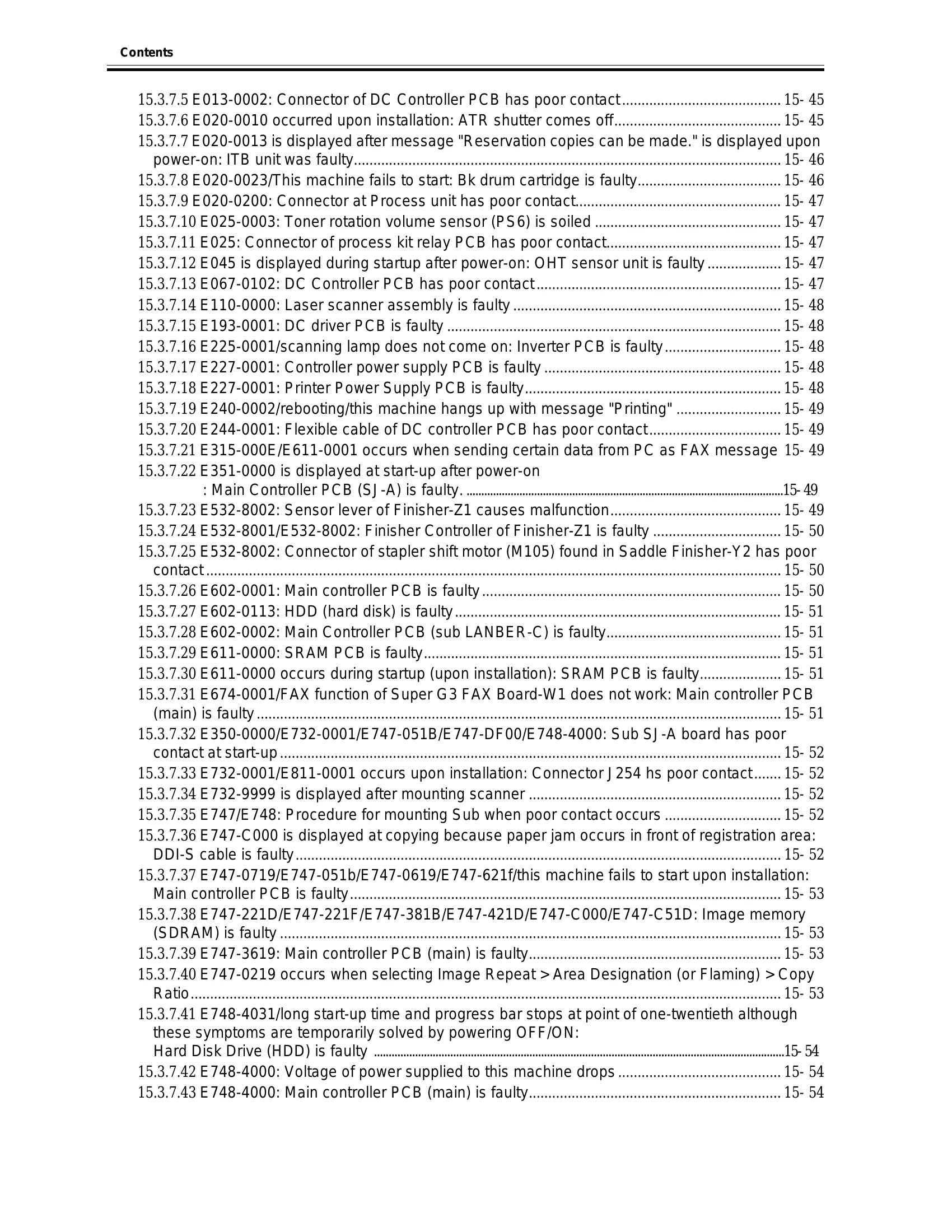
15.3.7 Error Code Details on error codes like E003-0002, E009-0001, and E012-000/E020-0001, relating to drum cartridge shutters, DC Driver PCB faults, fixing pressure release sensors, and drum drive assembly issues.
Privacy Policy