Brand: Canon
Category: Printer
Document Type: Manual
Language: EN
Brand: Canon
Category: Printer
Document Type: Manual
Language: EN
Uploaded: April 20, 2026, 8:07 p.m.
Manual Publish Date: 2009-01-01
This manual covers the following sections:
| Troubleshooting | ||
| Trouble | Likely Cause | Solution |
| Paper Jams | Incorrect paper loaded, worn rollers, or foreign objects in the paper path. | Check paper type and loading, clean or replace rollers, remove obstructions. |
| Poor Print Quality (Streaks, smudges, faint images) | Dirty toner cartridge, faulty drum unit, or issues with the fixing unit. | Clean or replace toner cartridge, replace drum unit, inspect fixing unit. |
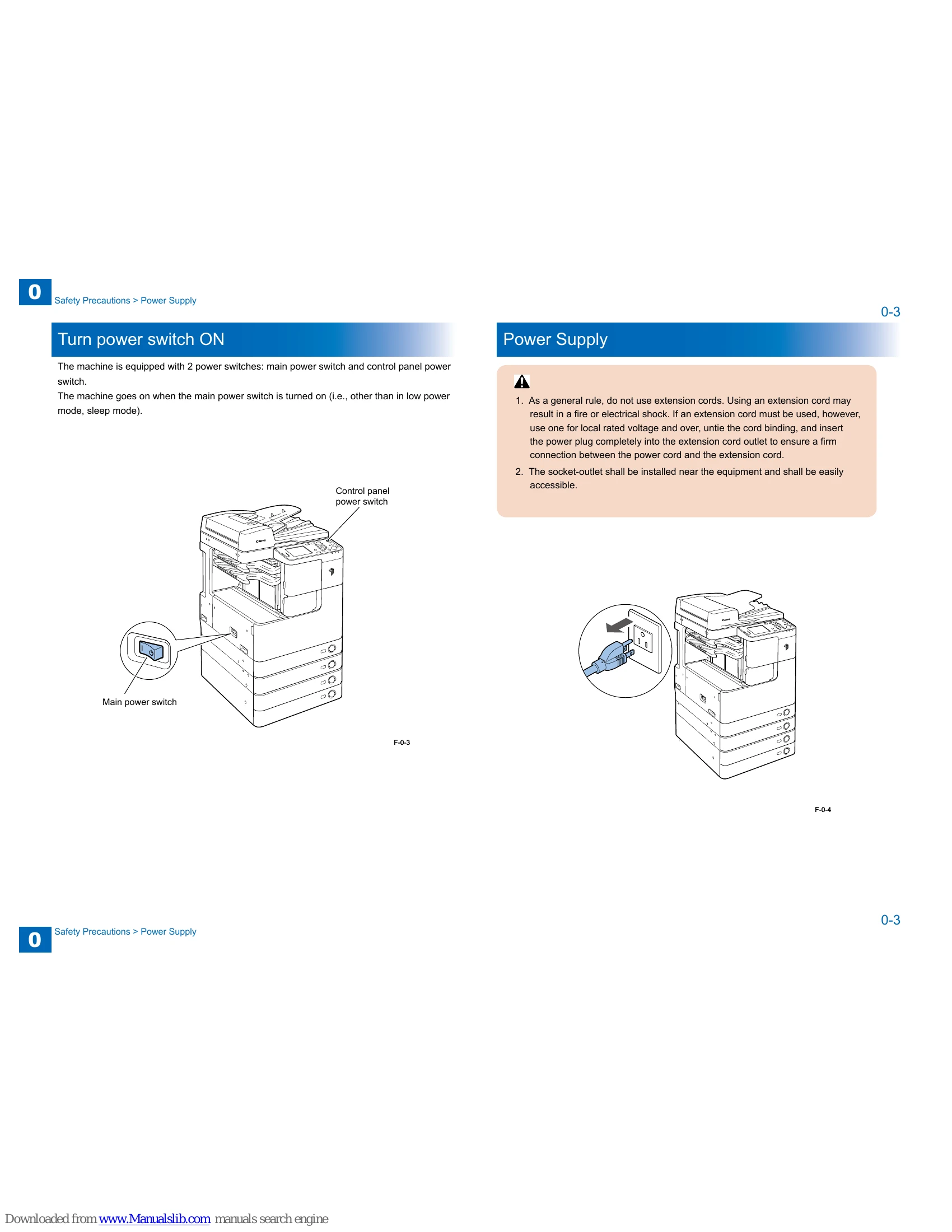
| Machine Not Turning On | Power cord issue, faulty power supply, or main power switch problem. | Check power cord connection, inspect power supply, verify main power switch. |
| Error Codes Displayed | Specific system malfunction indicated by the code. | Refer to the "Error Code" section for detailed explanations and solutions. |
| Scanner Issues (Vertical lines, poor image clarity) | Dirty scanner glass, faulty CIS sensor, or problems with the reader relay PCB. | Clean scanner glass, inspect CIS sensor, check reader relay PCB. |