Brand: Canon
Category: Projector
Document Type: Manual
Language: EN
Brand: Canon
Category: Projector
Document Type: Manual
Language: EN
Uploaded: Nov. 21, 2025, 8:30 p.m.
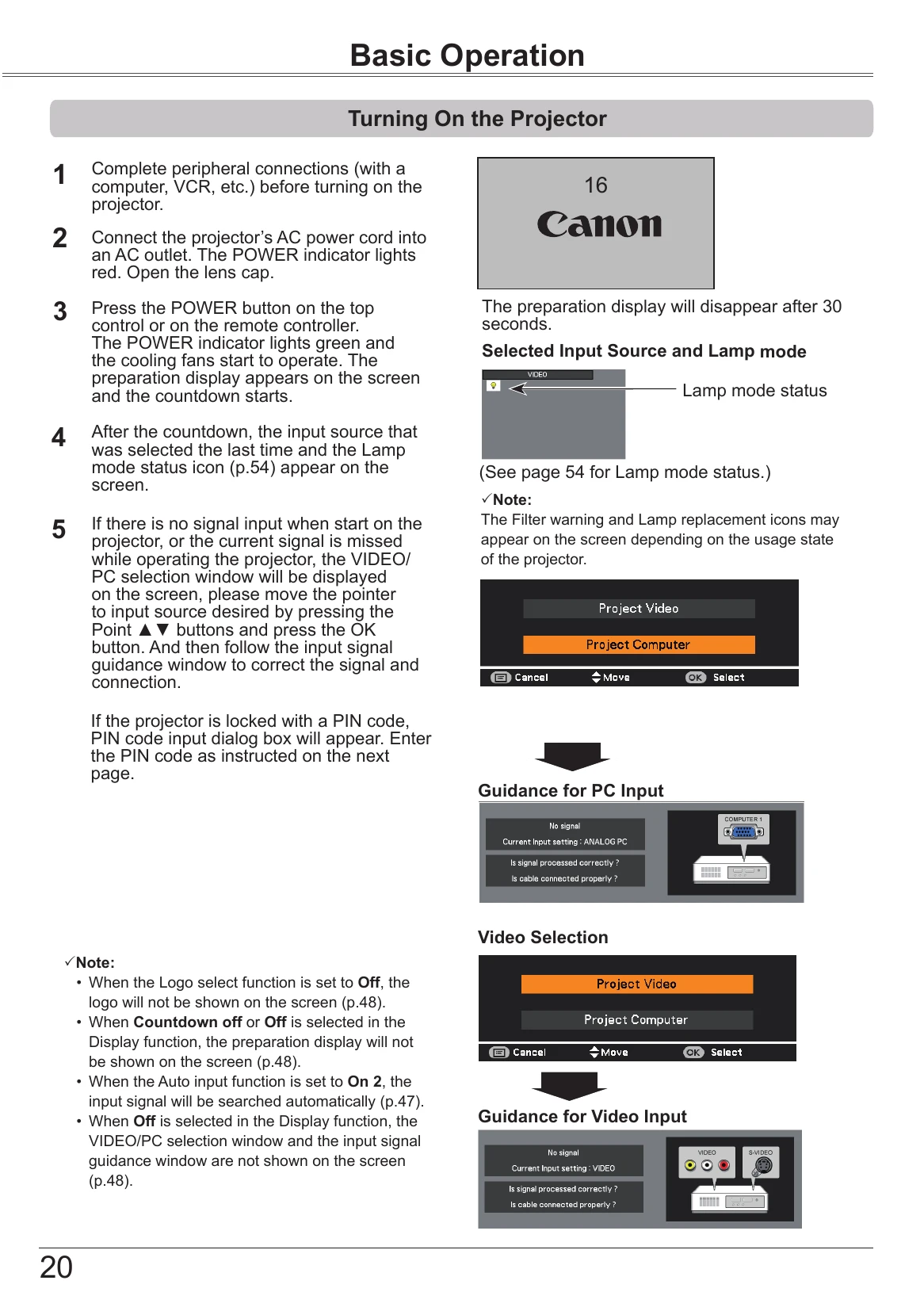
Turning On the Projector:
Turning Off the Projector:
Direct Power Off Function: Disconnect AC cord or turn off breaker during projection without pressing POWER button. Projector cannot restart immediately.
| Issue | Troubleshooting Steps |
|---|---|
| No image | Check connections, computer output, input signal. Allow 30 seconds for image. Check temperature. Press BLANK or other button if image is blanked. |
| No sound | Check audio cable, adjust audio source/volume, check MUTE button. Ensure AUDIO OUT is not plugged in if using built-in speaker. |
| The color is strange. | Check Input signal, color system, video system or computer system mode. Ensure Blackboard is not selected. |
| Some displays are not seen during the operation. | Check Display function settings. |
| Auto PC adjustment function does not work. | Check Input signal. Auto PC adjustment may not work for certain resolutions (480p, 575p, etc.). |
| The setting does not remain after turning off power. | Ensure "Store" was selected after adjusting settings. |
| Power management mode does not work. | Cannot work during Freeze or BLANK function. |
| Capture function does not work. | Check connection and input signal. |
| Auto setup does not work properly. | Ensure Auto setup is not set to Off or Ceiling function is not set to On. |
| Auto keystone function does not work even when the projector is tipped. | Ensure Auto keystone is not set to Manual. Press AUTO SET button. |
| The image is distorted or runs off. | Check PC adjust or Aspect menu. |
| PIN code dialog box appears at start-up. | PIN code lock is set. Enter the PIN code. |
| The Remote controller does not work. | Check batteries, obstructions, distance. Ensure remote code matches projector code. Unlock Key lock function. |
| Indicator blinks or lights. | Refer to "Indicators and Projector Condition" (page 70). |
| The exclamation mark appears on the screen. | Operation is invalid. Operate correctly. |
| Top control does not work. Key lock | Top control is unavailable if locked under Security settings. |