Brand: Canon
Category: Projector
Document Type: Manual
Language: EN
Brand: Canon
Category: Projector
Document Type: Manual
Language: EN
Uploaded: Nov. 21, 2025, 7:13 p.m.
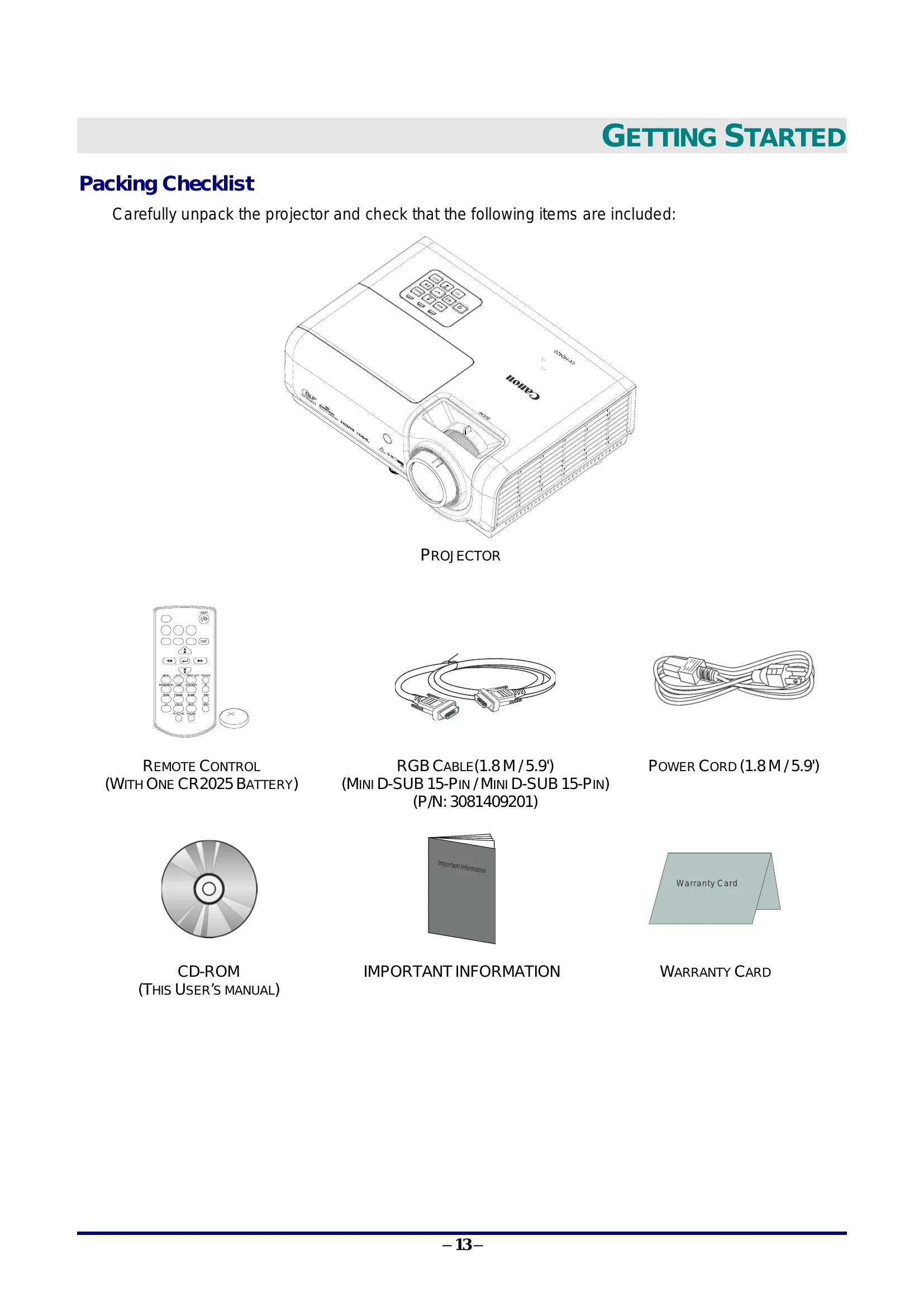
Contact your vendor for warranty information. Refer to the Warranty Card for details.
| ERROR CODE MESSAGES | POWER LED GREEN | LAMP LED RED | TEMP LED RED |
| System Initial | Flashing | OFF | OFF |
| Ready to Power on (Standby) | ON | OFF | OFF |
| System Power on | Flashing | OFF | OFF |
| Lamp Lit, System stable | ON | OFF | OFF |
| Cooling | Flashing | OFF | OFF |
| 1W MCU detects scaler stops working (initial fail) | 2 blinks | OFF | OFF |
| Over Temperature | OFF | OFF | ON |
| Thermal Break Sensor error | 4 blinks | OFF | OFF |
| Lamp Fail | 5 blinks | OFF | OFF |
| Lamp Temperature shut down | 5 blinks | 1 blinks | OFF |
| Lamp Short circuit in output detected | 5 blinks | 2 blinks | OFF |
| Lamp End of lamp life detected | 5 blinks | 3 blinks | OFF |
| Lamp did not ignite | 5 blinks | 4 blinks | OFF |
| Lamp extinguished normal | 5 blinks | 5 blinks | OFF |
| Lamp extinguished run-up | 5 blinks | 6 blinks | OFF |
| Lamp voltage too low | 5 blinks | 7 blinks | OFF |
| Lamp ballast Fail | 5 blinks | 8 blinks | OFF |
| Lamp ballast Communication error | 5 blinks | 10 blinks | OFF |
| Fan-1 error | 6 blinks | 1 blinks | OFF |
| Fan-2 error | 6 blinks | 2 blinks | OFF |
| Fan-3 error | 6 blinks | 3 blinks | OFF |
| Fan-4 error | 6 blinks | 4 blinks | OFF |
| Lamp Cover Open | 7 blinks | OFF | OFF |
| DMD error | 8 blinks | OFF | OFF |
| Color wheel error | 9 blinks | OFF | OFF |