Manual for SX60

Manual for SX60

Brand: CANON

Category: Projector

Document Type: Manual

Language: EN
Uploaded: Sept. 12, 2025, 4:27 a.m.

Warranty Information

3-year warranty on the projector and 120-day warranty on the lamp for original end-user purchasers.

Quick Reference – How to start projection

Computer

  1. Install the projector: Place the projector at the desired distance from the screen and install batteries in the remote control (P26).
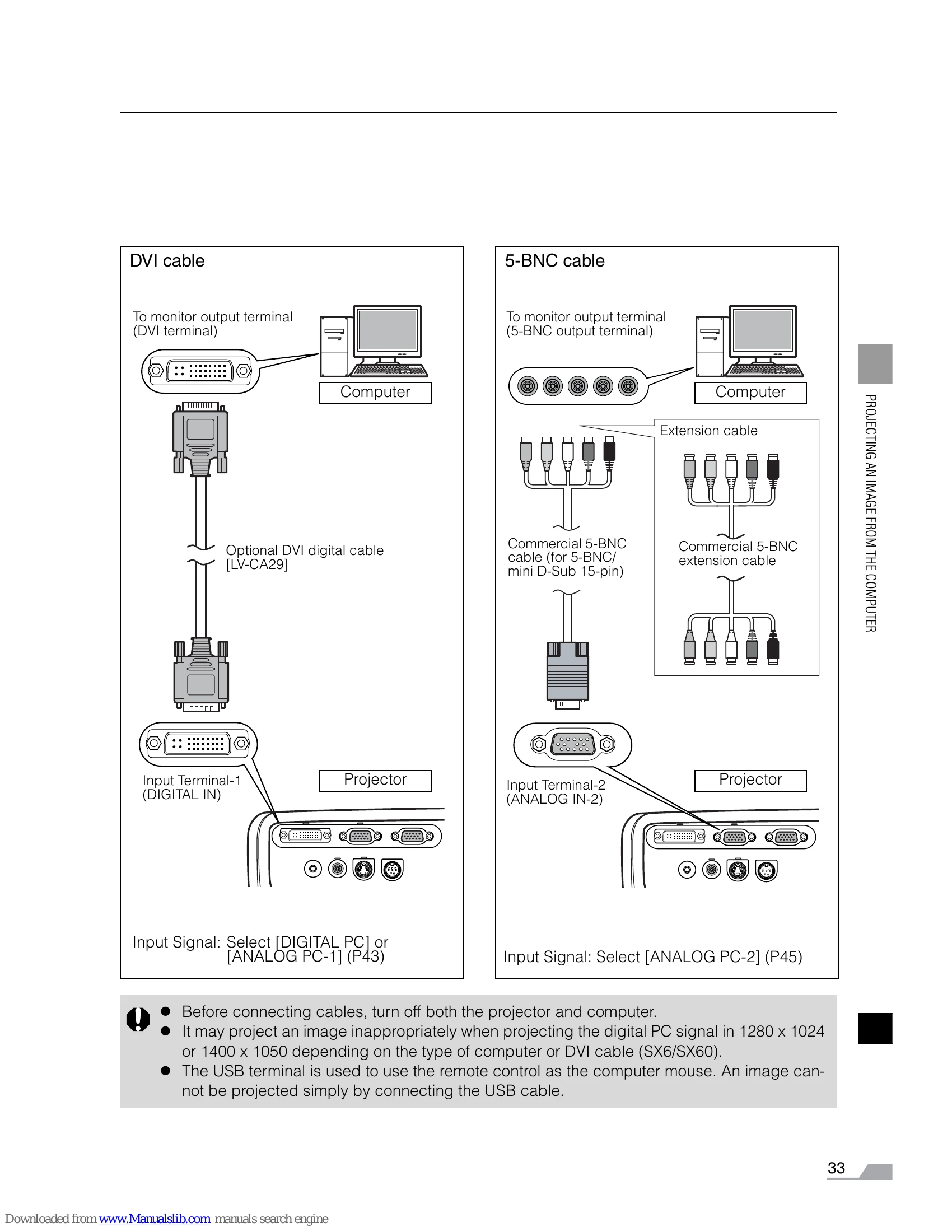
  2. Connect the projector: Connect the projector and the computer with a cable.
  3. Turn on the projector: Connect the power cord, turn on the projector, adjust height (P38), and select display language if needed (P36).
  4. Set up the computer: Turn on the computer and set the resolution.
  5. Select the input signal: Press the INPUT button and select the appropriate input signal.
  6. Press the AUTO SET button: Automatically adjust input signal, focus, and keystone distortion (P41).
  7. Press the AUTO PC button: Optimize the input signal for the computer (skip if image is fine) (P49).
  8. Select image mode: Press the IMAGE button and choose the desired mode (P50-51). Specify aspect ratio if needed (P52, 78).
  9. Start the presentation: Set useful functions from the remote control (P66-71).

Finishing the projection

  • Turn off the projector: Turn off the projector and unplug the power cord (P53-54).

Troubleshooting and error codes

WARNING Lamp Flash Patterns Page
Lamp indicator flashes 112
Lamp indicator and TEMP indicator flash 112
Lamp indicator and POWER indicator flash 112
Privacy Policy