Brand: Canon
Category: Scanner
Document Type: Quick Start Guide
Language: EN
Brand: Canon
Category: Scanner
Document Type: Quick Start Guide
Language: EN
Uploaded: Nov. 21, 2025, 8:15 p.m.
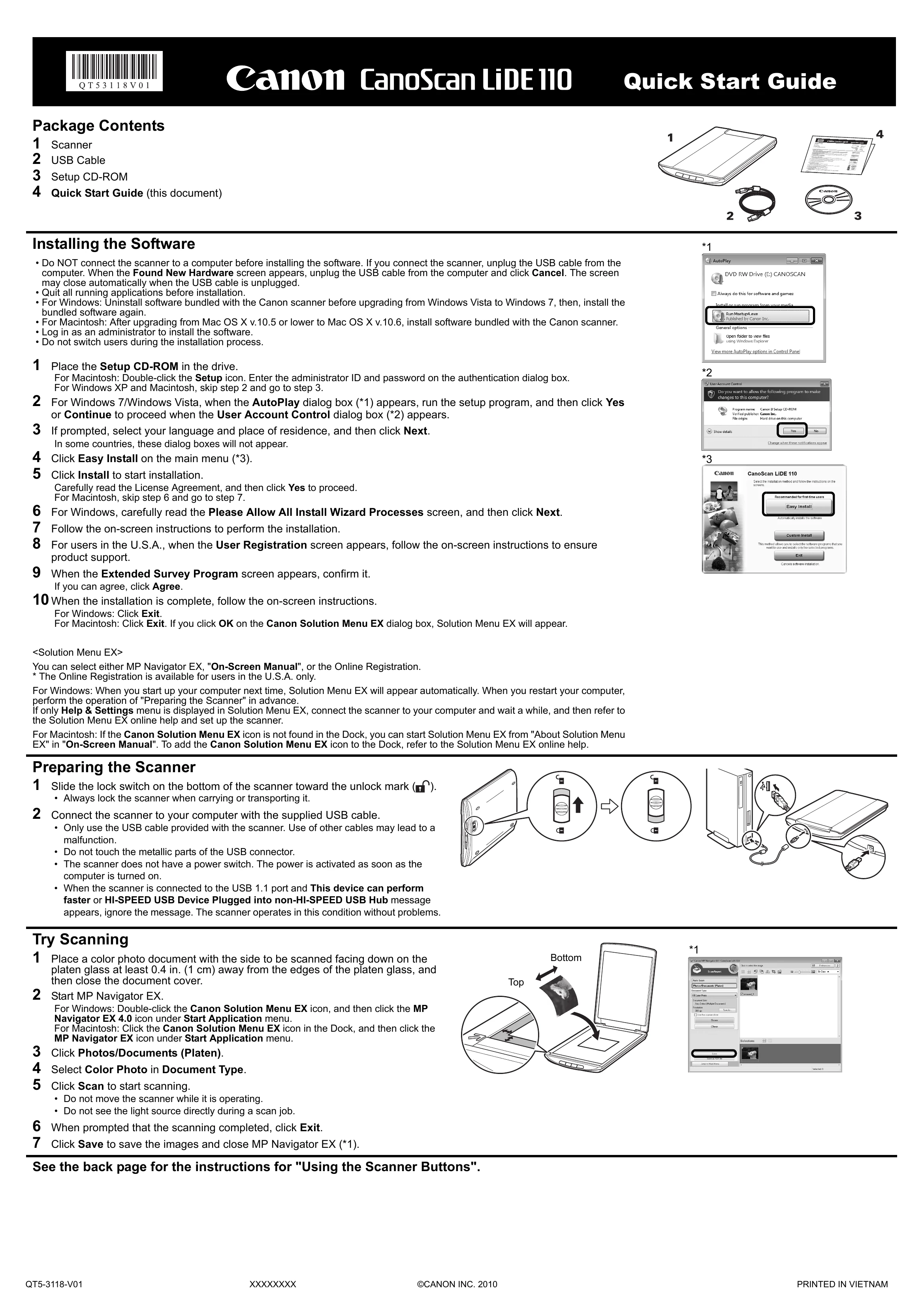
1. Do NOT connect the scanner before installing. Quit all applications.
2. Insert the Setup CD-ROM.
3. Follow on-screen instructions: select language, click Easy Install, then Install.
4. Read License Agreement and click Yes.
5. Follow prompts for installation, user registration (U.S.A.), and survey.
6. Click Exit when complete.
1. Slide the lock switch on the bottom to unlock.
2. Connect the scanner to your computer using the supplied USB cable.
Note: The scanner has no power switch; it activates when the computer is turned on.
1. Place document face down on the platen glass.
2. Start MP Navigator EX (double-click Canon Solution Menu EX icon, then MP Navigator EX).
3. Click Photos/Documents (Platen).
4. Select Color Photo in Document Type.
5. Click Scan.
6. Click Exit when scanning is complete.
7. Click Save to save images.