Manual for LiDE 300

Manual for LiDE 300

Brand: CANON

Category: Scanner

Document Type: Manual

Language: EN
Uploaded: Sept. 12, 2025, 4:25 a.m.

Placing Items:

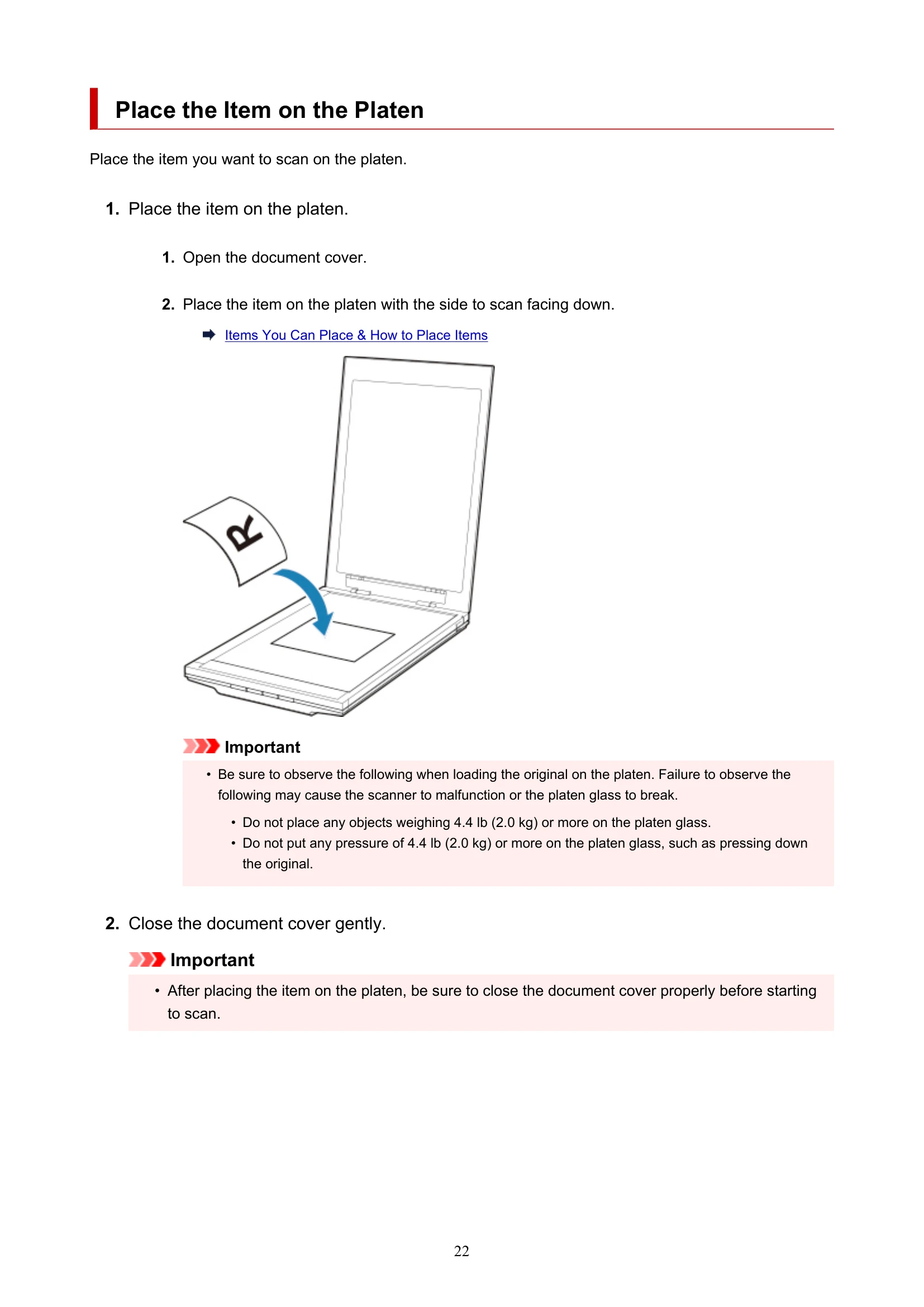
  1. Open the document cover.
  2. Place the item on the platen with the side to scan facing down.
  3. Close the document cover gently.

Scanning and Saving as PDF:

  1. Place the item on the platen.
  2. Press the PDF button.

Scanning and Saving Images (AUTO SCAN Button):

  1. Place the item on the platen.
  2. Press the AUTO SCAN button.
Privacy Policy