Brand: CASIO
Category: Digital Camera
Document Type:
Language: EN
Brand: CASIO
Category: Digital Camera
Document Type:
Language: EN
Uploaded: Aug. 9, 2025, 11:40 p.m.
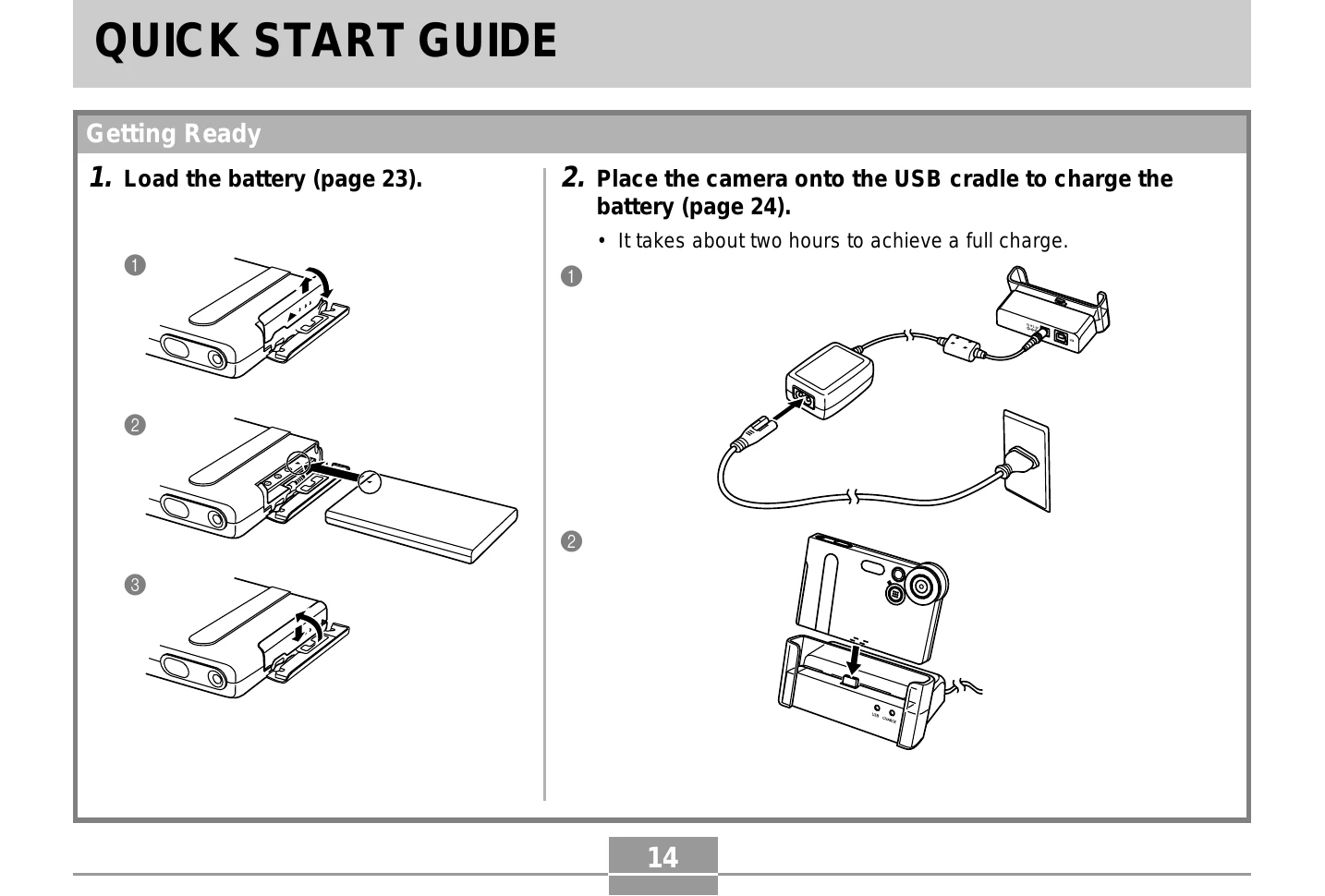
1. Load the battery.
2. Place the camera onto the USB cradle to charge the battery.
1. Press the power button.
2. Select language and rock the controller.
3. Click to register language and proceed to clock settings.
4. Set the date and time.
5. Click to register clock settings and exit.
1. Press the power button.
2. Set the mode selector to "REC".
3. Compose the image using the monitor or viewfinder.
4. Gently press the shutter release button.