Brand: CASIO
Category: Digital Camera
Document Type:
Language: EN
Brand: CASIO
Category: Digital Camera
Document Type:
Language: EN
Uploaded: Aug. 9, 2025, 11:42 p.m.
Refer to the manual for specific warranty information.
Unpacking: Check all items included with the digital camera upon unpacking.
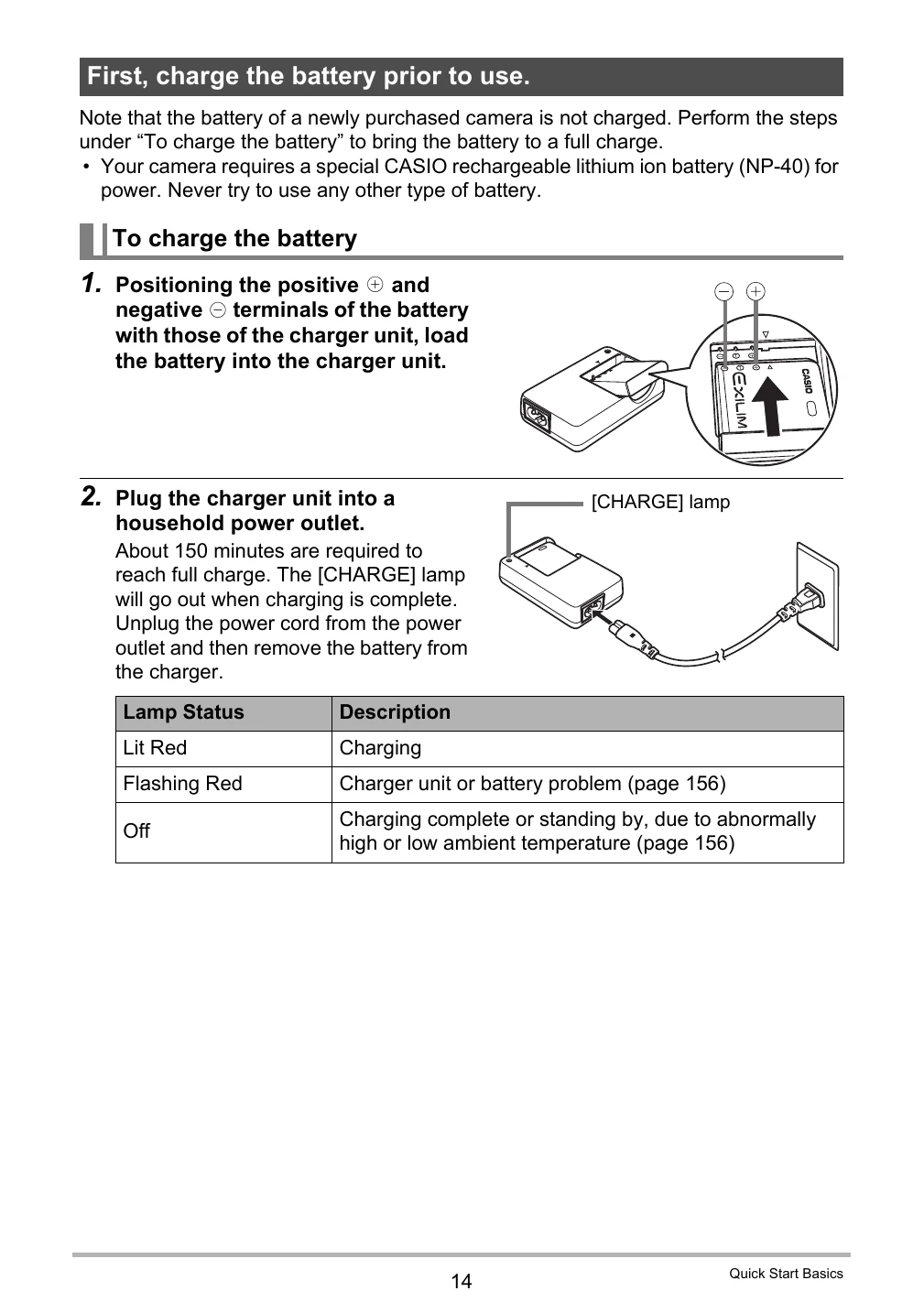
Charging the Battery: Charge the battery fully before first use. The 'CHARGE' lamp indicates charging status.
Loading the Battery: Open the battery cover, slide the battery in with the EXILIM logo facing up, and close the cover.
Preparing a Memory Card: Use SD or SDHC memory cards. Format new cards before use via the camera's setup menu.
Turning On/Off: Press the [ON/OFF] button to power on. Press [ON/OFF] again to power off.
Shooting a Snapshot: Turn on the camera, point at the subject, half-press the shutter to focus, then fully press to capture the image.
| Issue | Possible Cause | Solution |
|---|---|---|
| Camera does not turn on. | Battery is discharged. | Charge the battery. |
| Cannot record images. | Memory card is full or not inserted. | Insert or format memory card, or delete files. |
| Blurry images. | Subject moved during exposure or camera shake. | Hold camera steady, use a tripod, or adjust shooting settings. |
| Screen is blank or frozen. | Camera malfunction. | Turn off and on again. If problem persists, contact service. |