Manual for QV-3500EX

Manual for QV-3500EX

Brand: CASIO

Category: Digital Camera

Document Type:

Language: EN

Uploaded: Aug. 9, 2025, 11:40 p.m.

Warranty Information

None

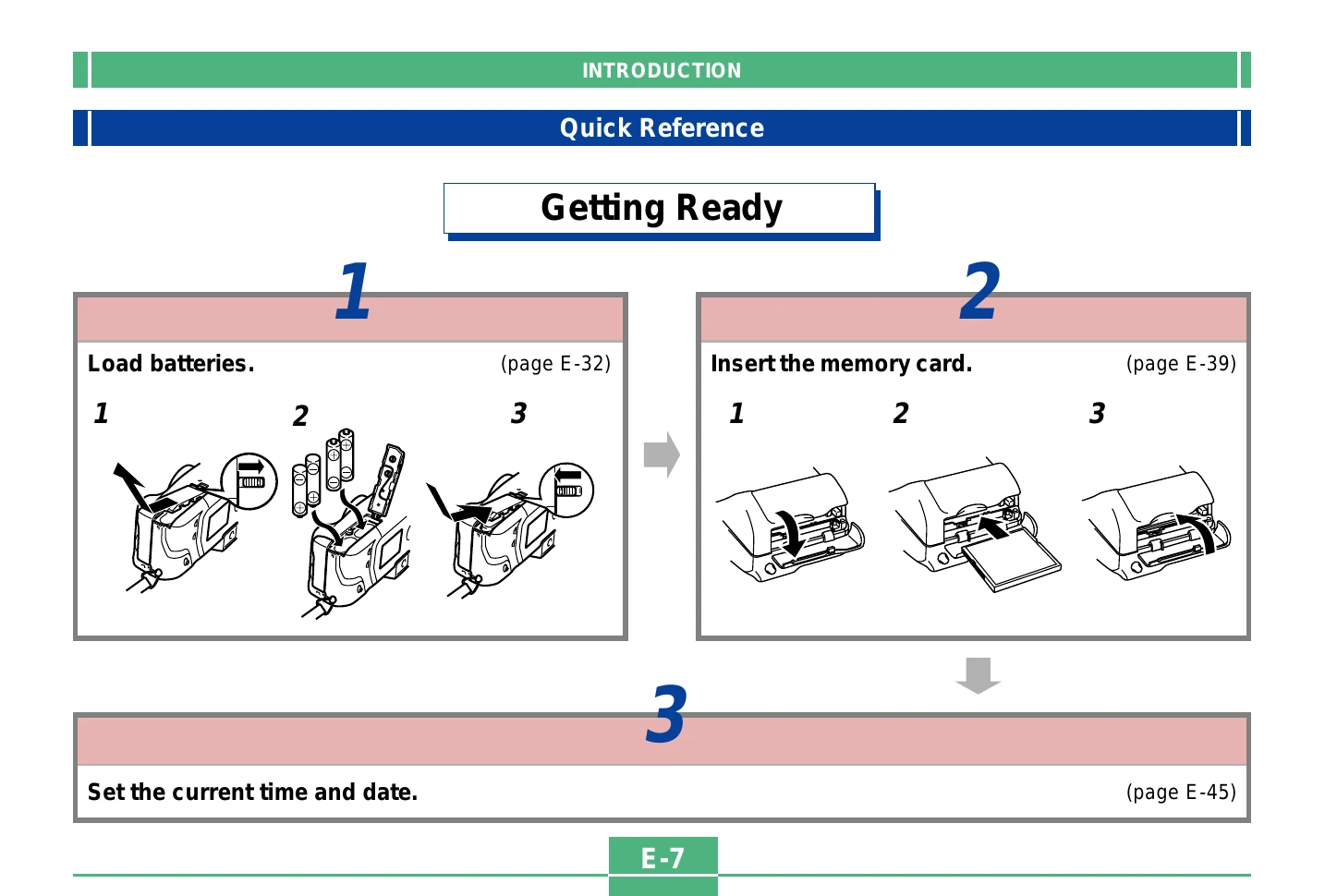
Getting Started

  1. Load batteries.
  2. Insert the memory card.
  3. Set the current time and date.

Recording an Image

  1. Remove the lens cap.
  2. Align the POWER/Function Switch with REC.
  3. Point camera, compose, and press shutter halfway to focus.
  4. Press shutter fully to record.

Playback

  1. Align POWER/Function Switch with PLAY.
  2. Use directional buttons to scroll through images.

Deleting Images

  1. Align POWER/Function Switch with PLAY.
  2. Scroll to the image to delete.
  3. Press the delete button.
  4. Confirm deletion.
Privacy Policy