Brand: Cecotec
Category: Kitchen Appliances
Document Type: Manual
Language: EN
Available Languages: ES , EN
Brand: Cecotec
Category: Kitchen Appliances
Document Type: Manual
Language: EN
Available Languages: ES , EN
Uploaded: April 20, 2026, 7:54 p.m.
This product has a 2-year warranty from the date of purchase, provided it is in perfect physical condition and used correctly.
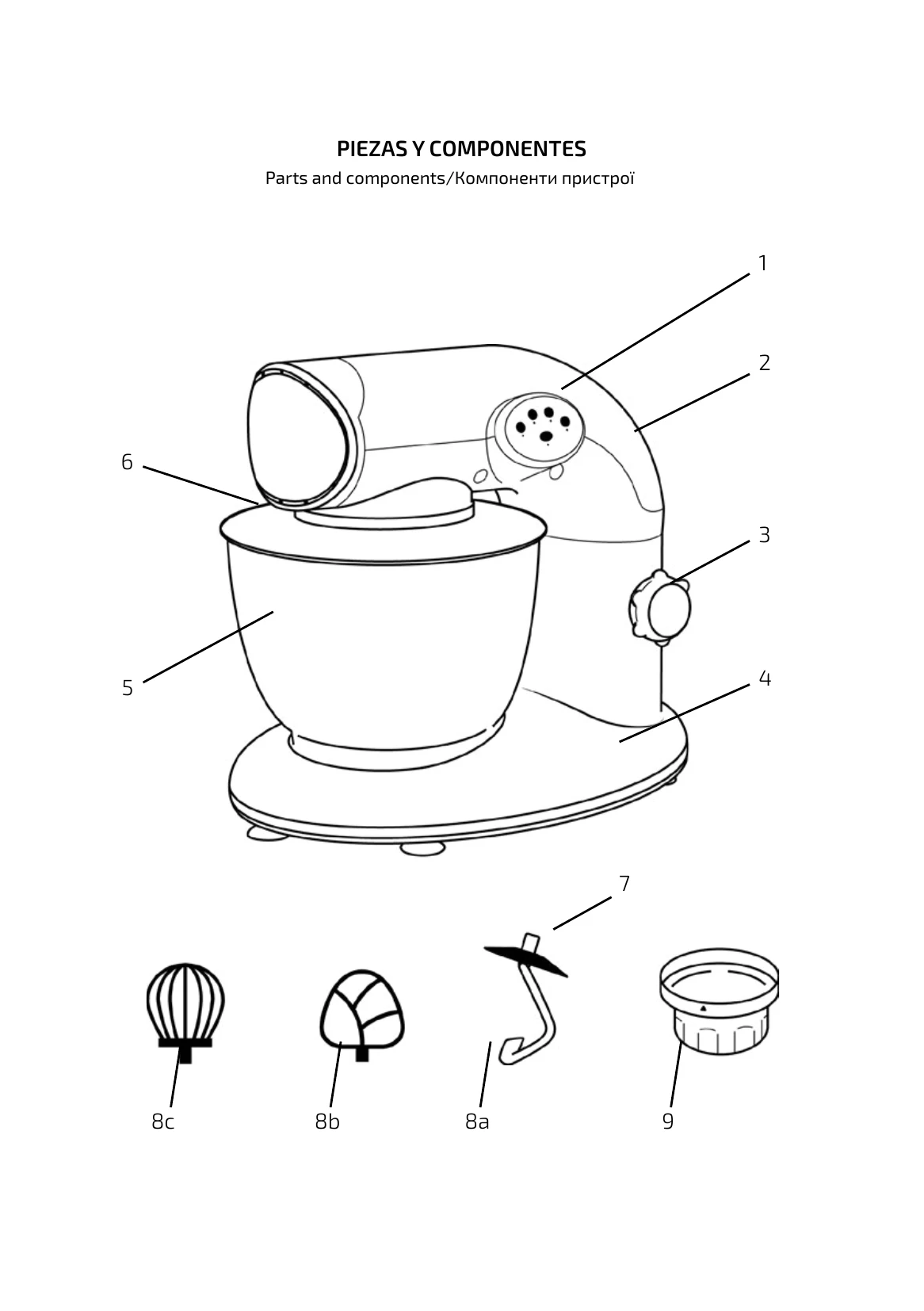
Operating the Cecomixer Compact:
| Product/preparation | Max. amount | Accessory | Speed setting | Max. operating time |
| Heavy dough (e.g. yeast dough, pastry) | 2 kg | Kneading hook | 1-2 | 3 min |
| Medium dough (e.g. waffles dough or cake mixture) | 2 kg | Mixing blade | 2-3 | 5 min |
| Light dough (e.g. sponge mixture, crêpe, egg whites, cream, custard) | 2 kg or 1.5 litres | Whisk | 3-4 | 5 min |