Brand: Cisco
Category: Networking
Document Type: Manual
Language: EN
Brand: Cisco
Category: Networking
Document Type: Manual
Language: EN
Uploaded: Sept. 12, 2025, 4:20 a.m.
Manual Publish Date: 2017-11-22
The software license and limited warranty are set forth in the information packet that shipped with the product.
Your analog telephone adapter (ATA) allows you to connect an analog device, such as an analog phone or fax machine, to your network. The connected device can then function like the IP phones in your network.
Your new analog telephone adapter (ATA) has two interfaces:
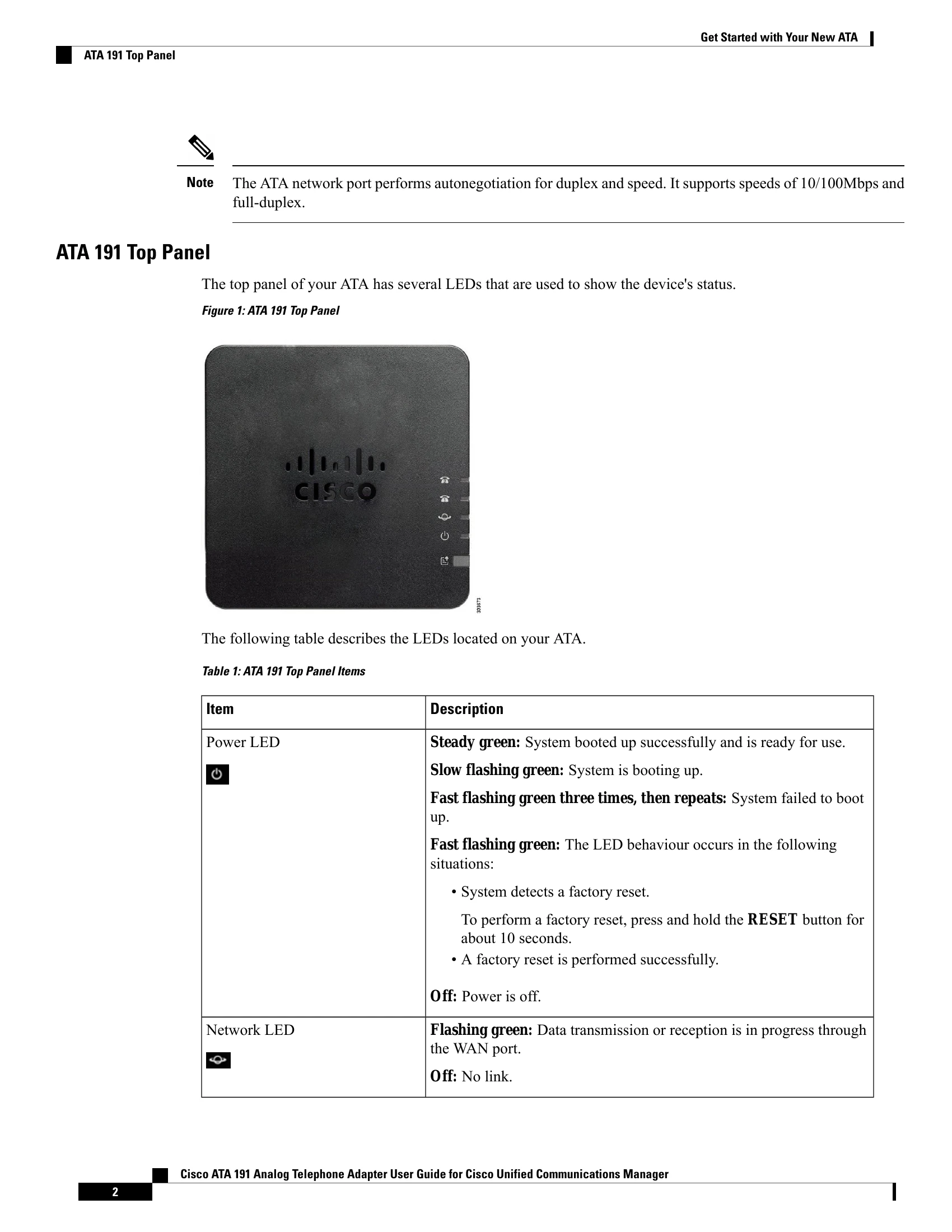
Light-emitting diodes (LEDs) on the ATA provide status.
Install your ATA with the components that are included in the box.
You'll perform these tasks:
The ATA 191 and ATA 192 are compact, easy to install devices.
The unit provides these connectors:
| Item | Description |
|---|---|
| Power LED |
Steady green: System booted up successfully and is ready for use. Slow flashing green: System is booting up. Fast flashing green three times, then repeats: System failed to boot up. Fast flashing green: The LED behaviour occurs in the following situations:
Off: Power is off. |
| Network LED |
Flashing green: Data transmission or reception is in progress through the WAN port. Off: No link. |
| Phone 1 LED |
Steady green: On hook. Slow flashing green: Off hook. Fast flashing green three times, then repeats: The analog device failed to register. Fast flashing green: A factory reset is performed successfully. Off: The port is not configured. |
| Phone 2 LED |
Steady green: On hook. Slow flashing green: Off hook. Fast flashing green three times, then repeats: The analog device failed to register. Fast flashing green: A factory reset is performed successfully. Off: The port is not configured. |
| Problem Report Tool (PRT) Button |
Press this button to create a problem report using the Problem Report Tool. Note: This is not a power button. When you press this button, a problem report is generated and uploaded to a server for the system administrator. |
| Problem Report Tool (PRT) LED |
Flashing amber: The PRT is preparing the data for the problem report. Fast Flashing amber: The PRT is sending the problem report log to the PRT server. Solid green for five seconds, then off: The PRT report was sent successfully. Fast flashing green: A factory reset is performed successfully. Flashing red: The PRT report failed. Press the PRT button to turn the LED off. Once it is off, another press triggers a new PRT report. |