Brand: Cisco
Category: Telephony
Document Type: Installation Guide
Language: EN
Brand: Cisco
Category: Telephony
Document Type: Installation Guide
Language: EN
Uploaded: Sept. 12, 2025, 4:24 a.m.
| Problem | Possible Cause | Solution |
|---|---|---|
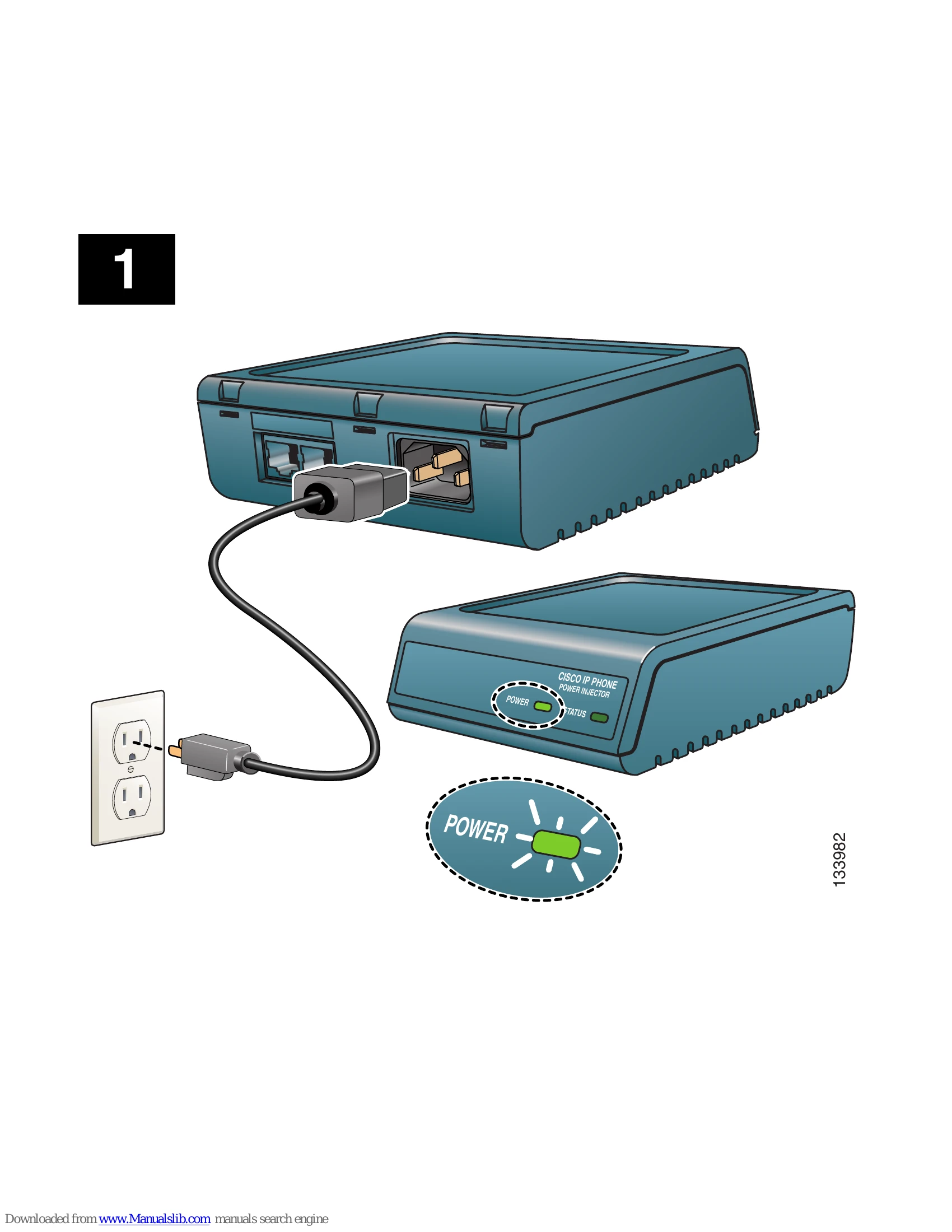
| Power injector does not power up | Power cord is not plugged in correctly. | Ensure the power cord is securely plugged into the power injector and the wall outlet. |
| IP phone does not power up | Incorrect cable connections. | Verify that the DATA and POWER - Phone cable is connected between the power injector and the IP phone, and the DATA - Network cable is connected between the power injector and the network. |
| Status LED is off | Power injector is not receiving power. | Check power cord connections and ensure the wall outlet is functional. |
| Status LED is blinking | Potential hardware issue or firmware problem. | Refer to Cisco documentation or contact Cisco support. |