Powering On/Off: Press the POWER button to turn on. Press and hold the POWER button for three seconds to turn off.
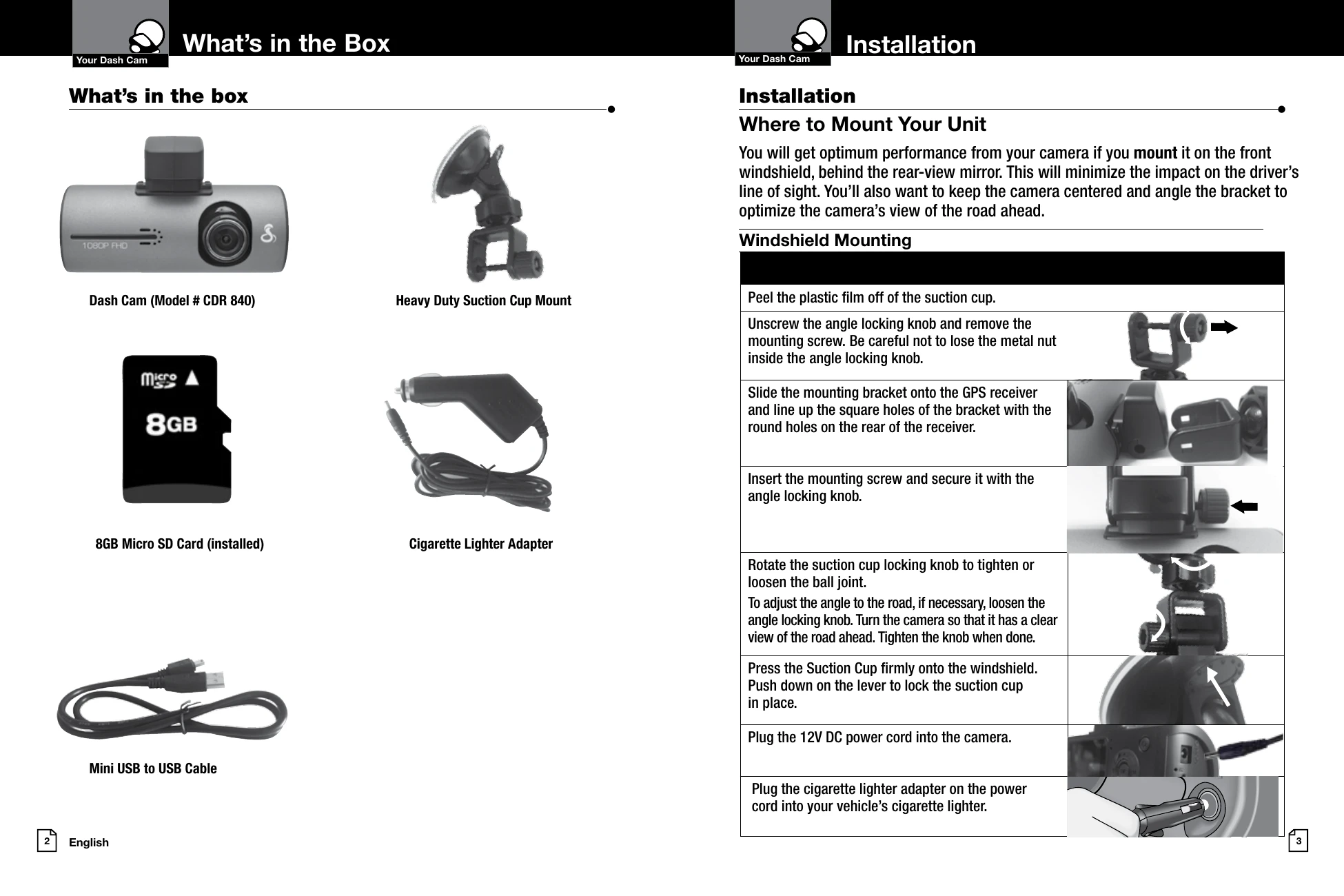
Charging: Charge using the included car charger or a USB cable. The device has a short-term internal battery.
Modes: Switch between Video Mode, Still Photo Mode, Video Playback Mode, and Still Photo Playback Mode using the MODE button.
Video Recording: In Video Mode, press OK to start/stop recording. Press FILE LOCK to protect a clip. Press UP to toggle the microphone, and DOWN to toggle the screen.
Still Photos: In Still Photo Mode, press OK to take a picture. Press and hold UP/DOWN to digitally zoom.
Playback: Use the MODE button to return to the file selection screen. Press OK to play a selected file. Use UP/DOWN to navigate files. Use MENU to adjust volume or delete files.
Protection: In playback mode, press MENU, navigate to PROTECT, and press OK to lock a video or image, preventing it from being overwritten.