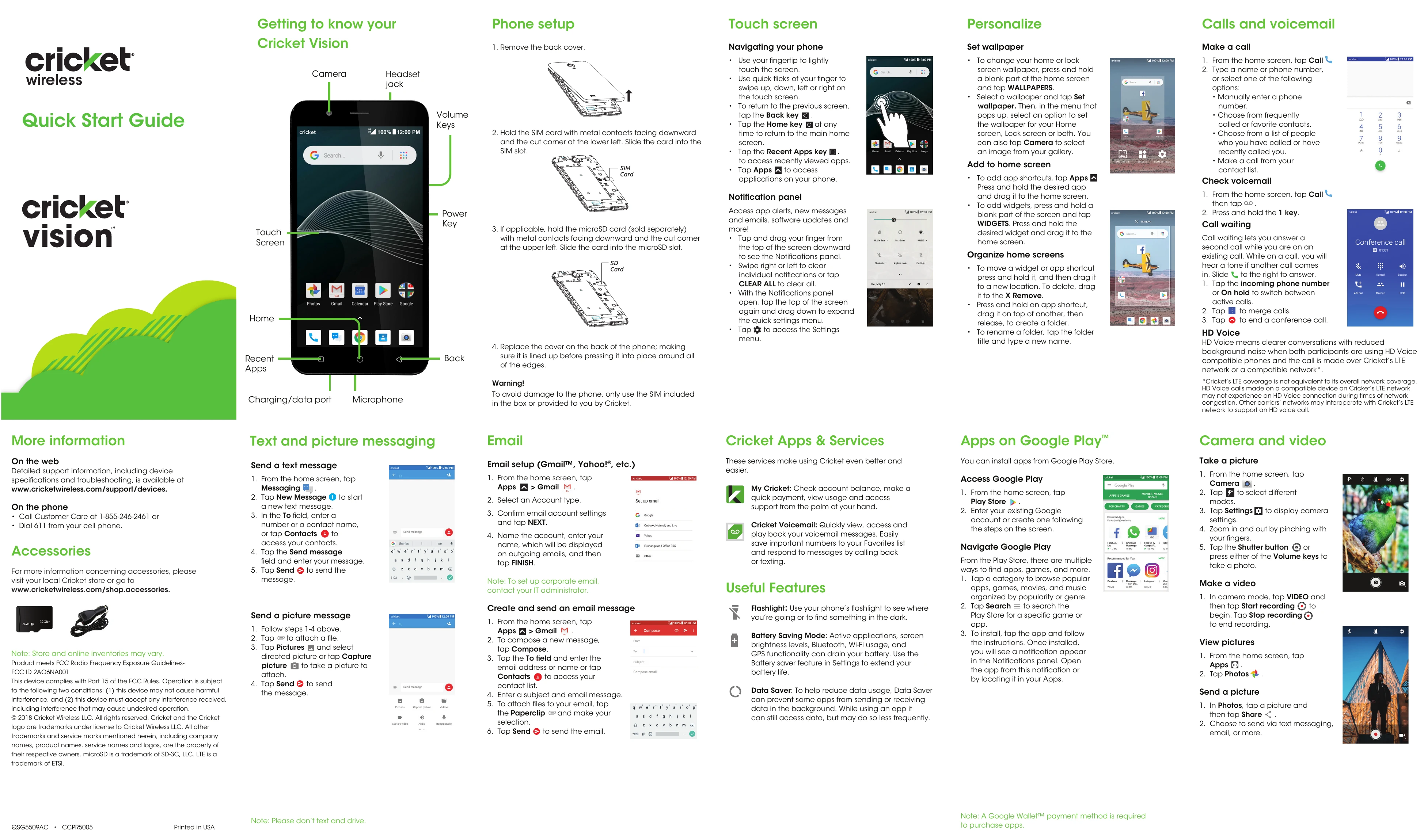
Getting to know your Cricket Vision: This section covers the basic physical layout of the phone, including the touch screen, camera, headset jack, volume keys, power key, charging/data port, and microphone.
Phone setup: Instructions for inserting the SIM card and microSD card (if applicable), and replacing the back cover.
Navigating your phone: Explains how to use the touch screen (touching, swiping) and the navigation keys (Back, Home, Recent Apps). It also covers accessing the notification panel and quick settings.
Personalize: Guides on setting wallpaper and organizing the home screen by adding app shortcuts and widgets, creating folders, and renaming them.
Calls and voicemail: Details on how to make a call and check voicemail, including information on call waiting and conference calls.
Text and picture messaging: Instructions for sending text messages and picture messages, including how to attach pictures.
Email: Steps for setting up email accounts (Gmail, Yahoo!, etc.) and sending an email with attachments.
Cricket Apps & Services: Highlights useful Cricket services like My Cricket and Cricket Voicemail, along with general useful phone features like Flashlight, Battery Saving Mode, and Data Saver.
Apps on Google Play™: Explains how to access and navigate the Google Play Store to install apps and games.
Camera and video: Instructions on taking pictures and videos, zooming, and viewing saved photos. It also covers how to share pictures.