Brand: D-Link
Category: Network Storage
Document Type: Manual
Language: EN
Brand: D-Link
Category: Network Storage
Document Type: Manual
Language: EN
Uploaded: Nov. 21, 2025, 8:55 p.m.
Warranty information not explicitly stated, but typically 1-2 years for D-Link products.
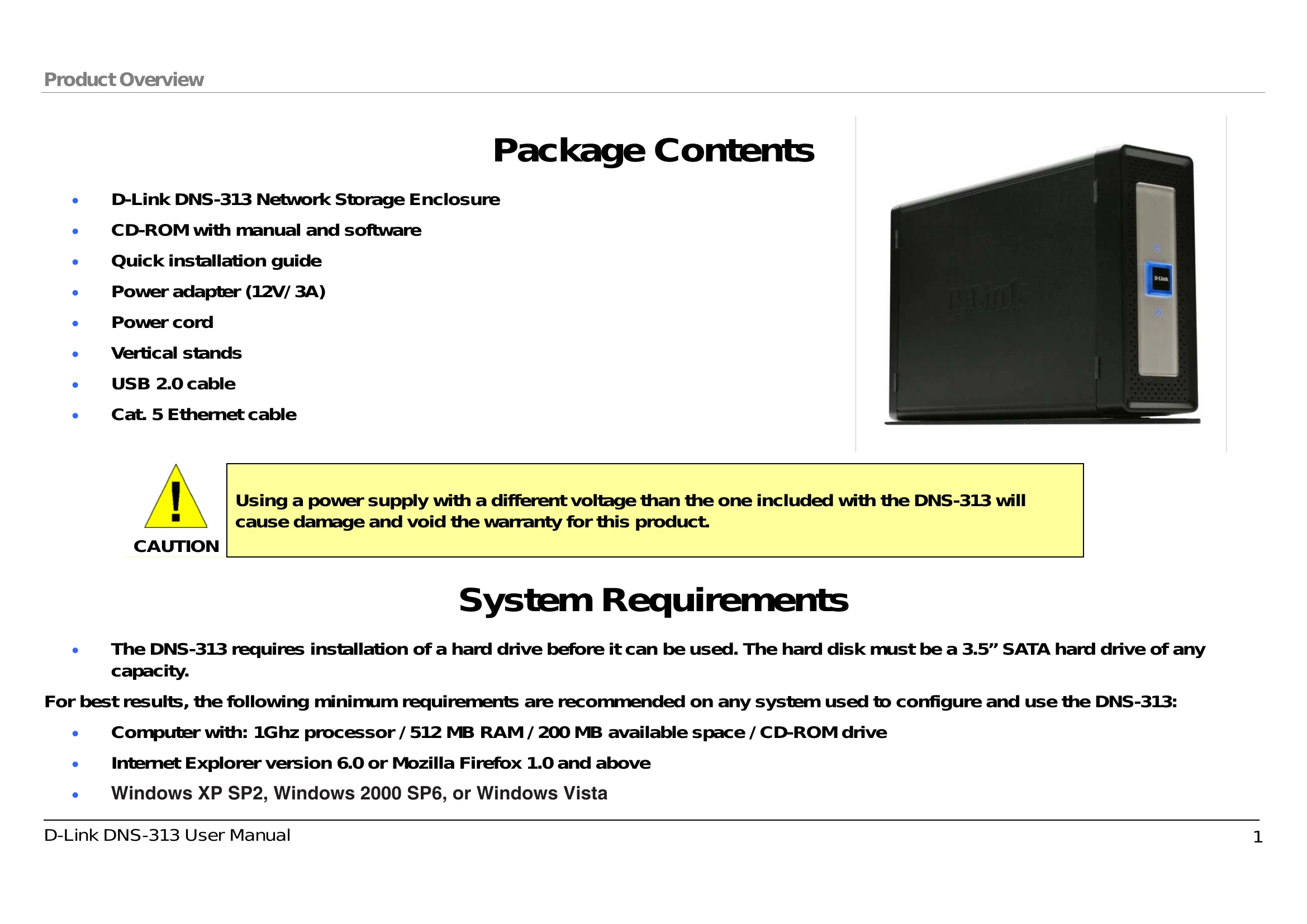
The DNS-313 requires installation of a hard drive before it can be used. The hard disk must be a 3.5” SATA hard drive of any capacity.
For best results, the following minimum requirements are recommended on any system used to configure and use the DNS-313:
The D-Link DNS-313 1-Bay Network Storage Enclosure enables you to share your documents, photos, music, and videos across the network and on the Internet (via FTP server) so that family members, friends, or employees can access them at anytime. This enclosure, which can hold one 3.5” SATA hard drive of any capacity, creates a central network point for backing up valuable files.
The DNS-313 shares files over the Internet via the built-in FTP server. Users and groups can be created and assigned to folders with either read or read/write permission. In addition, the DNS-313 can be used to stream photos, music, and videos to UPnP AV compatible network media players.
The included CD contains D-Link's Easy Search Utility. After the initial installation and hard drive formatting is completed, this utility allows you to locate the DNS-313 on the network and map drives to your computer. Backup software is also included on the CD. This software allows you to backup your files from a computer to the DNS-313 manually, by a schedule, or in real-time. Real-time backups are a great way to safeguard against unfortunate accidents that may result in the loss of important files.
Combining ease of use with practical, high performance features, the DNS-313 is an organized solution for any network. Free up disk space on computers and centralize data on your network with the DNS-313 1-Bay Network Storage Enclosure.
| Problem | Possible Cause | Solution |
|---|---|---|
| Device does not power on. | Power adapter is not plugged in correctly. | Ensure the power adapter is securely plugged into both the device and the wall outlet. |
| Cannot connect to the DNS-313. | Network cable is not connected properly. | Ensure the Ethernet cable is securely connected to both the DNS-313 and your router or computer. |
| Cannot access the internet. | Incorrect network settings. | Verify your network configuration, including IP address, subnet mask, and gateway. |
| Hard drive not detected. | Hard drive is not installed correctly or is faulty. | Ensure the hard drive is properly seated in the bay. Try a different hard drive if possible. |