Brand: D-Link
Category: Network Storage
Document Type: Manual
Language: EN
Brand: D-Link
Category: Network Storage
Document Type: Manual
Language: EN
Uploaded: Sept. 12, 2025, 4:21 a.m.
Manual Publish Date: 2004-10-27
The product has a 1-year limited warranty for hardware and a 90-day limited warranty for software.
| Problem | No connection to the DSM-622H/624H |
|---|---|
| Possible Cause | The DSM-622H/624H is not powered on. |
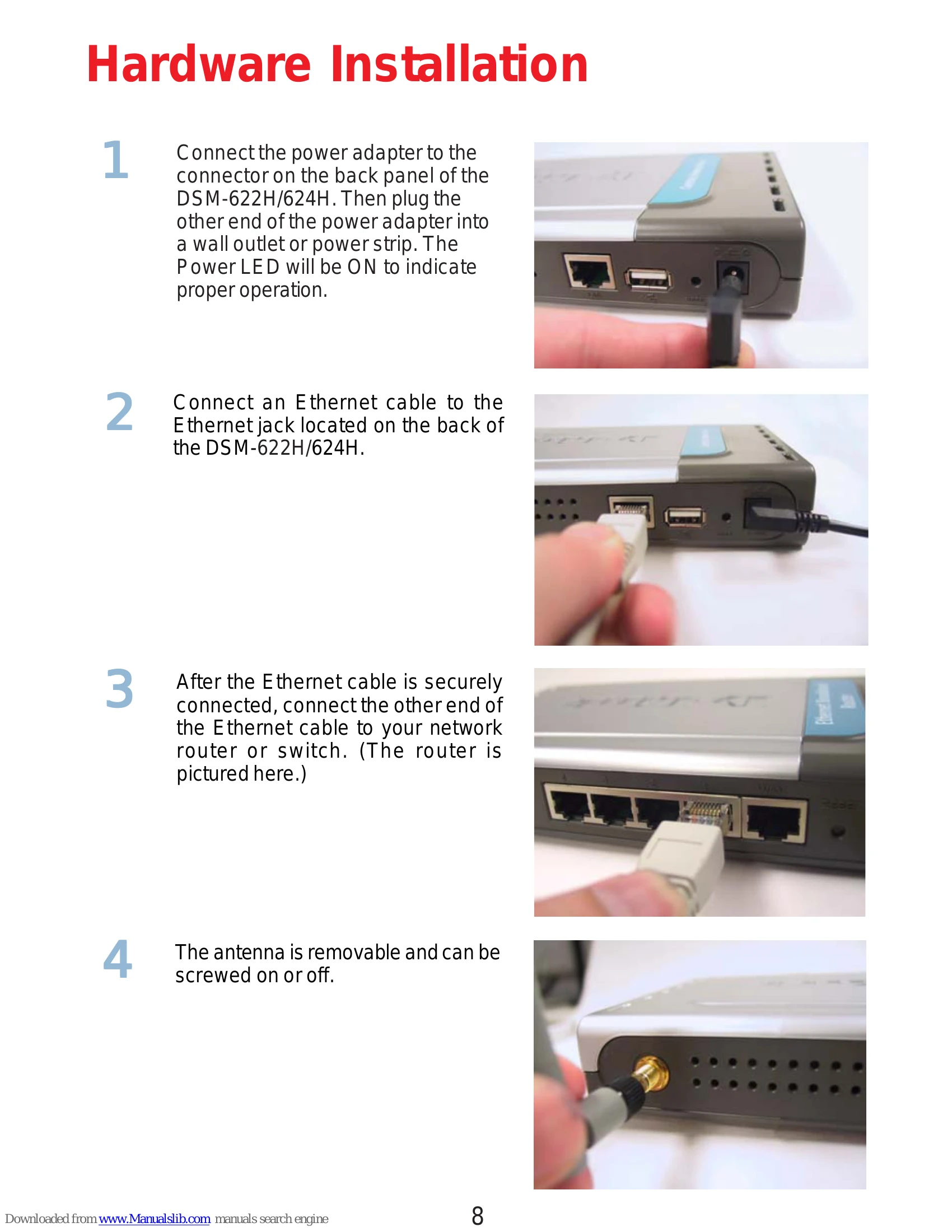
| Solution | Connect the power adapter to the DSM-622H/624H and plug it into a wall outlet or power strip. Ensure the Power LED is ON. |
| Problem | Cannot access the configuration utility |
| Possible Cause | Incorrect IP address entered. |
| Solution | If you do not have a DHCP server, type the default IP address: 192.168.0.65. If you have a DHCP server, type http://dsm-622h. Ensure your computer is on the same subnet. |
| Problem | Network connection issues |
| Possible Cause | Incorrect network settings. |
| Solution | Verify your network configuration, including IP address, subnet mask, and gateway. For Windows XP/2000, ensure the IP address is within the same range as the router and that the subnet mask is correct. Use ping to test network connectivity. |