Manual for DFE-530TX+

Manual for DFE-530TX+

Brand: D-Link

Category: Networking

Document Type: Manual

Language: EN
Uploaded: Nov. 21, 2025, 8:36 p.m.

Manual Publish Date: 2010-01-14

Warranty Information

D-Link warrants the hardware to be free from defects for one year from the date of purchase.

Product Overview

  • Package Contents: D-Link DFE-530TX+ PCI Network Adapter, WOL Cable, Standard and Low Profile Brackets, Manual and Warranty on CD, Quick Install Guide.
  • System Requirements: Computer with available PCI slot, Windows 7/Vista/XP/2000, Linux 2.2.x+, Netware 5.x/6.x, Mac OS 10.2.x, 300MHz processor, 64MB RAM, 32MB free hard drive space, CD-ROM Drive.
  • Features: Wake-On-LAN support, PCI Local Bus Adapter 2.1/2.2 support, Plug and Play installation, supports 20/200Mbps in Full Duplex Mode and 10/100Mbps in Half Duplex Mode.
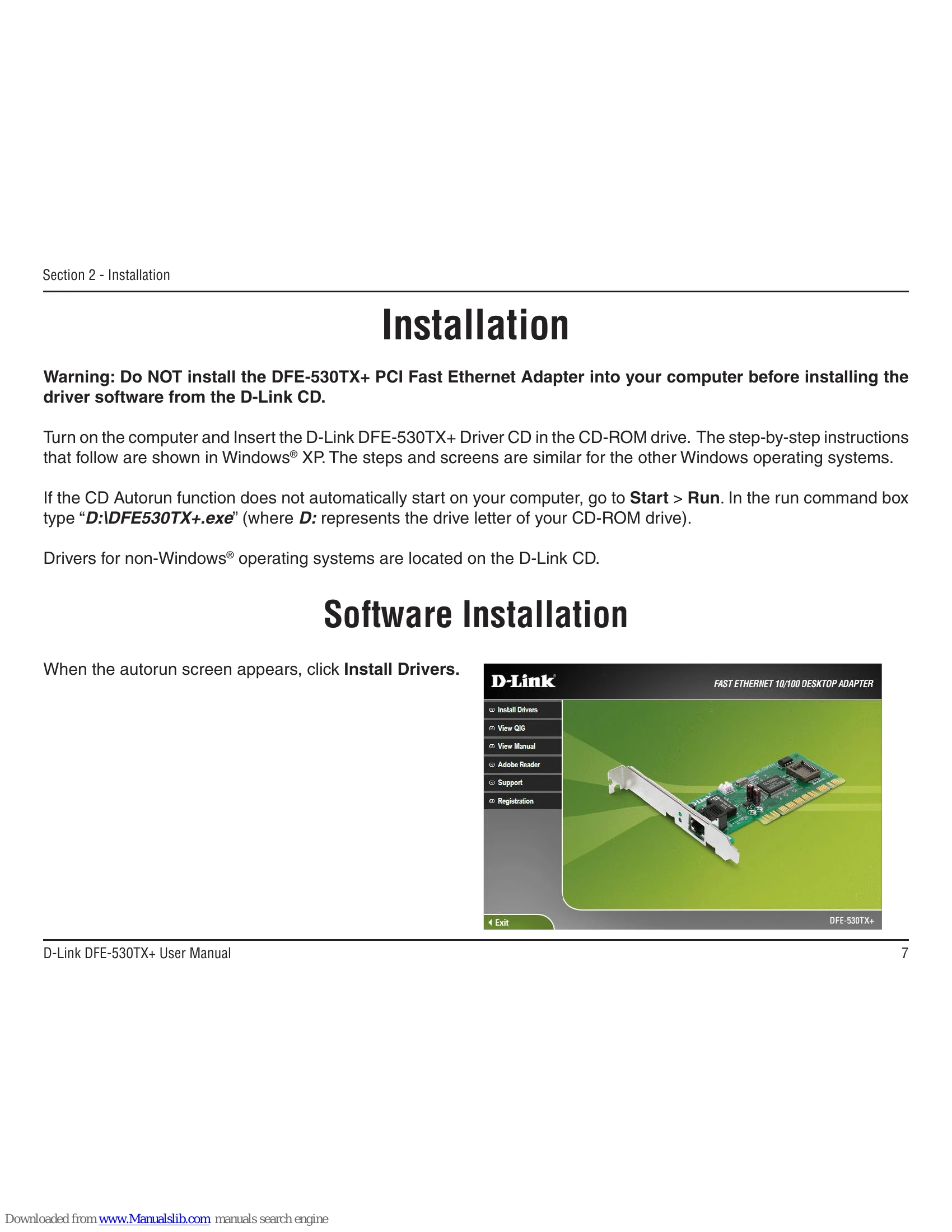
  • Installation: Install drivers from CD before installing hardware. Insert adapter into PCI slot. Windows will auto-install drivers upon boot. Follow wizard for driver installation if prompted.
  • Troubleshooting: Verify installation via Device Manager. Check for proper driver installation and device status.

Troubleshooting and error codes

Problem Solution
Adapter not recognized Ensure adapter is properly seated. Remove old drivers if Windows does not detect hardware upon insertion.
Incorrect computer operation after plugging in WOL cable Do not swap WOL cables between different D-Link cards. Use the correct WOL cable for the specific card.
Privacy Policy