Computer with: Microsoft Windows® 10/8/7/Vista/XP SP3 or Mac with OS X 10.7 or higher
Internet Explorer 8, Edge 25, Firefox 20, Safari 4, or Chrome 17 or higher version with Java installed and enabled
Hardware Setup
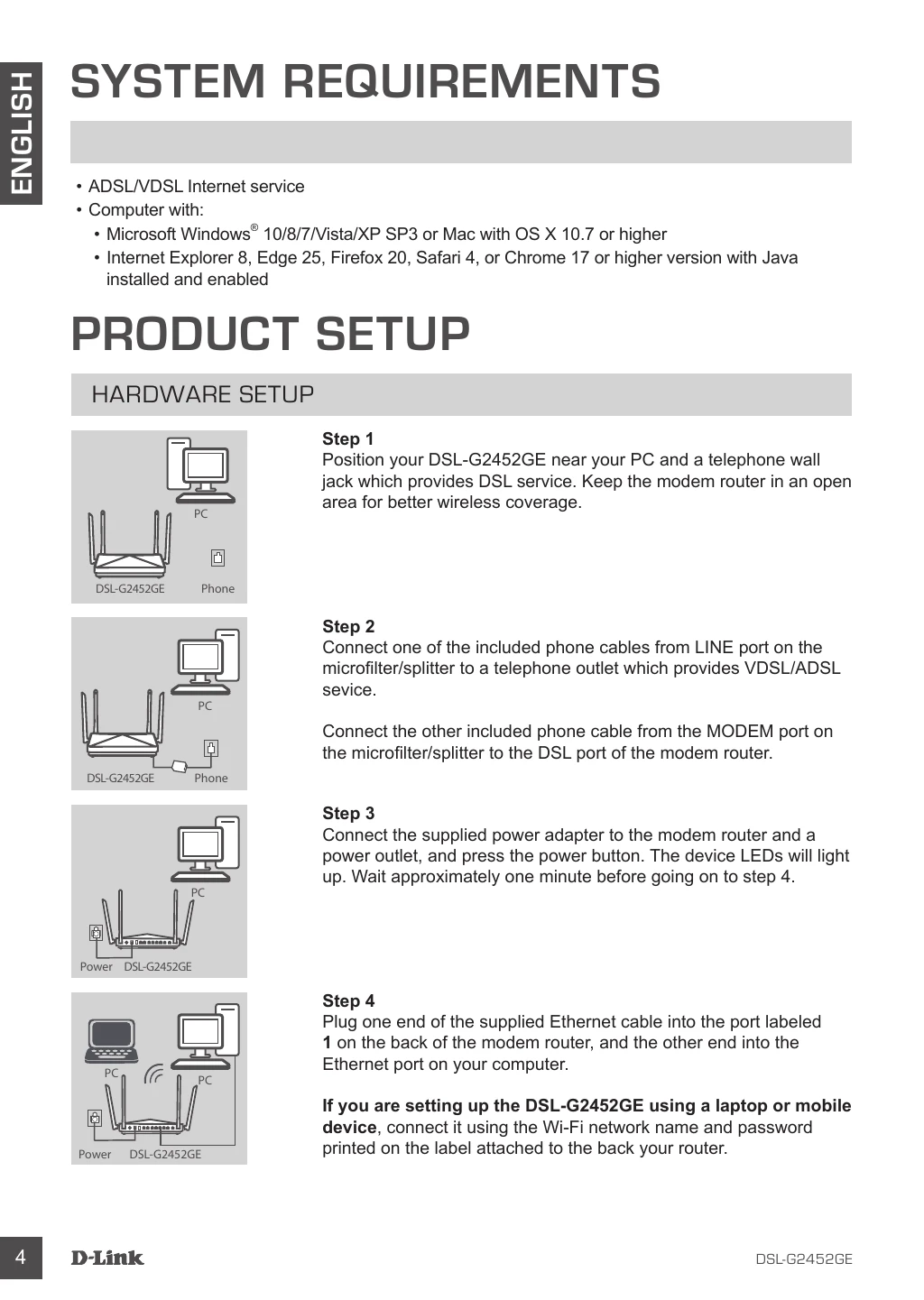
Position your DSL-G2452GE near your PC and a telephone wall jack which provides DSL service. Keep the modem router in an open area for better wireless coverage.
Connect one of the included phone cables from LINE port on the microfilter/splitter to a telephone outlet which provides VDSL/ADSL service.
Connect the other included phone cable from the MODEM port on the microfilter/splitter to the DSL port of the modem router.
Connect the supplied power adapter to the modem router and a power outlet, and press the power button. The device LEDs will light up. Wait approximately one minute before going on to step 4.
Plug one end of the supplied Ethernet cable into the port labeled 1 on the back of the modem router, and the other end into the Ethernet port on your computer.
If you are setting up the DSL-G2452GE using a laptop or mobile device, connect it using the Wi-Fi network name and password printed on the label attached to the back your router.