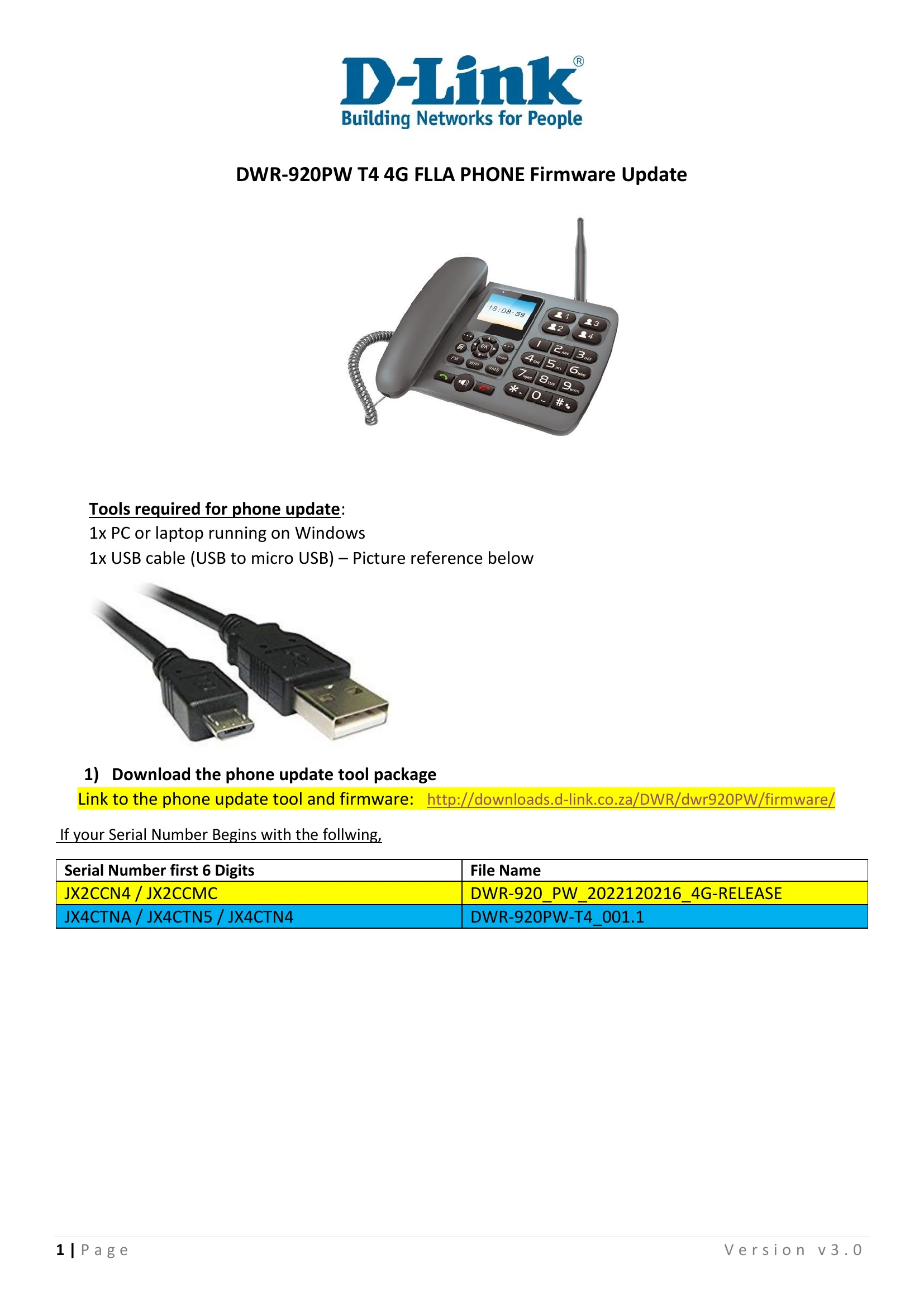
This document provides a step-by-step guide for updating the firmware on the D-Link DWR-920PW 4G FLLA Phone. It outlines the necessary tools, software downloads, and the procedure for connecting the phone to a PC and initiating the update. The process involves downloading an update tool, installing USB drivers, loading a .PAC file into the tool, powering off the phone, and holding a specific button while connecting the USB cable to start the download. Finally, it details waiting for the process to complete, rebooting the phone, and closing the program.