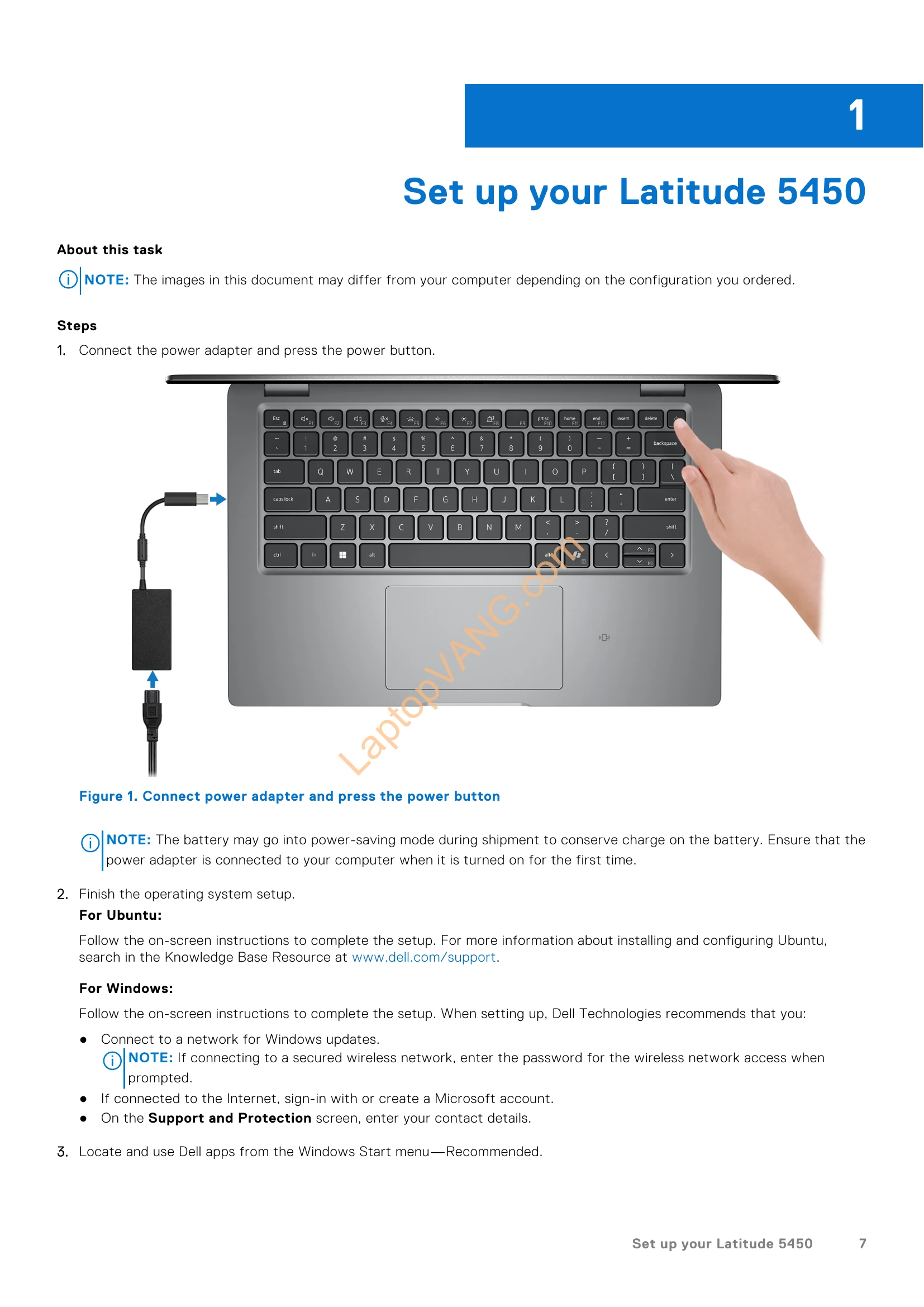
Connecting the power adapter and pressing the power button initiates the computer startup. Following on-screen instructions is crucial for completing the operating system setup. Dell recommends connecting to a network for updates and signing in with a Microsoft account for Windows users. Dell applications can be accessed from the Windows Start menu. The manual details various views of the Latitude 5450, including right, left, top, front, and bottom perspectives, identifying ports, buttons, and components. It also provides specifications for the processor, chipset, memory, external ports, internal slots, Ethernet, wireless and WWAN modules, audio, storage, keyboard, camera, touchpad, power adapter, battery, display, fingerprint reader, sensors, GPU (integrated and discrete), external display support, and hardware security. Information on smart-card readers and operating/storage environments is also included.