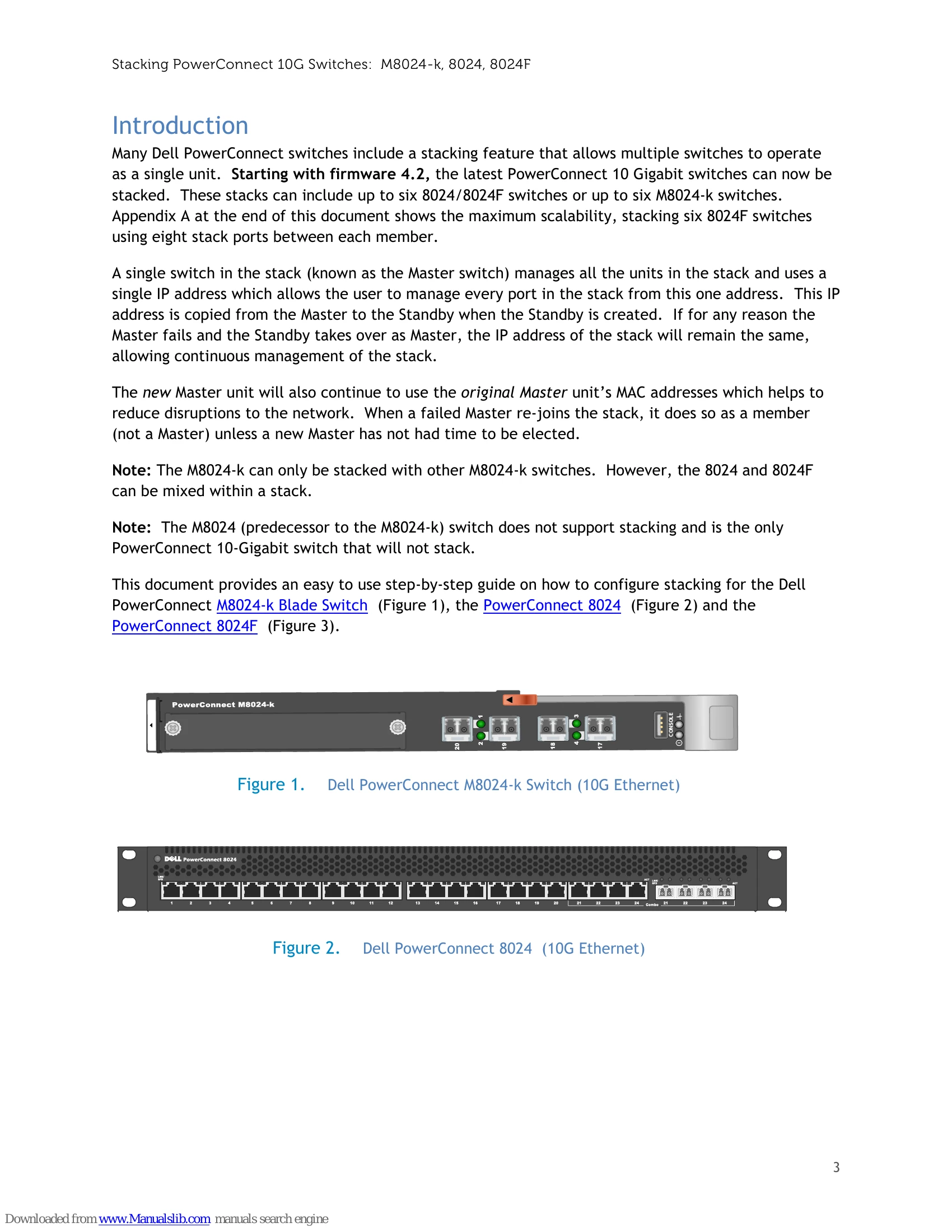
Many Dell PowerConnect switches include a stacking feature that allows multiple switches to operate as a single unit. Starting with firmware 4.2, the latest PowerConnect 10 Gigabit switches can now be stacked. These stacks can include up to six 8024/8024F switches or up to six M8024-k switches. A single switch in the stack (known as the Master switch) manages all the units in the stack and uses a single IP address which allows the user to manage every port in the stack from this one address. The new Master unit will also continue to use the original Master unit's MAC addresses which helps to reduce disruptions to the network. This document provides an easy to use step-by-step guide on how to configure stacking for the Dell PowerConnect M8024-k Blade Switch, the PowerConnect 8024 and the PowerConnect 8024F.