Brand: Dell
Category: Networking Hardware
Document Type: Manual
Language: EN
Brand: Dell
Category: Networking Hardware
Document Type: Manual
Language: EN
Uploaded: Sept. 12, 2025, 4:26 a.m.
Manual Publish Date: 2012-03-04
None
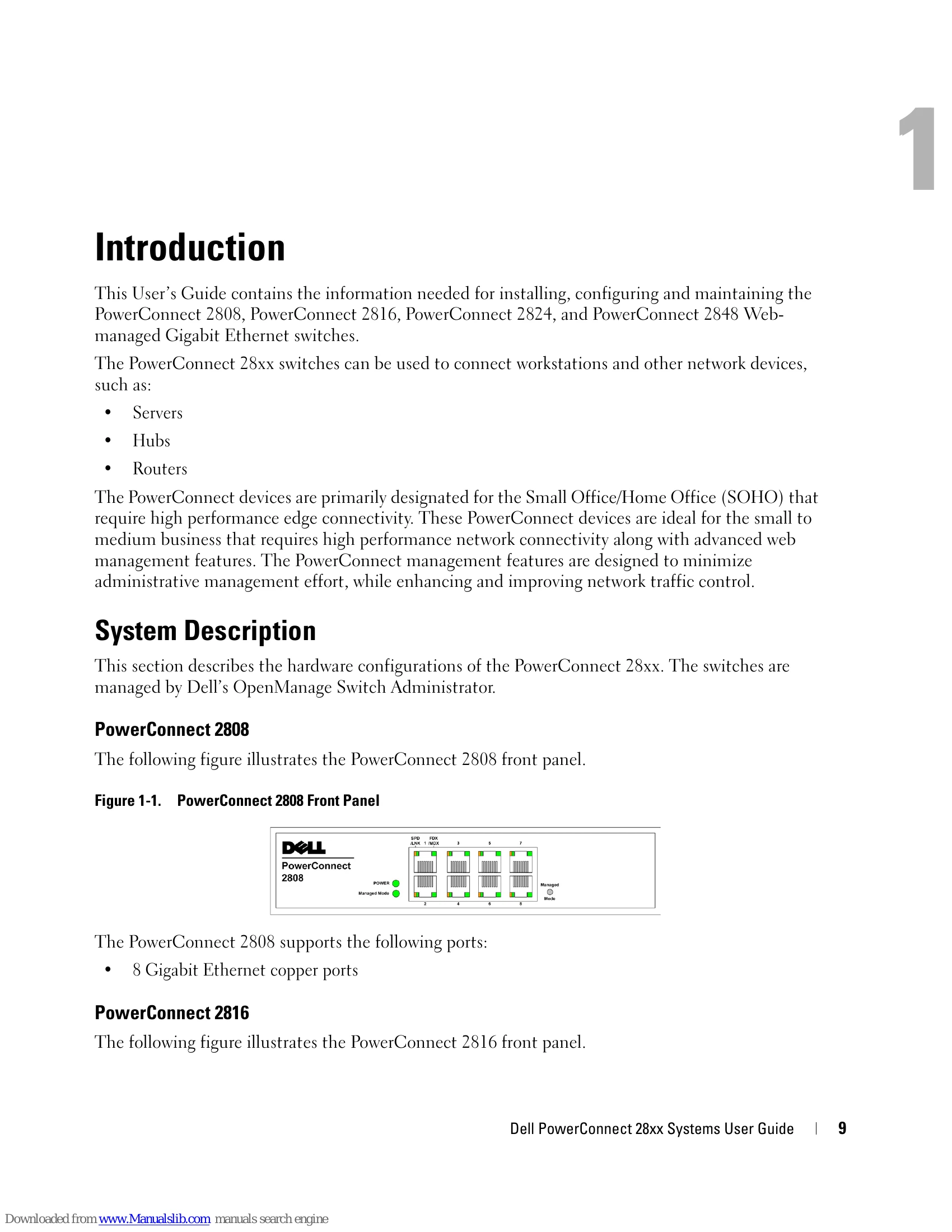
| LED Color | Description |
|---|---|
| Green Solid | The switch is turned on. |
| Off | The switch is not turned on. |
| LED Color | Description |
|---|---|
| Green Flashing | Indicates diagnostics in progress, firmware loading, or Management Mode transition. |
| Green Solid | Indicates the switch is in Managed Mode. |
| Amber Solid | Diagnostics has failed. |
| Amber Flashing | No valid image. |
| Off | Indicates Unmanaged mode or Secure mode. |
| LED Color | Description |
|---|---|
| Green Solid | All fans are operating correctly. |
| Red Solid | One or more fans have failed. |