Brand: Dell
Category: Other
Document Type: Manual
Language: EN
Brand: Dell
Category: Other
Document Type: Manual
Language: EN
Uploaded: Sept. 12, 2025, 4:24 a.m.
Manual Publish Date: 2020-06-01
Dell-branded products carry a one year limited hardware warranty.
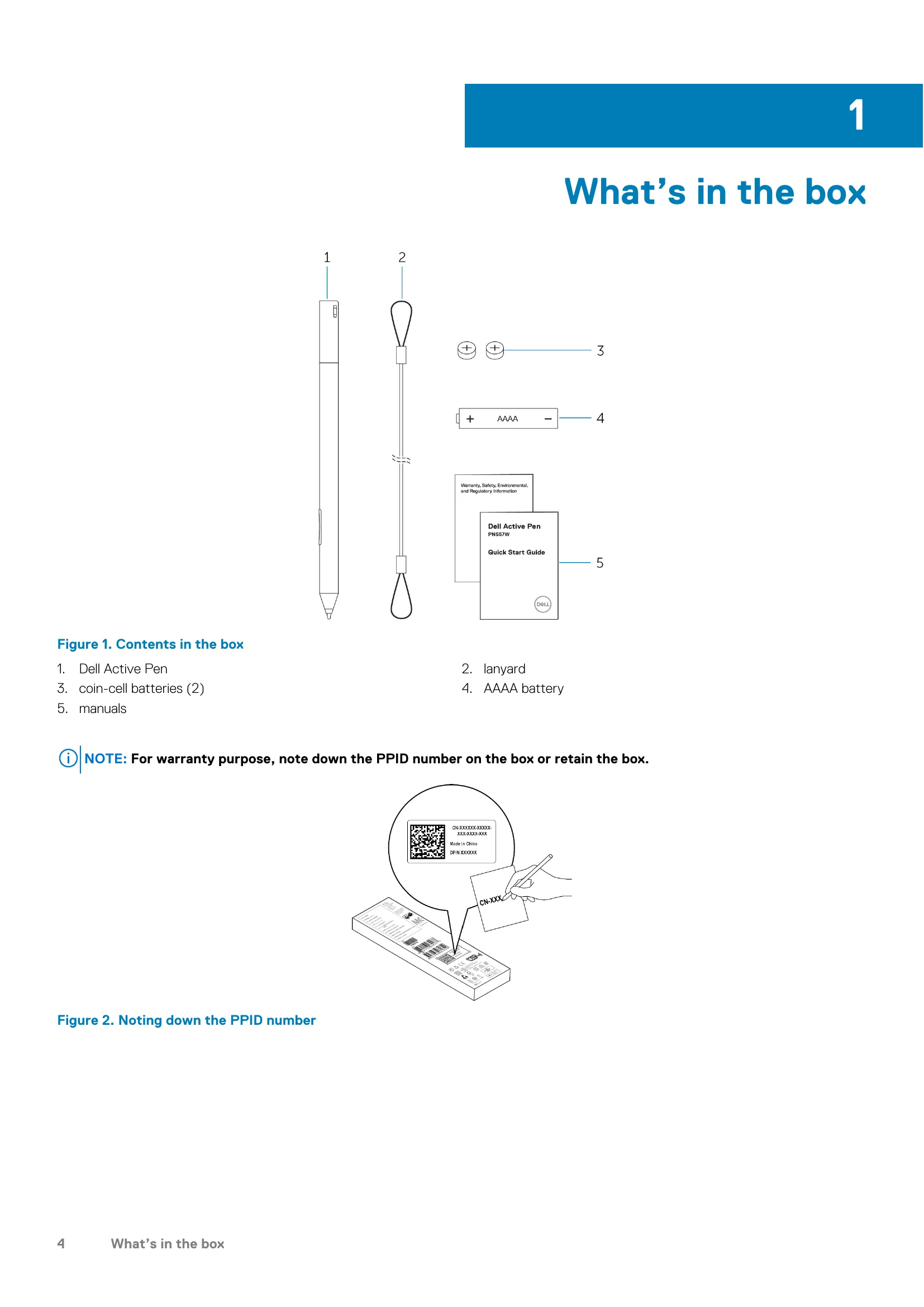
The Dell Active Pen PN557W is designed for enhanced productivity and creativity on compatible Dell devices. Key operations include:
| Problems | Possible causes | Possible solutions |
|---|---|---|
| Pen does not work. | Batteries are installed incorrectly. Batteries are out of charge. |
Ensure the batteries are correctly installed. For more information, see Installing batteries. Replace the batteries. For more information, see Installing batteries. |
| Pen does not write and the barrel buttons do not work. | AAAA battery is either incorrectly installed or out of charge. | Replace the AAAA battery. For more information, see Installing the AAAA battery. |
| Default functions for the barrel buttons do not work. | Functions not supported by application. | Test the barrel buttons in OneNote or another application that supports these features. |
| Pressing the top button once does not open OneNote. | OneNote is not installed. Pen is not paired with your device. Coin-cell batteries may be out of charge. Coin-cell batteries were replaced and the pen was not paired again with your device. |
Ensure OneNote is installed on your device. Ensure the pen is paired with your device. For more information, see Pairing with a Bluetooth device. Change the coin-cell batteries. For more information, see Installing coin-cell batteries. Remove the pen from the list of Bluetooth devices and re-pair it with your device. For more information, see Pairing with a Bluetooth device. |
| Pressing the top button twice in succession does not capture screenshot. | Windows update KB2968599 is not installed on your device. | Install the Windows update KB2968599 from the Microsoft website. |
| Unable to pair the pen with your device. | Unsupported device. Bluetooth driver on your device is outdated. |
Dell Active Pen works only with Dell devices. Install the latest Bluetooth driver for your device. |
| Pen shows as Not Connected under Bluetooth devices list. | Pen is not paired correctly with your device. | Install the latest Bluetooth driver for your device. Remove the pen from your Bluetooth list and pair it again. For more information on pairing the pen with your device, see Pairing with a Bluetooth device. |
| Bluetooth-pairing light does not turn on. | Coin-cell batteries may be out of charge. | Change the coin-cell batteries. For more information, see Installing coin-cell batteries. |
| Pressing and holding the top button or pressing the top button twice in succession does not wake up the computer or tablet from connected standby. | Your computer or tablet may not support the connected standby feature. | Ensure to use this feature on computers and tablets that support the connected standby feature. Search PN557W on Dell website for a list of supported devices. |